


Étiquette de blog
Affichage de 1 à 15 sur 17.
Modélisation
Tech tips, tutorials, and best practices for Modeling from the Javelin technical team

Interface simplifiée de SOLIDWORKS : un environnement accueillant pour les nouveaux utilisateurs
Vous débutez avec SOLIDWORKS et vous vous sentez submergé par le nombre d'outils et d'onglets à maîtriser ? Ne vous inquiétez pas, nous avons un…

Modélisation d'une torche olympique dans SOLIDWORKS
As we enjoy the 2024 Olympic Games, I wanted to challenge my SOLIDWORKS modeling skills with a special project. A…

Améliorations apportées au chanfrein dans SOLIDWORKS 2017
If you have been working with SOLIDWORKS for a while, you have likely noticed the lack of attention that the…

SOLIDWORKS 2017 Convertir un chanfrein existant en congé et inversement !
Using the “Offset Face” or “Face-Face” chamfer options within SOLIDWORKS 2017, grants us an additional ability! We can now swap back…

Comment copier et coller des fonctionnalités SOLIDWORKS
Let’s say you’ve created a feature in SOLIDWORKS that you really like. If you really like something, you want more…

Comment créer un favori de l'assistant de trou SOLIDWORKS ?
If you frequently use a particular Hole Wizard hole, instead of re-entering the parameters each time you launch the Hole Wizard…

SOLIDWORKS Dynamic MIRROR | ЯOЯЯIM
See what I did there? I used Character Map to get a backwards R, then used symmetric letters to make…

SOLIDWORKS 2016 Filets d'arête continus à courbure - taille constante ou variable
SOLIDWORKS 2016 now includes the option to set your edge fillets (constant or variable size) to be Curvature Continuous Edge…
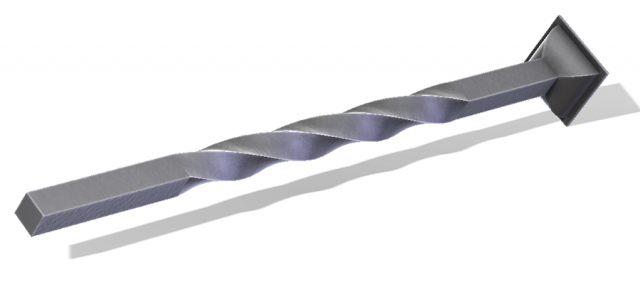
Fonctionnalité SOLIDWORKS Flex pour le cintrage, l'étirement, l'effilage et la torsion de vos pièces.
La fonction Flex de SOLIDWORKS est très utile lorsqu'il s'agit de créer rapidement une forme compliquée, étirée, effilée ou courbée.

Création de fils dans SOLIDWORKS pour l'impression 3D [VIDEO] (en anglais)
Pendant des années, la possibilité de créer un fil réaliste dans SolidWorks relevait du fantasme artistique ; un moyen de démontrer...

Analyse de l'épaisseur dans SolidWorks [VIDEO]
L'outil d'analyse de l'épaisseur de SolidWorks (situé sous l'onglet Évaluer dans le Gestionnaire de commandes) vous permet d'examiner rapidement votre modèle pour...
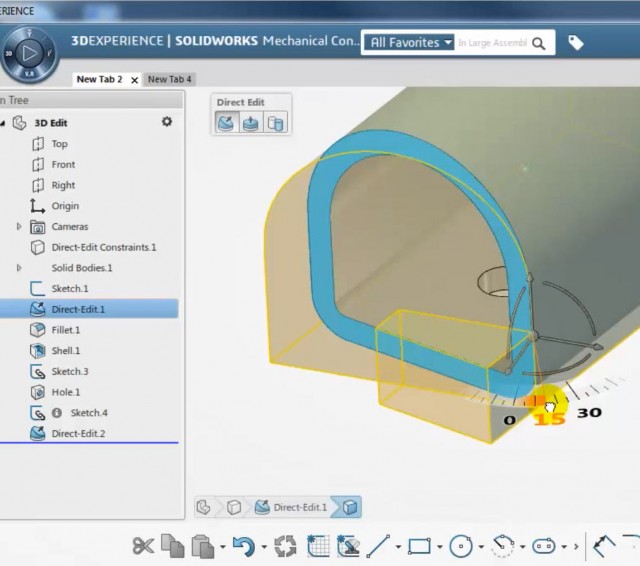
Direct Editing, un tutoriel SOLIDWORKS Conceptual Designer [VIDEO] (en anglais)
J'aime beaucoup la fonctionnalité locale "Convertir en édition directe" de SOLIDWORKS Mechanical Conceptual. Cela signifie que vous n'avez pas besoin de...
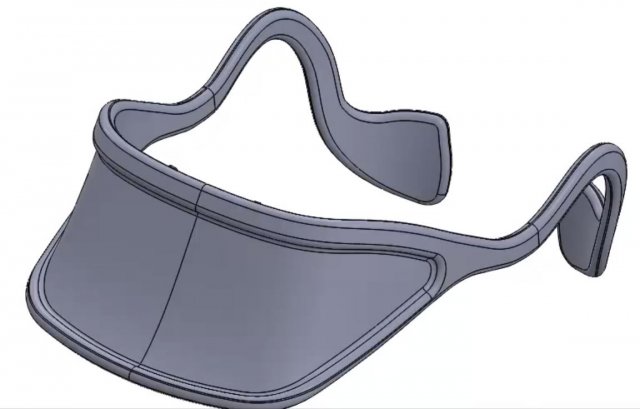
Utilisation de SOLIDWORKS Direct Modeling pour modifier un modèle importé sans historique des caractéristiques [VIDEO].
Comment modifier un modèle sans historique ? Utilisez les outils de modélisation directe de SOLIDWORKS pour rétroconcevoir un modèle existant. Lorsque vous avez besoin...
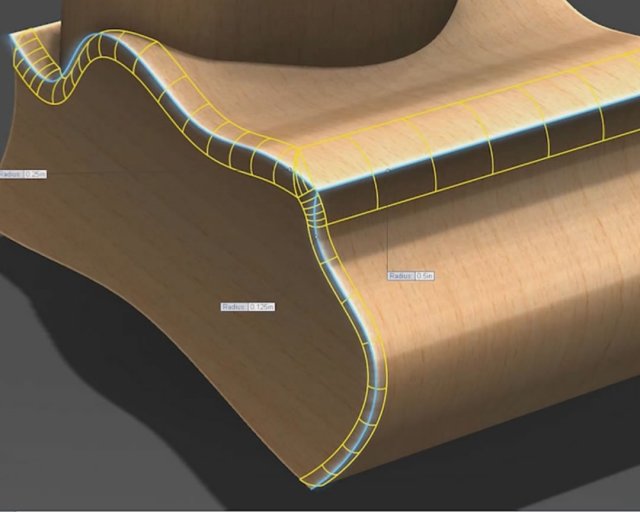
Ajout de distances de recul à votre congé à rayons multiples SOLIDWORKS [VIDEO] (en anglais)
L'utilisation de l'option Setback lors de la création d'un congé à rayon multiple SOLIDWORKS peut vous permettre de...
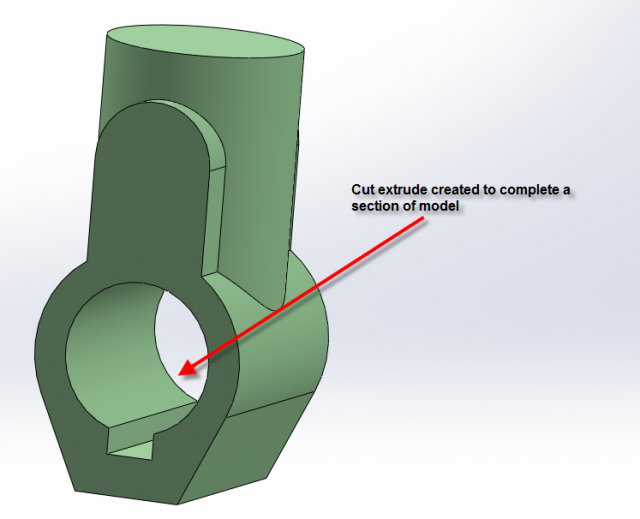
Commande de fonctionnalités SOLIDWORKS
In the SolidWorks Essential course we provide students with techniques for creating efficient models. One of the many techniques I teach…