


Javelin / TriMech Auteur

Carleigh Amyot, CSWE
Erreur de base de données de l'assistant de perçage SOLIDWORKS | Le fichier n'est pas de la version attendue
 Par Carleigh Amyot, CSWE le 5 juin 2026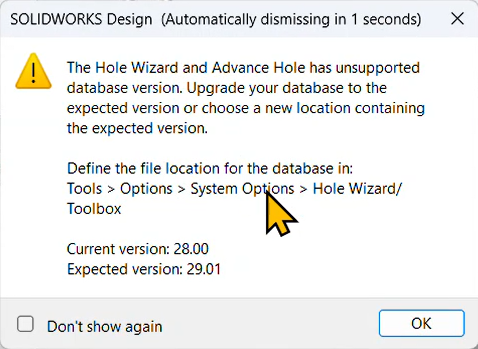
When a SOLIDWORKS Hole Wizard database error pops up, it can be difficult to figure out what went wrong. While some of the errors are more straightforward to fix, some of them could cause extended downtime if not fixed properly. The “Database file… is not…
Comment utiliser uniquement des licences empruntées avec SOLIDWORKS
Par Carleigh Amyot, CSWE le 8 mai 2026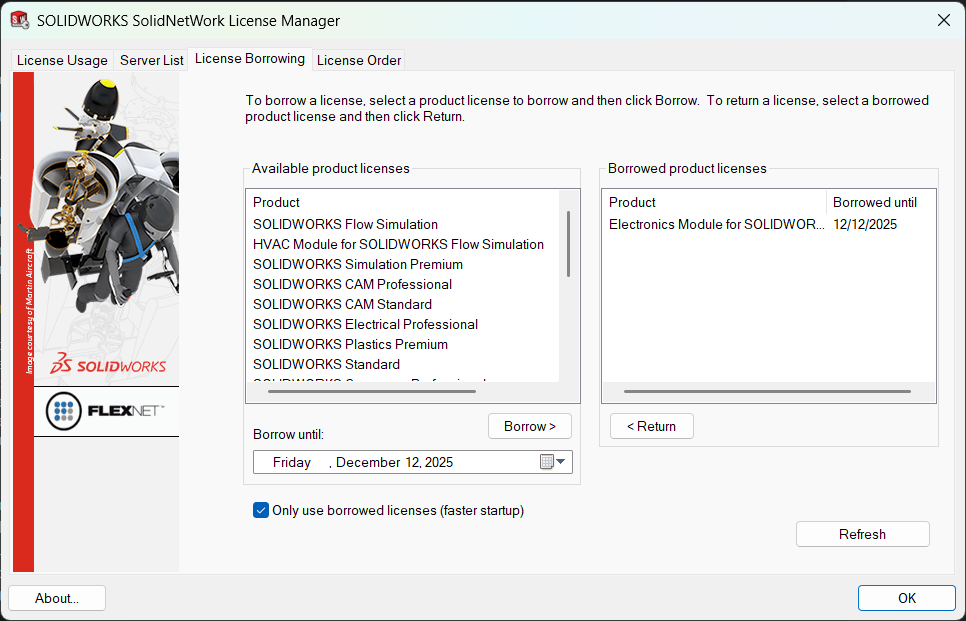
A SOLIDWORKS network allows distributed teams to share a pool of licenses and only take ownership when they use the software. This works great with everyone on the same network or connecting through a VPN, but for those without an internet connection, there needs to…
Comment afficher des unités mixtes dans une liste de découpe SOLIDWORKS pour assemblages soudés
Par Carleigh Amyot, CSWE le 7 janvier 2026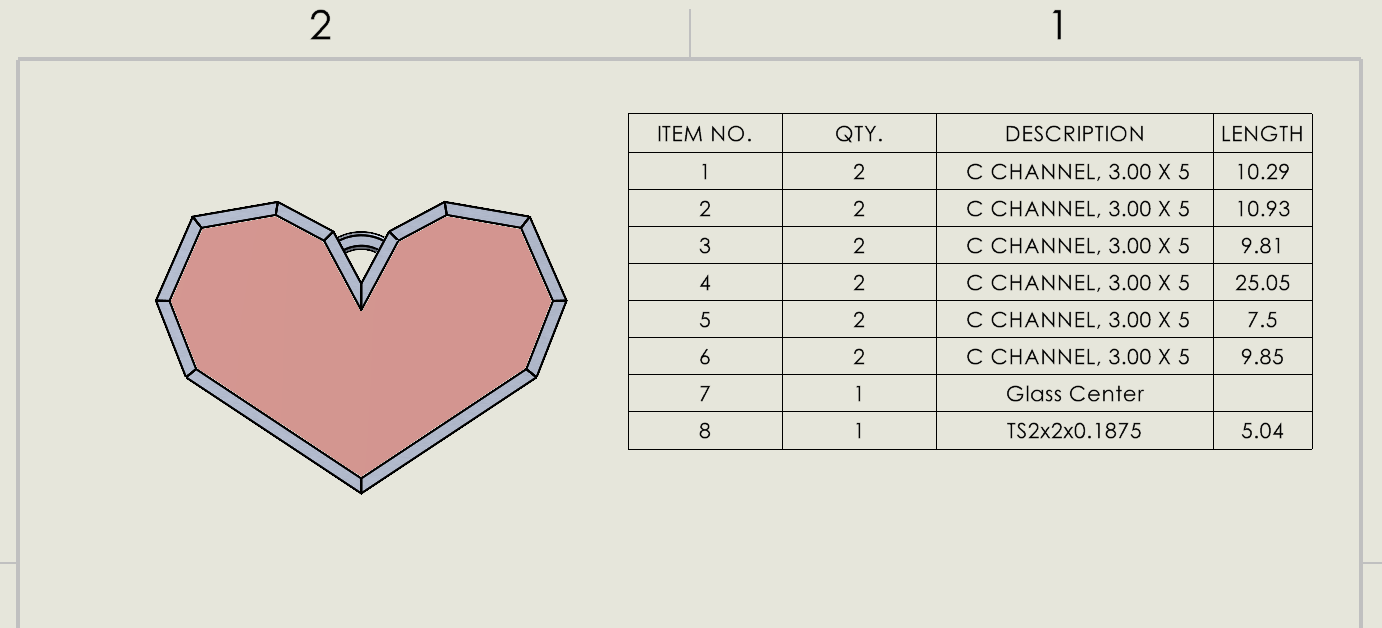
If you are designing multibody SOLIDWORKS parts with mixed units, both imperial and metric, you need a way to accurately display the information in a cut list. You can manually change some values by typing over them and breaking the link to the model, or…
Comment appliquer des textures à des pièces dans SOLIDWORKS Visualize
Par Carleigh Amyot, CSWE le 10 novembre 2025
Many users transitioning to SOLIDWORKS Visualize from PhotoView 360 may recall a setting in PhotoView that allowed you to scale and manipulate how textures were projected onto objects and faces. Having the knowledge to fit textures to parts properly is crucial to producing high-quality SOLIDWORKS…
Comment utiliser les configurations SOLIDWORKS dans SOLIDWORKS Visualize
Par Carleigh Amyot, CSWE le 21 octobre 2025
One major advantage of SOLIDWORKS Visualize Professional is the ability to use SOLIDWORKS configurations and toggle between multiple configurations within the rendering software. This is extremely helpful to save time when setting up multiple renders of similar products or to just quickly create product images….
Importer des études de mouvement avec SOLIDWORKS Visualize Professional
Par Carleigh Amyot, CSWE le 10 octobre 2025
Sometimes we set up motion studies or animations in SOLIDWORKS that would look incredible with the SOLIDWORKS Visualize rendering engine. Did you know that if you have a SOLIDWORKS Visualize Professional license, you can import motion studies directly into SOLIDWORKS Visualize? It is a relatively…
Comment modifier votre adresse e-mail pour les comptes SOLIDWORKS
Par Carleigh Amyot, CSWE le 1er octobre 2025
You might need to change your email for a number of reasons, whether it’s for a rebrand, a new role, or changing companies. No matter the reason, every once in a while, we all need to change our email addresses. These days, our emails can…
Choisir entre les moteurs de rendu de SOLIDWORKS Visualize
Par Carleigh Amyot, CSWE le 8 septembre 2025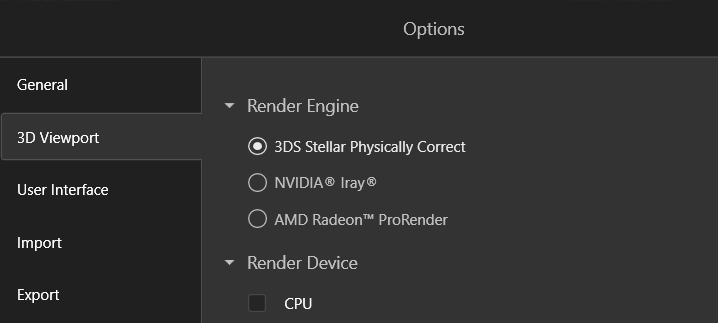
The final part of the SOLIDWORKS Visualize workflow is rendering out images or an animation. During the final export, you are given the choice to select a render engine, which could greatly change how your renders come out. In this article, we are going to…
Regroupement d'apparences dans SOLIDWORKS Visualize
Par Carleigh Amyot, CSWE le 16 juin 2025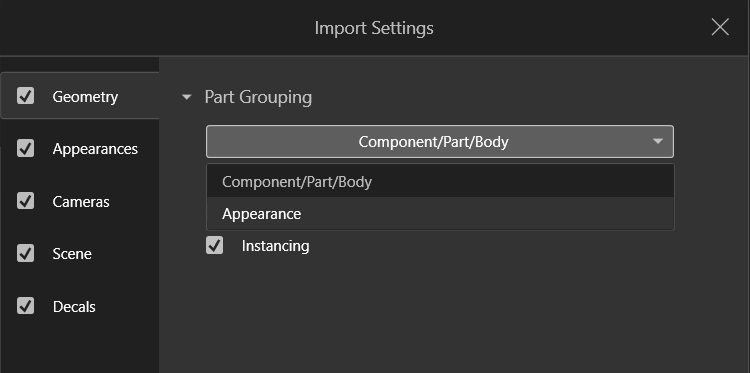
SOLIDWORKS Visualize is an incredible tool for sales and marketing opportunities to create renderings of products with realistic and intricate appearances. Sometimes, there are products such as cabinets that you may want to be able to render with multiple colors and finishes to showcase a…
Comment renommer ou déplacer correctement des fichiers SOLIDWORKS
Par Carleigh Amyot, CSWE le 10 mars 2025
Over time files can change and it becomes increasingly likely that you will need to rename or move SOLIDWORKS files. When moving SOLIDWORKS files it is important to do so without breaking any links or references to external parts and assemblies. If you were to…
SOLIDWORKS Visualize : plantages courants
Par Carleigh Amyot, CSWE le 14 février 2025
A SOLIDWORKS Visualize crash can be triggered by a number of behaviors but have two common causes: a corrupt local cache or an issue with the graphics card. These two are a great place to start investigating when dealing with frequent crashes. Setting a Dedicated…
Cartes graphiques NVIDIA pour SOLIDWORKS
Par Carleigh Amyot, CSWE le 25 novembre 2024
NVIDIA est une entreprise réputée qui fabrique des cartes graphiques, dont beaucoup sont certifiées pour SOLIDWORKS. Cependant, toutes les cartes graphiques NVIDIA ne sont pas certifiées pour une utilisation avec SOLIDWORKS. Les gammes « Professional » et « Gaming » proposent toutes deux des cartes graphiques puissantes, avec des modèles plus récents et plus performants lancés régulièrement, mais cela ne signifie pas pour autant qu’elles sont interchangeables en termes de compatibilité avec SOLIDWORKS. Alors, comment savoir si une carte graphique NVIDIA est certifiée ?
Comment définir manuellement les décimales et les fractions dans les cotes des dessins SOLIDWORKS
Par Carleigh Amyot, CSWE le 28 octobre 2024
Les dessins SOLIDWORKS vous permettent de définir des normes de documentation qui déterminent si les cotes doivent être affichées sous forme de fractions ou de décimales. Vous est-il déjà arrivé d'avoir un dessin en décimales, mais d'avoir vraiment besoin qu'une cote soit affichée sous forme de fraction ?