


Catégorie du blog
Showing 16-30 of 367.
Conception 3D SOLIDWORKS
Techniques de conception SOLIDWORKS 3D et tutoriels de Javelin
How to Use the License Order Tab in The SOLIDWORKS SolidNetWork License Manager
 Par Alaa Hosn on June 12, 2026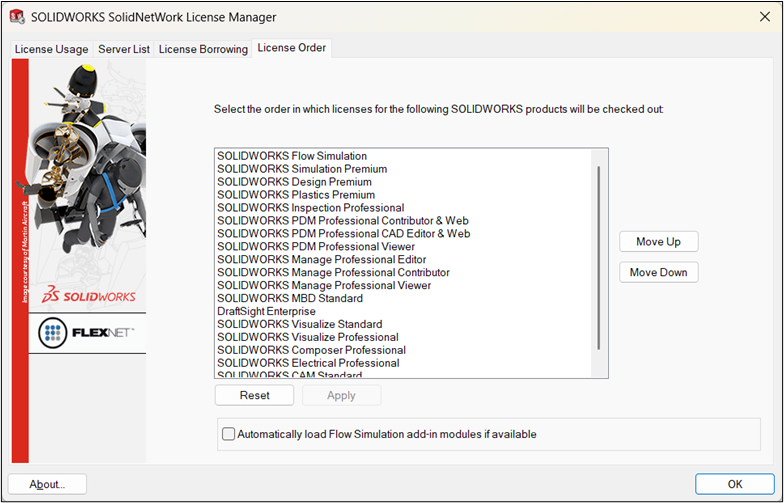
The SOLIDWORKS SolidNetWork License Manager is a tool to manage licenses and control SOLIDWORKS Network licenses. It enables teams to effectively share SOLIDWORKS licenses when users may not need access at all times. Modifying the…
Comment aligner des pièces dans SOLIDWORKS
 Par Aleksandar Tepsic le 22 mai 2026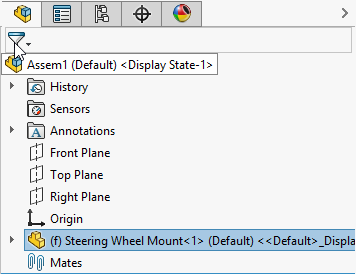
Comprendre comment aligner les pièces dans SOLIDWORKS est l'un des premiers défis à relever lorsque l'on commence à créer un assemblage. Dans SOLIDWORKS, l'alignement dépend à la fois de la manière dont les composants sont insérés, de la façon dont…
Comment masquer et afficher les plans dans SOLIDWORKS
 Par Lynette Proch le 15 mai 2026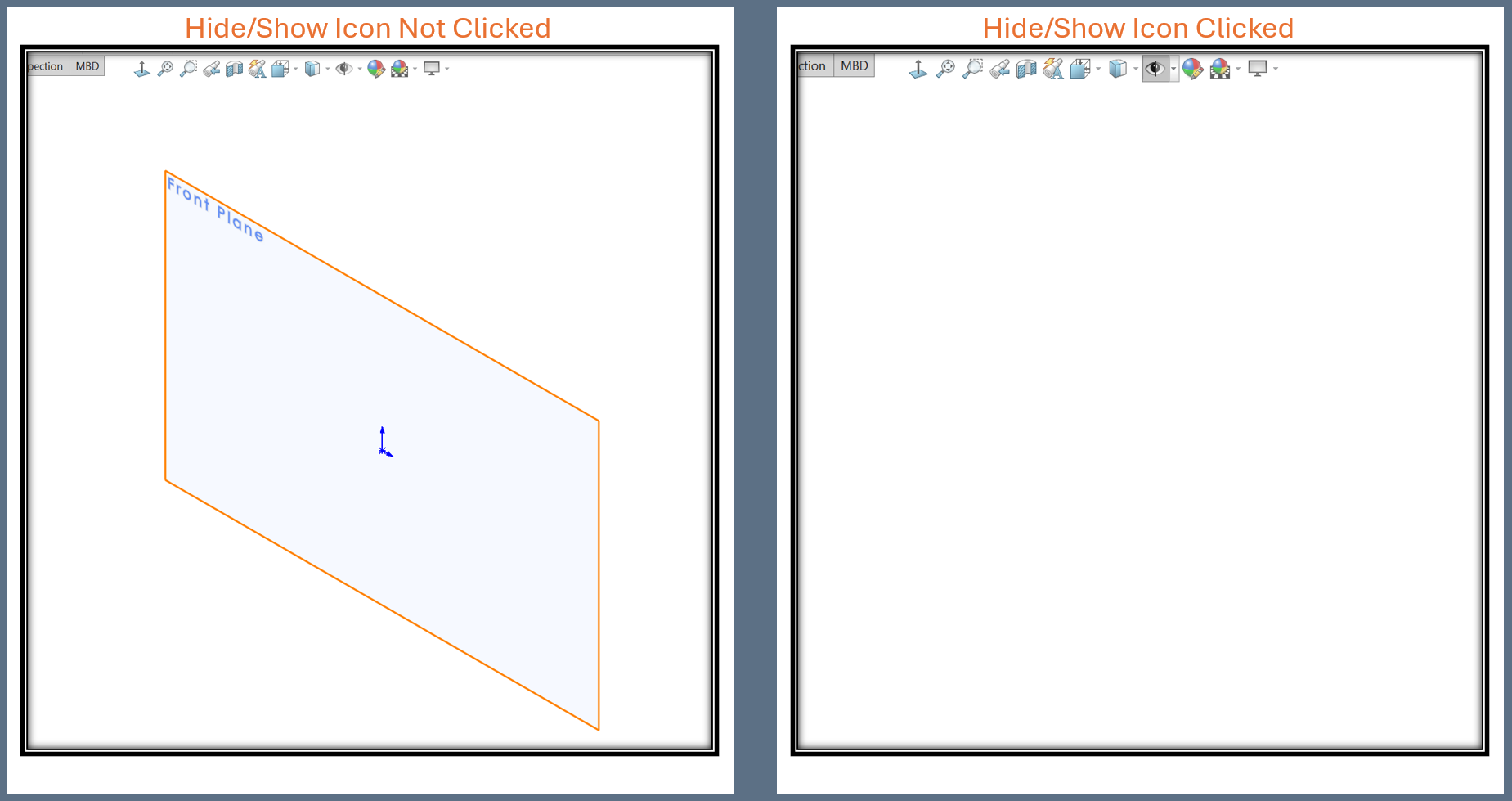
Les esquisses constituent la base et définissent les contours de nombreuses fonctions SOLIDWORKS, notamment les extrusions, les découpes et les lissages. Pour créer la base des fonctions, SOLIDWORKS nécessite un plan d'esquisse plat sur lequel placer la géométrie de l'esquisse…
Comment exporter des dessins SOLIDWORKS au format DXF/DWG
 Par Ryan Burgess le 27 avril 2026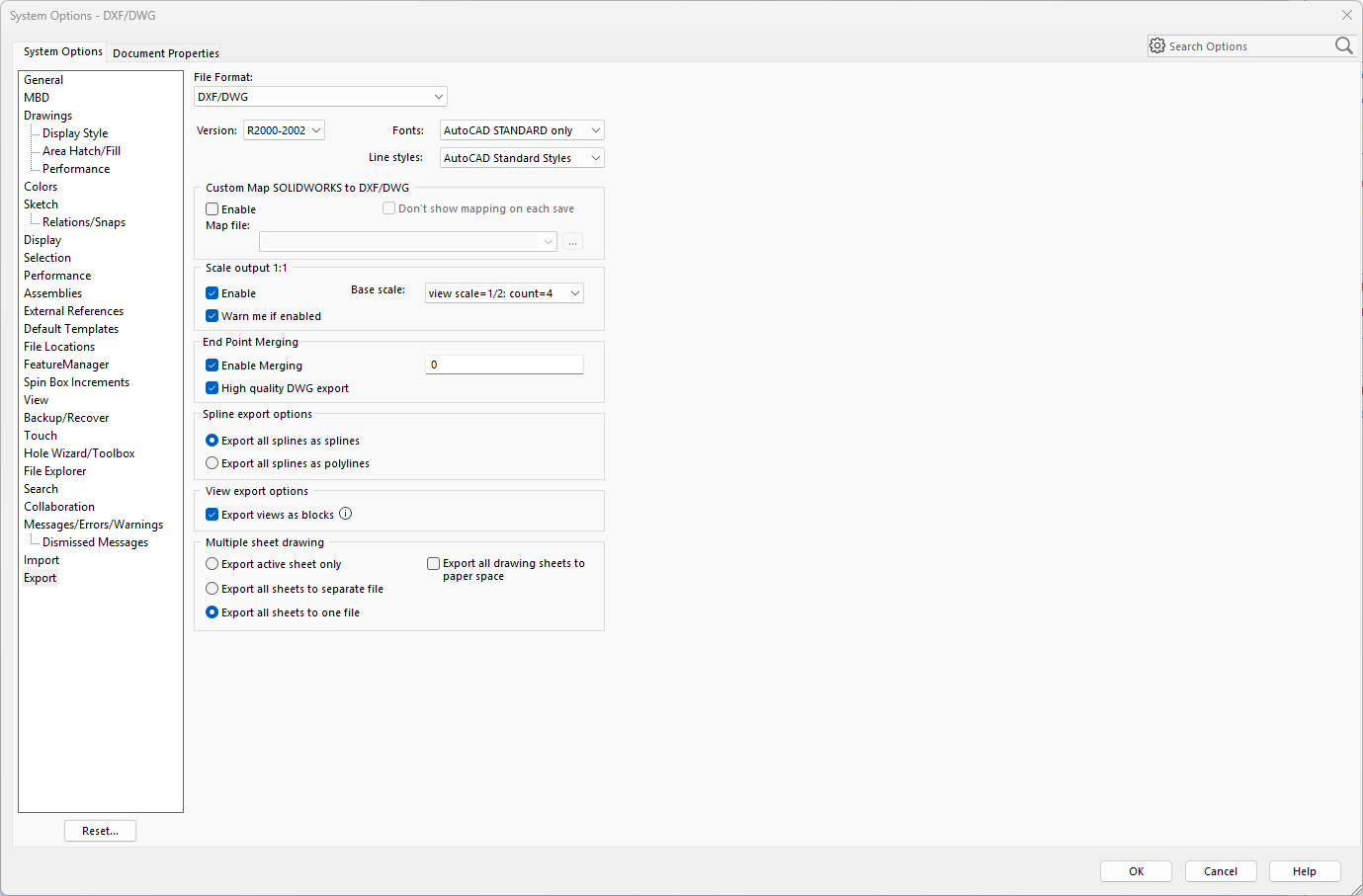
L'une des conversions les plus courantes consiste à exporter des dessins SOLIDWORKS aux formats DXF ou DWG afin de les ouvrir dans des logiciels de CAO 2D. SOLIDWORKS prend en charge la conversion, ce qui lui permet d'interagir et d'échanger des données avec d'autres…
Comment ajouter des descriptions pour les embouts et les goussets dans un tableau de nomenclature de pièces soudées
 Par Vincent Magcalas le 22 avril 2026
SOLIDWORKS Weldments comprend des outils permettant de créer des embouts et des goussets afin de définir plus précisément vos structures soudées. Grâce à ces outils, vous pouvez renforcer la stabilité et la sécurité de votre modèle, ce qui en prolonge la durée de vie. Fin…
Comment mettre à jour SOLIDWORKS Toolbox
 Par Griffin Pacey le 17 avril 2026
La boîte à outils SOLIDWORKS est souvent mise à jour automatiquement lorsque vous mettez à jour votre installation SOLIDWORKS, mais il arrive parfois que ce ne soit pas le cas. Dans un environnement où la boîte à outils est enregistrée dans un emplacement central partagé,…
Comment créer des modèles dans SOLIDWORKS
Par Lynette Proch le 15 avril 2026
Les modèles SOLIDWORKS constituent la base de toutes vos conceptions. Sans eux, vos fichiers ne sauraient pas quel système d'unités utiliser ni quelle police choisir pour le texte. Les modèles SOLIDWORKS personnalisés vous permettent de…
Comment coter des trous dans SOLIDWORKS
Par Ryan Burgess le 1er avril 2026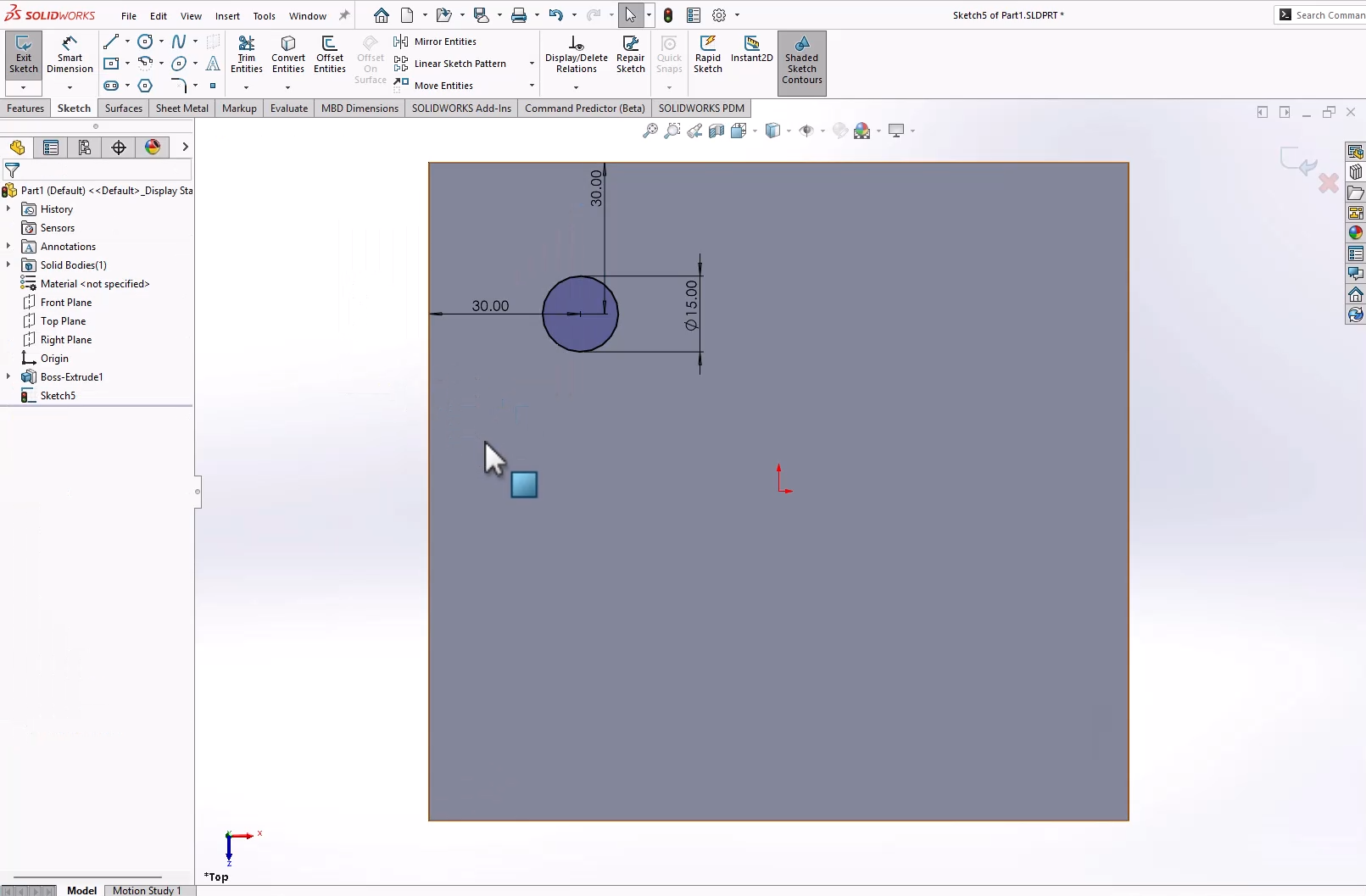
Outre les outils de dessin de base, savoir coter les trous est une compétence essentielle dans SOLIDWORKS. Sans cotation des trous, les modèles ne reflètent pas l'intention de conception et omettent des informations cruciales pour la fabrication. Pour toute pièce, il existe plusieurs façons…
Comment utiliser la commande « Déplacer un composant » dans SOLIDWORKS
 Par John Landis le 25 mars 2026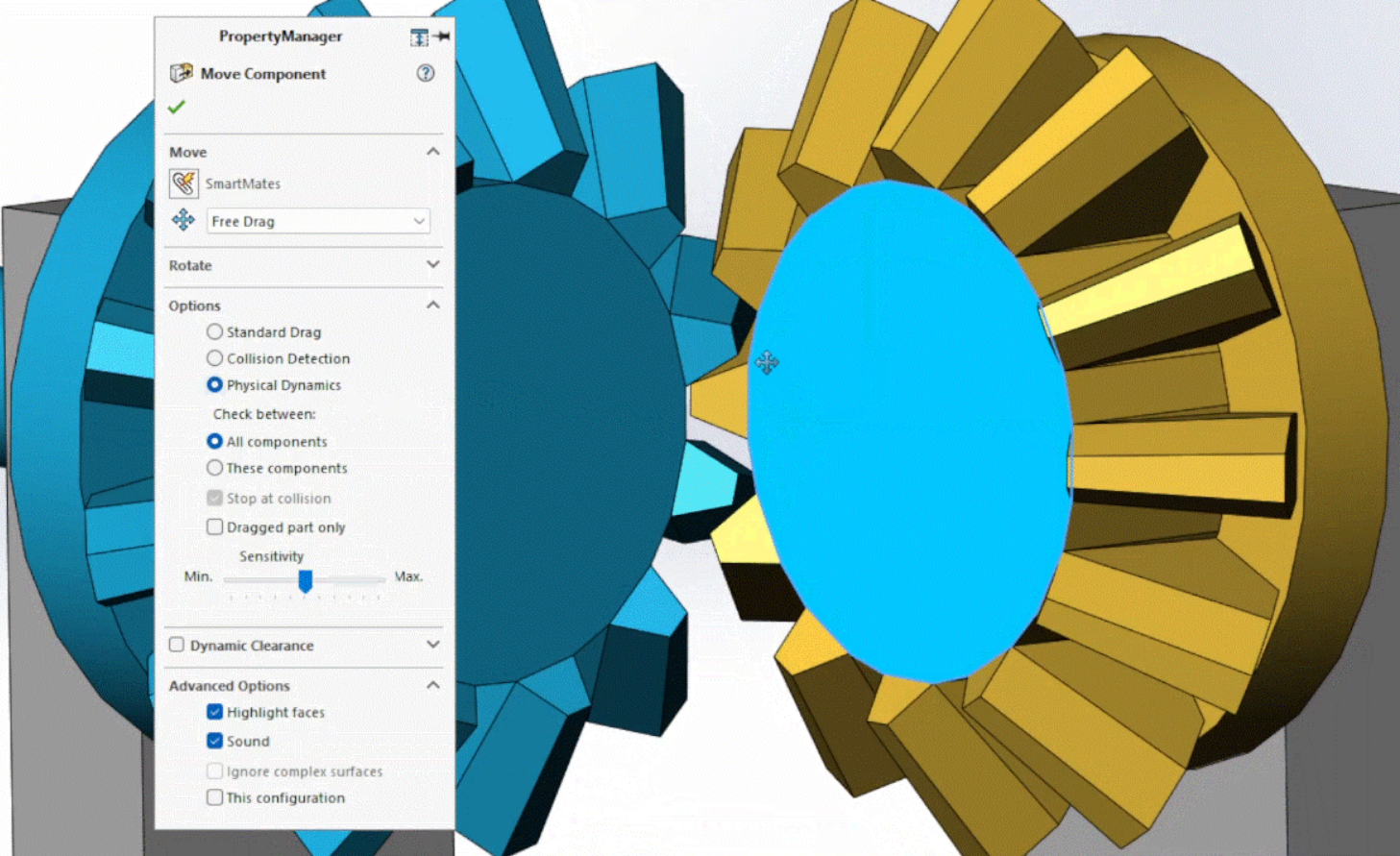
Lorsqu'on modélise des assemblages dans SOLIDWORKS, on utilise généralement la commande « Déplacer un composant » en cliquant avec le bouton gauche ou droit sur un composant, puis en faisant glisser le curseur. Cette méthode interactive est idéale pour la plupart des opérations, mais elle peut…
Comment afficher les cotes lors de la création d'une esquisse dans SOLIDWORKS
Par Ryan Burgess le 20 mars 2026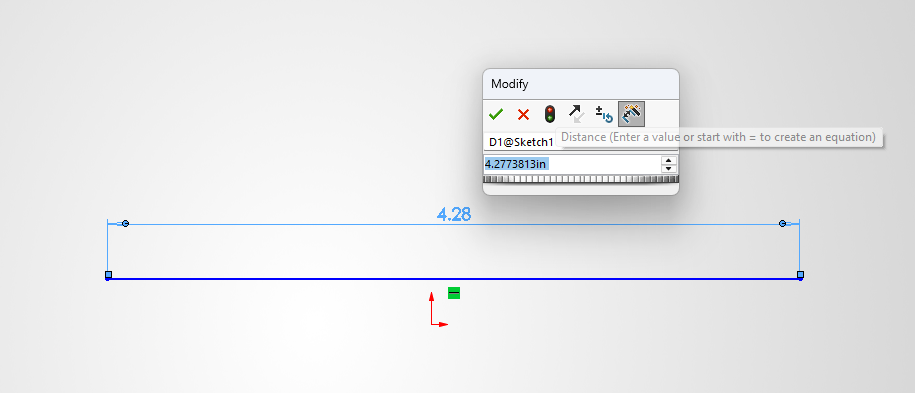
Les esquisses constituent la base de tout dans SOLIDWORKS. L'ajout de cotes aux esquisses est un élément essentiel du processus de création d'esquisses et de conception. Il existe plusieurs façons de coter les esquisses, et dans cet article, nous allons…
Comment créer un cône dans SOLIDWORKS | Trois méthodes différentes
Par Ryan Burgess le 11 mars 2026
Même les tâches les plus élémentaires de SOLIDWORKS peuvent vous laisser perplexe quand il existe tant de façons de les réaliser. Savoir comment créer un cône fait partie de ces tâches qui, selon la manière dont vous…
Comment faire pivoter des composants dans les assemblages SOLIDWORKS
Par Alaa Hosn le 23 février 2026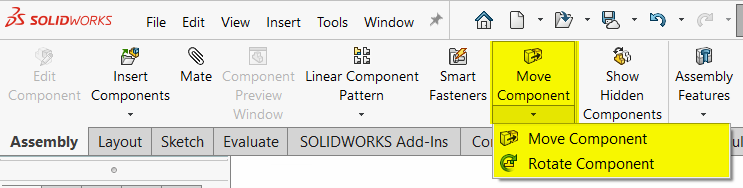
Les assemblages SOLIDWORKS permettent de visualiser facilement l'aspect et le comportement des composants dans un environnement réel. Avant de finaliser les contraintes et l'alignement, vous devrez peut-être faire pivoter les composants de vos assemblages afin de simplifier les étapes de travail en aval…
Comment créer une sphère dans SOLIDWORKS | Trois méthodes différentes
Par Ryan Burgess le 13 février 2026
Il existe plusieurs façons de créer une sphère dans SOLIDWORKS. Bien que cette opération soit simple, vous devrez peut-être recourir à l'une de ces méthodes, voire à toutes, en fonction de vos besoins.
Utilisation des vues détaillées et des coupes pour enrichir les dessins SOLIDWORKS
Par John Landis le 9 février 2026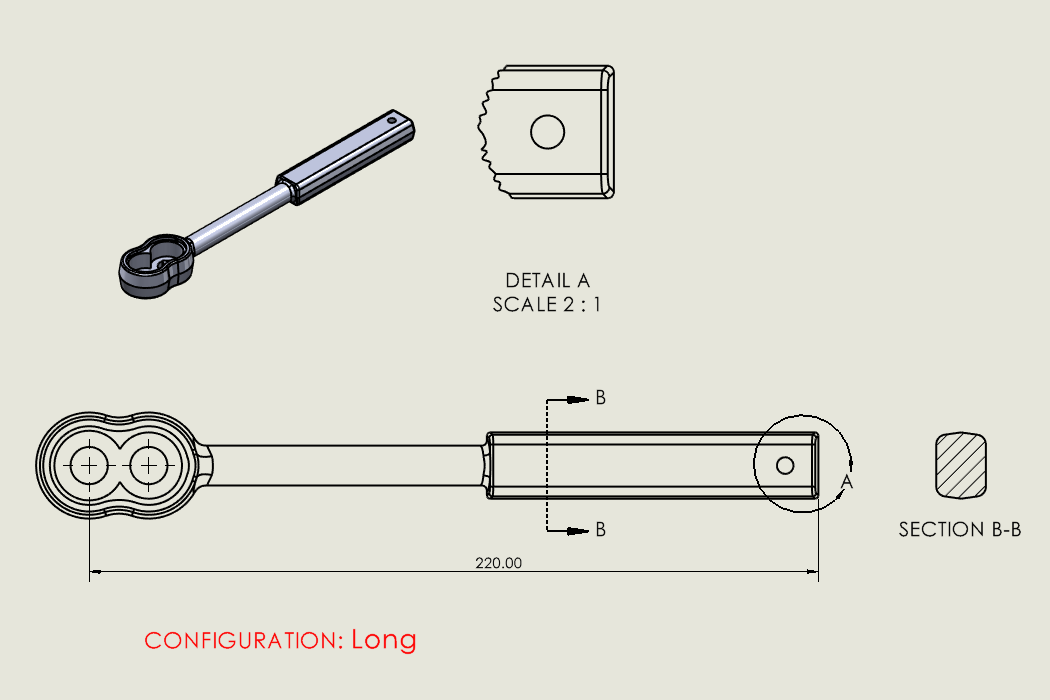
Les vues détaillées et les coupes sont couramment utilisées dans les dessins SOLIDWORKS et constituent un moyen simple de communiquer des détails importants. Ces types de vues s'appuient sur une vue de dessin parente et génèrent un tracé en fonction de…
Conseils pour améliorer la productivité dans l'interface utilisateur SOLIDWORKS et le FeatureManager
Par John Landis le 12 janvier 2026
L'interface utilisateur de SOLIDWORKS est depuis longtemps reconnue comme l'une des meilleures du secteur de la conception et de l'ingénierie assistées par ordinateur. La disposition intelligente de ses barres d'outils et de ses panneaux, les fonctionnalités associées aux clics gauche et droit, la sensibilité au contexte du flux de travail et les gestes…

Services de conception
De la conception à la fabrication en passant par la production à grande échelle, TriMech Design Services aide les créateurs, les start-ups, les inventeurs et les petits fabricants à commercialiser leurs produits.
Articles les plus populaires

Recommandations matérielles pour SOLIDWORKS 2024
TriMech a élaboré ce guide des configurations matérielles recommandées pour SOLIDWORKS 2024 afin de vous aider dans le processus de mise à niveau ou d'achat de nouveau matériel pour SOLIDWORKS.

IMPORTANT ! Activez le transfert avant de passer à SOLIDWORKS 2024
Avant d'installer SOLIDWORKS 2024, vous devez transférer l'activation depuis votre version précédente de SOLIDWORKS afin de vous assurer qu'elle soit disponible pour l'activation de SOLIDWORKS 2024.

Comparaison des offres SOLIDWORKS
Quelle est la différence entre les logiciels de CAO 3D SOLIDWORKS® Standard, Professional et Premium ? Découvrez les fonctionnalités incluses dans chacune des trois offres SOLIDWORKS.