


Blog Tag
Showing 1-5 of 5.
direct modeling
Tech tips, tutorials, and best practices for direct modeling from the Javelin technical team
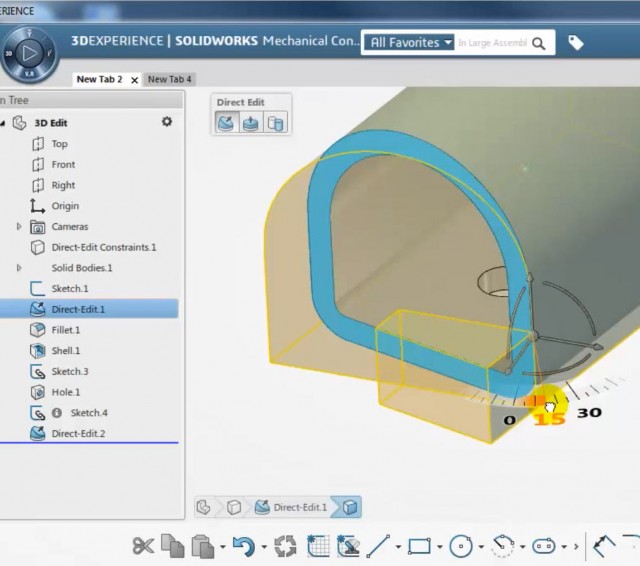
Direct Editing, a SOLIDWORKS Conceptual Designer Tutorial [VIDEO]
I really like the local “Convert to Direct Edit” functionality of SOLIDWORKS Mechanical Conceptual. It means that you do not need to…

SolidWorks Tutorial – Import Diagnostics (3) – Troubleshooting and Healing [VIDEO]
This is the third in a series of articles focused on troubleshooting and healing topological errors from geometry imported in SolidWorks. As…

SolidWorks Tutorial: Import Diagnostics (1) – “Face Piercing Through Solid” Error [VIDEO]
This week, we will post a series of articles focused on troubleshooting and healing topological errors from geometry imported in…
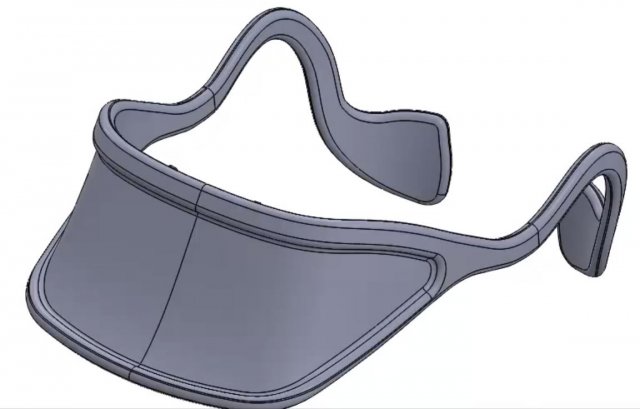
Using SOLIDWORKS Direct Modeling to modify an imported model without feature history [VIDEO]
How can you modify a model without history? Use the SOLIDWORKS direct modeling tools to reverse engineer an existing model. When you need…
SolidWorks Tutorial: Direct Modeling [VIDEO]
Some people will be shocked by the title of this article. How can you say that SolidWorks can do direct…