


Blog Tag
Showing 1-8 of 8.
SOLIDWORKS 2026
Tech tips, tutorials, and best practices for SOLIDWORKS 2026 from the Javelin technical team
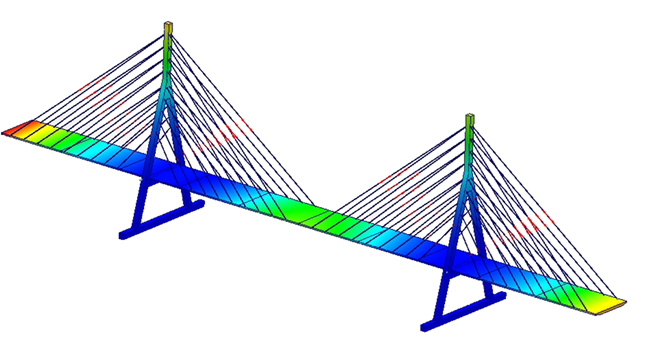
How to Use Cable Connectors in SOLIDWORKS Simulation
Cable connectors in SOLIDWORKS Simulation are a powerful feature for virtually representing cables, ropes, and chains. These are important supporting…
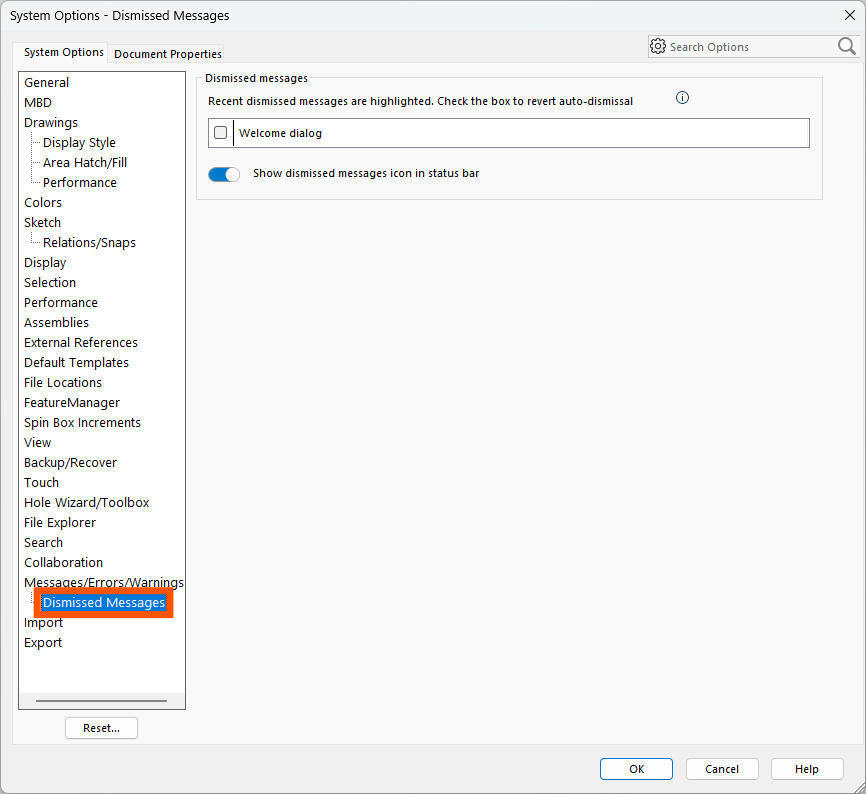
How to Restore SOLIDWORKS Dismissed Messages
SOLIDWORKS has messages that will pop up to warn you that your actions may have consequences. Many users just proceed…
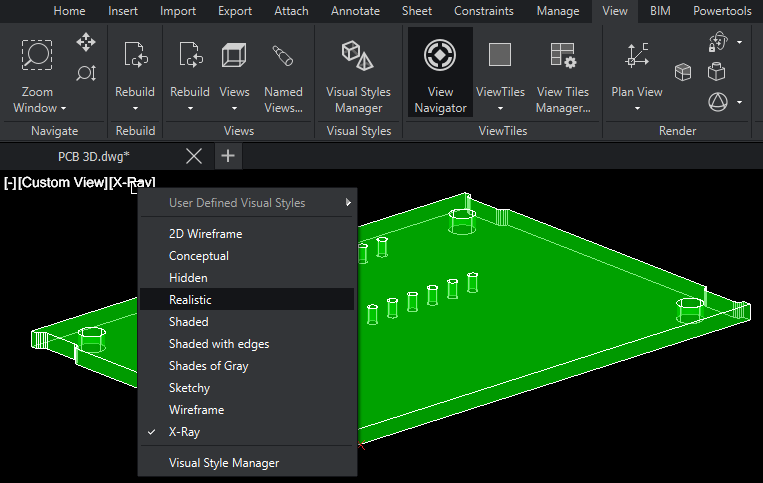
The Best Features in DraftSight 2026
DraftSight 2026 has added a host of new features and enhancements to improve your productivity. Most of these features dropped…
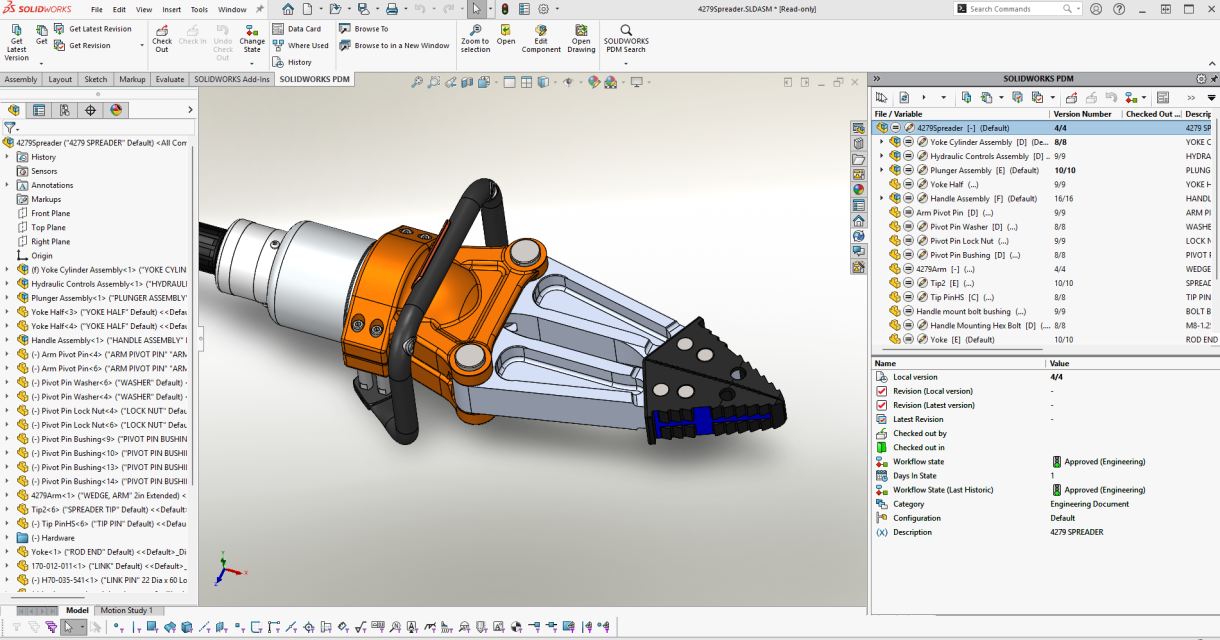
The Best Features in SOLIDWORKS PDM 2026
SOLIDWORKS PDM 2026 introduces a range of productivity enhancements that support your team working smarter and engineering faster. By upgrading…
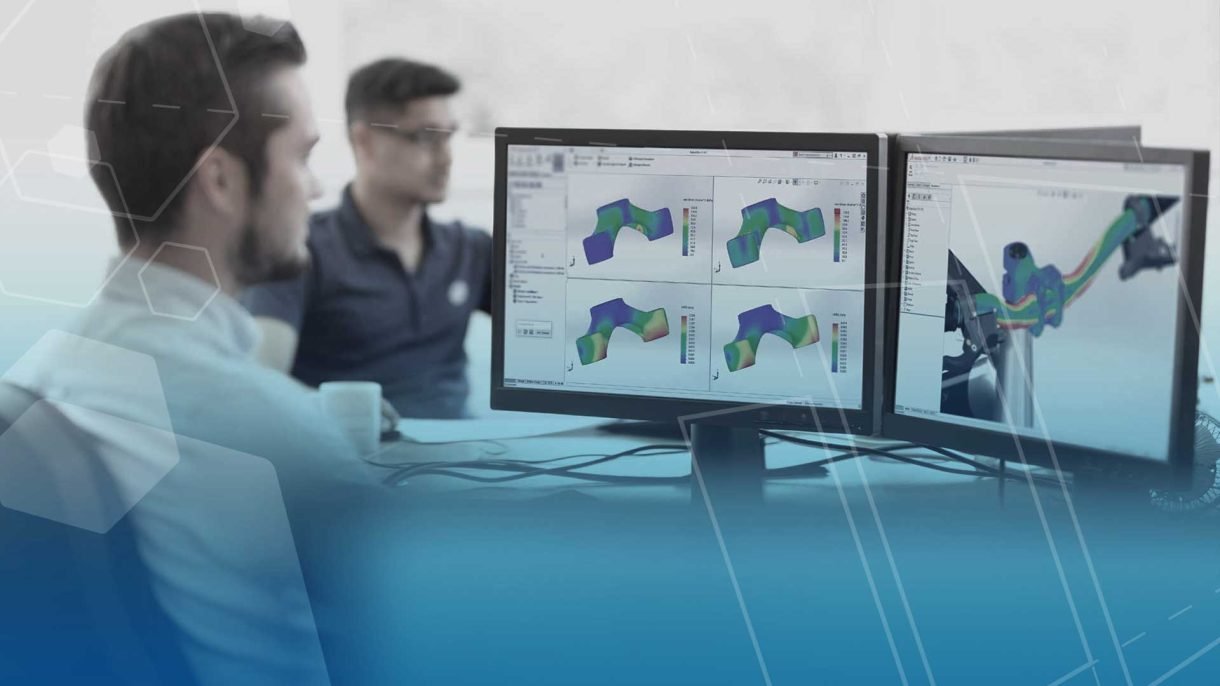
SOLIDWORKS Simulation 2026 Hardware Recommendations
The SOLIDWORKS Simulation 2026 hardware recommendations provide best practices and details on specific hardware components. Depending on the complexity of the simulation study and your current system resources, you may want to consider upgrading when you move to SOLIDWORKS 2026.

Hardware Recommendations for SOLIDWORKS 2026 Data Management
We have compiled these architecture and hardware recommendations for the SOLIDWORKS 2026 data management tools. Use this guide when upgrading or purchasing new hardware for your SOLIDWORKS PDM or SOLIDWORKS Manage environments.

Top 10 Enhancements in SOLIDWORKS 2026
The SOLIDWORKS 2026 Launch is just around the corner. This year, SOLIDWORKS is bringing 30 years of innovation, pulling out all the stops, and giving us the best release yet!

SOLIDWORKS 2026 Hardware Recommendations
SOLIDWORKS 2026 hardware requirements guide to aid you in the process of upgrading or purchasing new hardware