


Blog Tag
Showing 1-15 of 90.
SOLIDWORKS 2019
Tech Tips and Resources for the SOLIDWORKS 2019 release

Why you should use the SOLIDWORKS Defeature Tool
Creating a digital twin of your real-life assembly can provide a lot of benefits; including accurate bills of materials, machining…
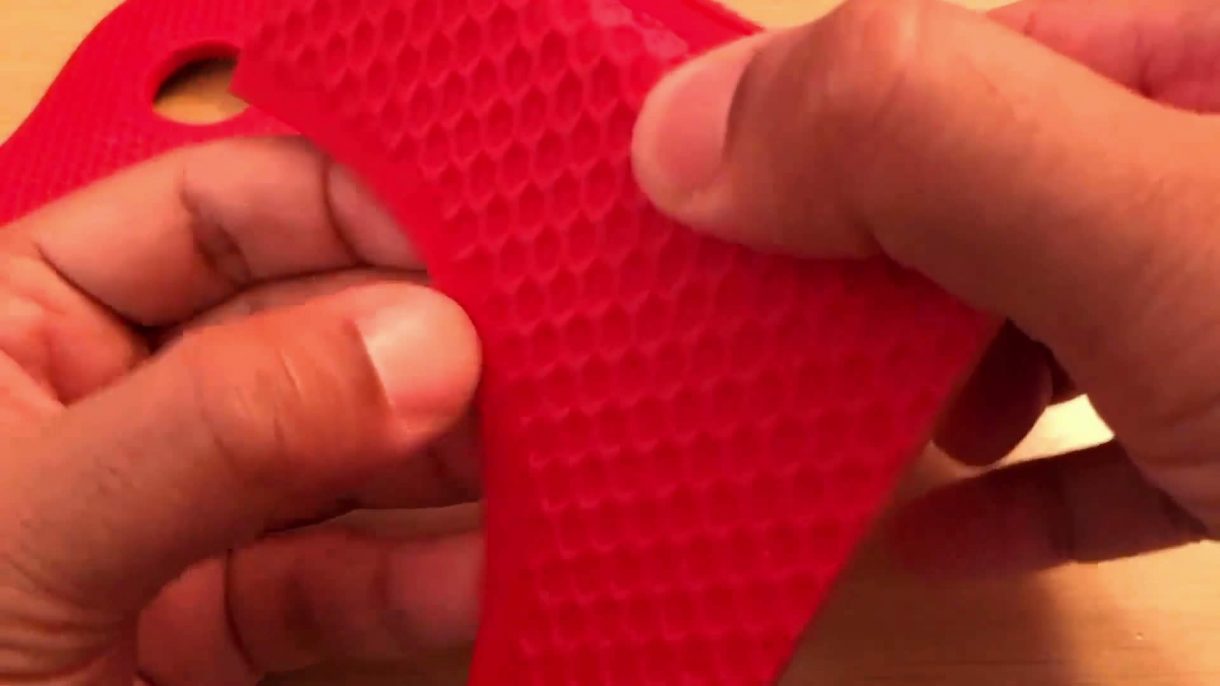
How to apply Textures to 3D Printed Parts with SOLIDWORKS
SOLIDWORKS users often need to create complex or repeating features, but these features can be time-consuming to generate, especially on…

Utilize Touch Mode in SOLIDWORKS for Touchscreen Computers
More and more, we run into touch screens. Laptops and monitors are starting to come standard with touch capability. I’ve…

Save Time with SOLIDWORKS Simulation 2019
What would you do with more time? The sky is the limit: you could become the next Carlos Santana, create…

Slicing imported Mesh or Scanned Geometry into SOLIDWORKS Sketches
In a world that is moving more and more towards additive manufacturing as a primary method of creating our designs,…

Introducing Structure System in SOLIDWORKS 2019
SOLIDWORKS has long been an industry leader in the modelling of welded frames and their components. Quickly generating beam members…

How to Automate Bend Allowance in SOLIDWORKS 2019
In SOLIDWORKS 2019, setting up sheet metal parts has become a bit easier, making it possible to automate bend allowance…

Creating 3D Textures in SOLIDWORKS 2019
Wouldn’t it be nice to give your model a sense of depth by adding 3D textures, maybe a surface with…

SOLIDWORKS Mate Controller now provides Negative Values for Limit Angle Mates
In SOLIDWORKS 2019 you can now add negative values for SOLIDWORKS Limit Angle Mate in the Mate Controller. In an…

How to Select Identical Components in SOLIDWORKS
SOLIDWORKS 2019 allows you to select identical components by selecting one of the components. This option works within the features…

SOLIDWORKS Drawing Open Progress Indicator
The SOLIDWORKS drawing open progress indicator introduced for SOLIDWORKS 2019 provides insightful information about the status of operations when a…

How to Group SOLIDWORKS Assembly Mates and Fasteners into Folders
In SOLIDWORKS 2019, you can group SOLIDWORKS Assembly mates by status and separate fasteners into folders. You can group the…

SOLIDWORKS Routing Fixed Length Coverings
New to SOLIDWORKS 2019, is the ability to add Coverings of a Fixed Length. This works with routes that use…

How to Reorder Components in 2D Cabinet Layout Drawings
If you are a SOLIDWORKS Electrical user you must have accidentally added the electrical components before adding the dinrail or…

Description option missing on Save as dialog box. How to fix it?
Recently, a few customers have contacted me to report that their SOLIDWORKS Save as dialog box is missing the description…