


Blog Category
Showing 1-15 of 21.
SOLIDWORKS Plastics
Learn more about SOLIDWORKS Plastics software from Javelin technical experts through our software tech tips, related articles, and case studies.




Runner Balancing Using SOLIDWORKS Plastics Professional
 By Suman Sudhakaran on May 13, 2026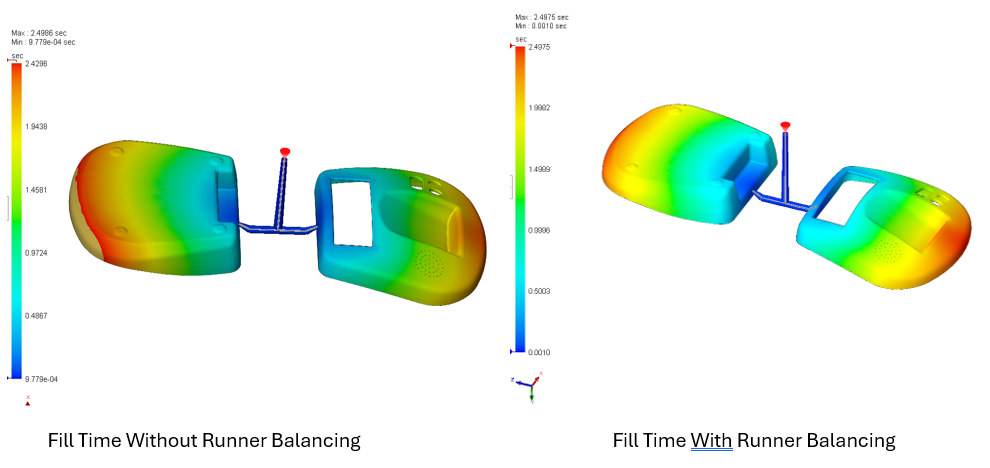
Designing multi‑cavity injection molds and family molds requires careful consideration of runner systems and ejectors. In family molds, paired parts rarely have identical volumes, which introduces challenges in achieving consistent flow behavior across all cavities….
Reaction Injection Molding using SOLIDWORKS Plastics
By Suman Sudhakaran on February 25, 2026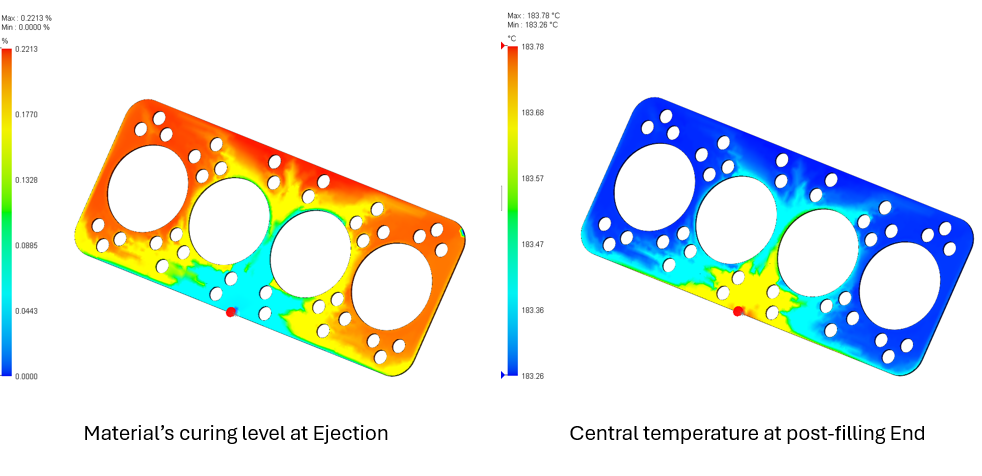
Reaction injection molding (RIM) is a specialized molding technique in which two reagents (e.g., a resin) are mixed and injected into a mold cavity to react and solidify. While reaction injection molding is a low-pressure,…
Elevating SOLIDWORKS Plastics Simulation with Abaqus Tools
By Suman Sudhakaran on October 27, 2025
As product design engineers, we occasionally encounter disconnected workflows using different software packages and not being able to transfer data from one app to another easily. For example, insights gained from a plastics simulation might…
Using Warp Analysis to Fix Your Plastic Parts
By Suman Sudhakaran on September 18, 2025
In plastic part manufacturing, warpage is a common yet costly issue to fix. Warpage occurs when uneven shrinkage during cooling causes a part to deform from its intended shape. This deformation can lead to assembly…
Fast-Track Multi-Cavity Injection Molding Simulation Using Symmetry in SOLIDWORKS Plastics
By Suman Sudhakaran on July 23, 2025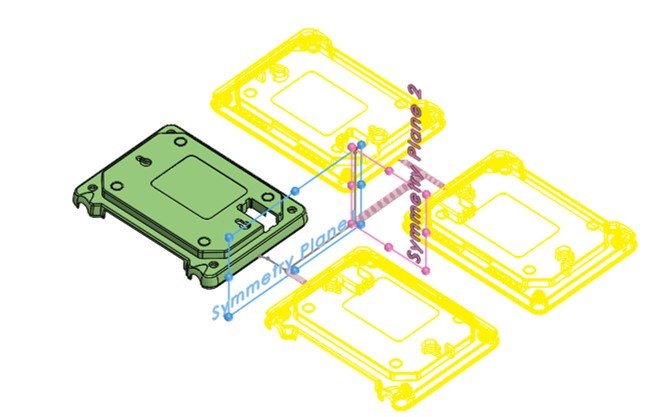
One of the key design principles that can significantly enhance the efficiency and quality of these molds is symmetry. Using SOLIDWORKS Plastics, engineers can leverage symmetry to optimize mold design, reduce costs, and improve product consistency.
SOLIDWORKS Simulation 2025
 By TriMech Solutions, LLC on October 4, 2024
Enhancements included with SOLIDWORKS Simulation 2025 enable you to simplify analysis without compromising accuracy. Watch the video to learn more.
SOLIDWORKS Plastics: Vent out AirTraps with Venting Analysis
By Suman Sudhakaran on September 27, 2024
During injection molding, air trapped in the part being molded can lead to further defects, such as burn marks (dieseling effect), incomplete filling, and poor surface finish. Air vents allow air to escape from a cavity as the melted polymer fills the mold. SOLIDWORKS Plastics offers Venting Analysis capability that allows engineers to predict and prevent potential defects caused by air traps.
Creating custom polymer material in SOLIDWORKS Plastics
By TriMech Solutions, LLC on February 17, 2023
SOLIDWORKS Plastics material database contains thousands of materials used in injection molding. This includes polymers, metals for the molds and inserts and coolant materials. Depending upon the simulation requirement users can assign polymer materials to…
How does SolidWorks Plastics Help You Learn More About Injection Molding?
By TriMech Solutions, LLC on November 1, 2022
SOLIDWORKS Plastics has several different package levels with tools for designers, molding process optimization, and even mold designs with advanced cooling. Often much of the necessary knowledge to run/design molds are held by just a…
What is Design Analysis?
 By Rod Mackay on November 23, 2017
In its simplest terms, design analysis is a powerful software technology for simulating physical behavior on the computer. Will it break? Will it deform? Will it get too hot? These are the types of questions for…
SOLIDWORKS Plastics: Leveraging Smart Data for Optimal Plastic Part Design & Manufacturability [LIVE WEBINAR]
By Rod Mackay on November 2, 2017
Are you a Plastic Part Designer, Process Engineer, and/or an Injection Mold Designer that needs real world answers to the following questions? Has my plastic part design been optimized to ensure optimal cycle time? How…

I am often asked questions regarding the accuracy of SOLIDWORKS Plastics and if it lines up with real injection molding. The simple answer is YES, it lines up very well. Plastics is great at predicting and…
What’s New in SOLIDWORKS Education Edition 2016-2017 [VIDEO]
 By Neeta Sharma on March 4, 2017
The journey of a thousand miles begins with one step. — Lao Tzu, Ancient Chinese philosopher and writer The first step for any designer or engineer starts at the learning level. The first, best step, for…
Save Time, Money, and Headaches at a SOLIDWORKS Simulation 2017 Event
By Rod Mackay on October 26, 2016
Join us at a SOLIDWORKS Simulation 2017 Canada Event to learn how the new SOLIDWORKS Simulation 2017 Suite will help you to shorten your design cycles, reduce costs, and design better products! At a SOLIDWORKS Simulation…
Which plastic is best for your products? Find out with SOLIDWORKS
 By Erin Elliott on September 14, 2016
Did you know that there are fewer than 100 commonly used plastic materials? But, part designers are forced to choose from thousands of commercial-grade plastics because they are so highly customizable due to the use…

Design Services
From concept to manufacturing to scale, TriMech Design Services helps makers, startups, inventors, small manufacturers get to market.
Most Popular Posts

SOLIDWORKS 2024 Hardware Recommendations
TriMech has compiled this recommended SOLIDWORKS 2024 hardware guide to aid you in the process of upgrading or purchasing new hardware for SOLIDWORKS.

IMPORTANT! Transfer Activation Prior to Upgrading to SOLIDWORKS 2024
Prior to installing SOLIDWORKS 2024, you need to transfer activation from your prior release of SOLIDWORKS to ensure it’s available to activate SOLIDWORKS 2024.

SOLIDWORKS Packages Comparison
What is the difference between SOLIDWORKS® Standard, Professional and Premium 3D CAD software? Learn about the features included in each of the three SOLIDWORKS offerings.