







On-demand Webinar
View a recorded webinar delivered by Javelin’s technology experts
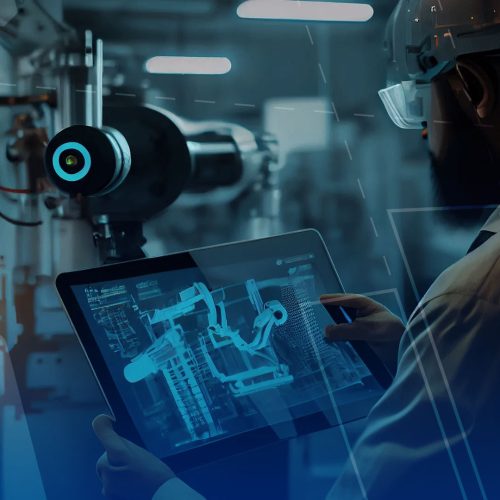
Instantly Bring Assembly Steps to Life with Augmented Reality | Build Faster with SOLIDWORKS Composer
Introducing augmented reality to your assembly instruction workflows can remove ambiguity and increase efficiency on the production floor. Your web browser does not support iframes, which means that the video cannot play. SOLIDWORKS Composer is one of the most effective tools available for creating clear, detailed work instructions directly from your CAD data. It handles…

How to Get SOLIDWORKS Free for Startups | SOLIDWORKS For Startups Program Overview
Many startups lose access to professional design tools like SOLIDWORKS after leaving university, creating a barrier when moving from concept to real product development. This can slow innovation and make it harder to bring physical products to market efficiently. This webinar introduces the SOLIDWORKS for Startups program and shows how eligible companies can access industry-leading…

Top 5 Reasons to Upgrade from SOLIDWORKS PDM to SOLIDWORKS Manage
Are you getting the most out of your SOLIDWORKS PDM investment? In this webinar, we explore how SOLIDWORKS Manage builds on the familiar foundation of SOLIDWORKS PDM Professional to deliver advanced data, process, and project management capabilities in a single, connected environment. Your web browser does not support iframes, which means that the video cannot…
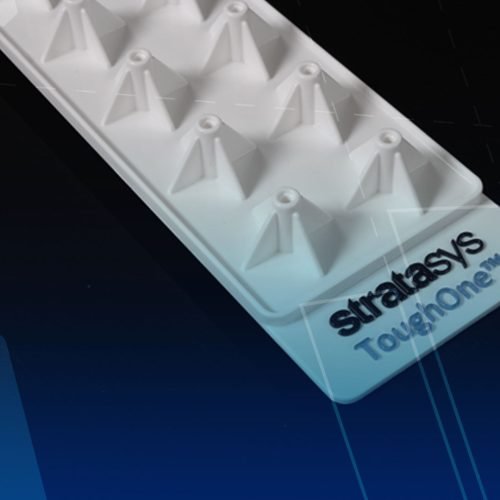
How Tough is PolyJet ToughONE? Real World Testing. Real Applications. Real Results.
3D printing has officially entered a new era of material science. Stratasys PolyJet ToughONE is rapidly emerging as the new gold standard for rigid part applications. This new material offers unique mechanical and functional advantages that set it apart from the rest. By using ToughONE, your team can bridge the gap between visual prototypes and truly…
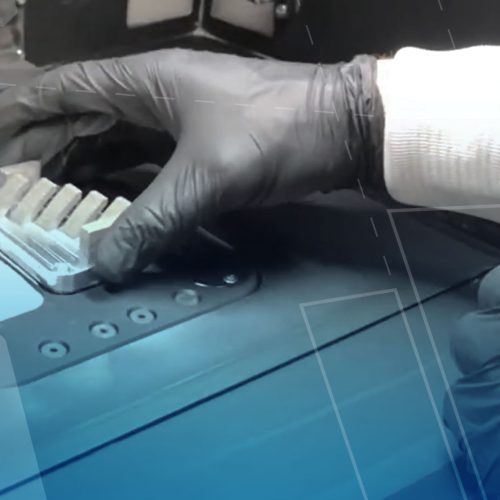
Unlocking Metal 3D Printing Workflows | From Lab‑Module Trials to Production‑Ready Parts
Experimenting with new materials is one of the most powerful and most frustrating parts of metal 3D printing. Whether you’re evaluating a third‑party powder, developing a proprietary alloy, or occasionally switching materials for a one‑off application, traditional laser-based powder bed fusion (LPBF) workflows often force you to commit significant powder volume, production‑scale build plates, and…

Shorten the Design Cycle with Virtual Prototyping
Virtual prototyping is rapidly transforming how engineering teams innovate, validate, and deliver products to market. In this webinar, we explore the limitations of traditional design cycles where testing often happens too late, changes are expensive, and failures can damage timelines, budgets, and brand reputation. Drawing from real-world engineering environments ranging from high-volume consumer products to…
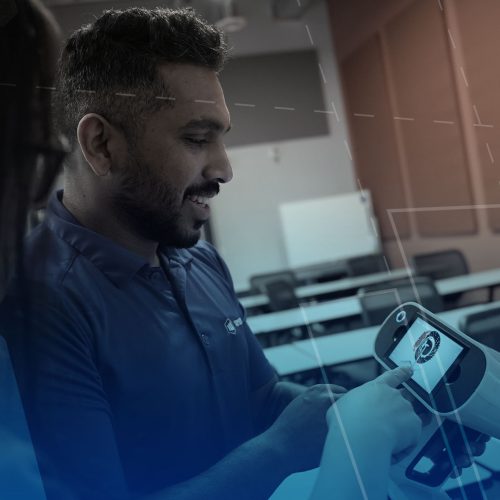
Maximize ROI with Scan-to-CAD Solutions
The best way to keep your business strong is to maximize ROI and protect investments across your organization. Inefficiencies appear, time is wasted, and deadlines are missed due to using archaic workflows or legacy systems. With 3D scanning, you can stay at the forefront of technology and increase productivity in reverse engineering and metrology applications….
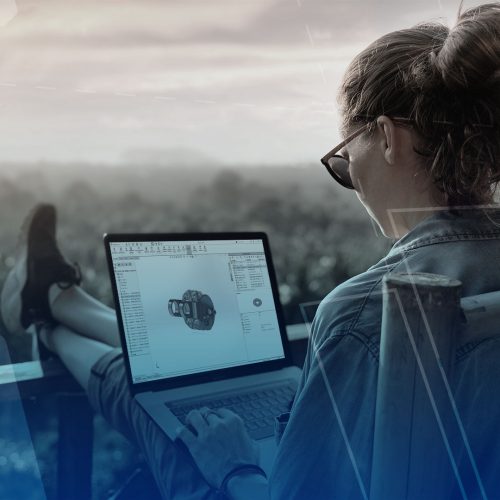
Mastering Remote Work in SOLIDWORKS | Proven Strategies for Speed, Stability, and Collaboration
Working effectively with SOLIDWORKS from a remote environment comes with unique challenges. From connection reliability and system performance to managing large files and collaborating securely with your team, you need to make sure you’re prepared. As more engineering teams transition to hybrid or fully remote environments, understanding how to work efficiently outside the office has…

Free SOLIDWORKS For Startups and Entrepreneurs | Complimentary CAD, FEA, and PLM Software
Join us for a hands-on demo session and learn about the free tools available through their SOLIDWORKS for Startups program! Many startups and small businesses had access to SOLIDWORKS and design tools for free during their university studies. However, once they graduate, they lose this access, and the software can’t be used for commercial purposes….
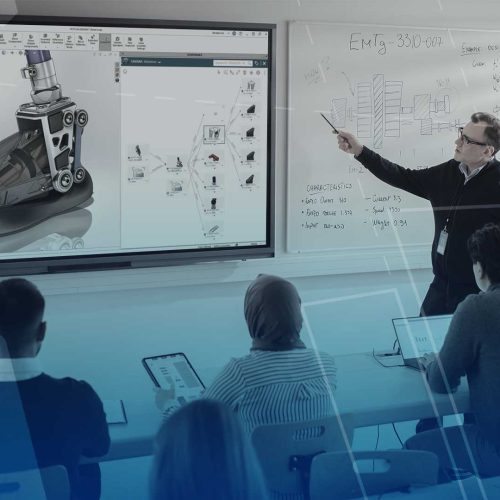
Cut Design Time by 50% | Proven SOLIDWORKS Hacks, Tips, and Tricks
Learning to design and engineer with SOLIDWORKS is a journey that starts with the basics. You often start by learning how to make a part assembly or drawing that works for what you need in that moment, without concern for efficiency. Eventually, with the basics mastered, we may need to revisit those core skills with…