


Blog Tag
Showing 1-6 of 6.
3D Scanning
Tech tips, tutorials, and best practices for 3D Scanning from the Javelin technical team

ZEISS T-SCAN hawk 3D Scanner Demo
Want to learn how to use a professional 3D scanner? The ZEISS T-SCAN hawk is a remarkable new 3D scanning…

How to create geometry in Artec Studio to reverse engineer mechanical parts
In this video, I’m going to show you how to construct scanned geometry in Artec Studio so you can easily…

3D scanning tech tip: hole filling options in Artec Studio
Hole-filling is good practice when creating a good-looking mesh. It’s essential for 3D printing because, without a “watertight” mesh, the…
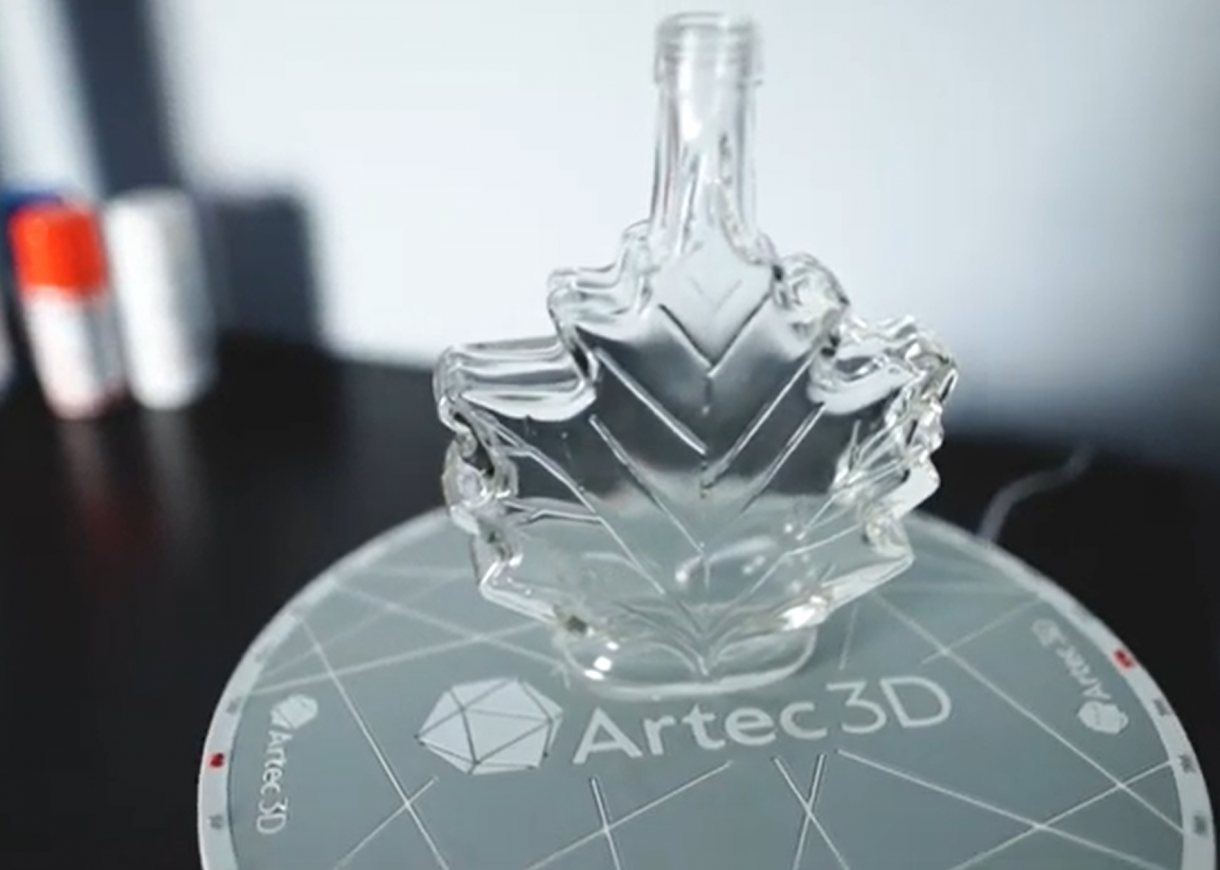
Improve your 3D scans with AESUB scanning spray
Artec 3D scanners are used in a wide variety of industrial applications, scanning objects small and large, to easily capture…
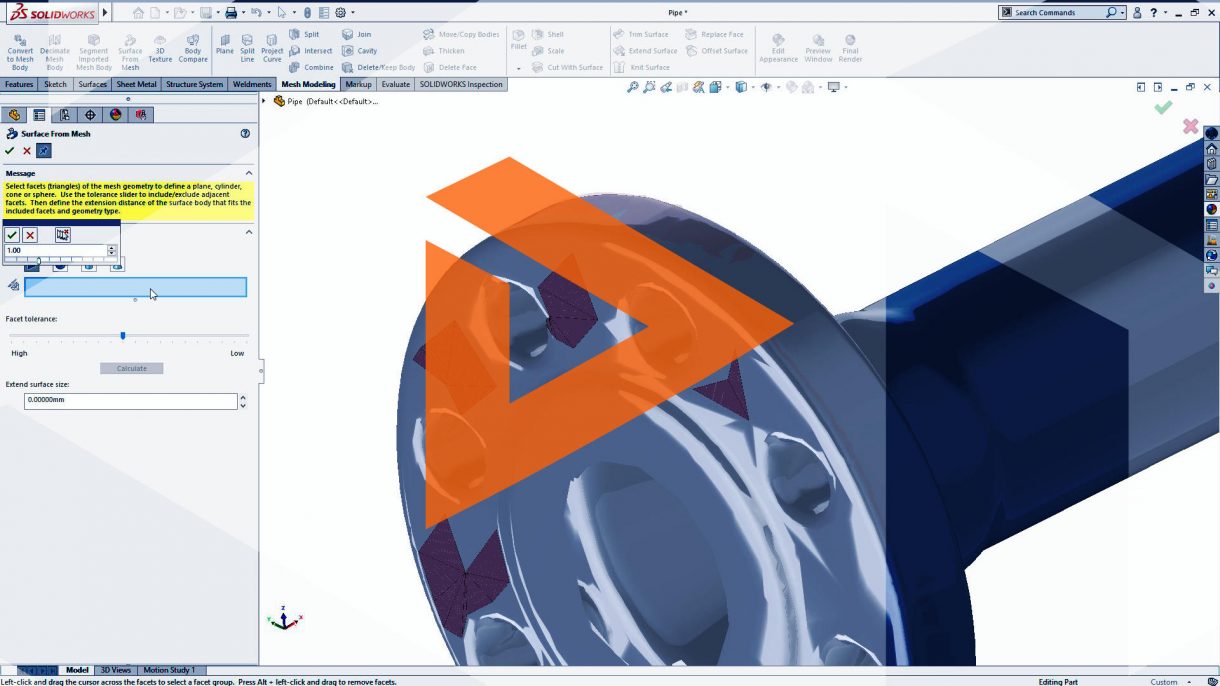
Working with 3D Scanned Data using SOLIDWORKS Mesh Tools
The use of 3D scanned model data has evolved significantly in the past decade. When you need to replace or repair a…

Javelin Technologies’ Professional Services team is here to help
Javelin Technologies’ Professional Services group is operating at full capacity throughout the ever-evolving COVID situation. Our team is here to…