


Blog Tag
Showing 1-9 of 9.
3DEXPERIENCE Works Simulation
Tech tips, tutorials, and best practices for 3DEXPERIENCE Works Simulation from the Javelin technical team
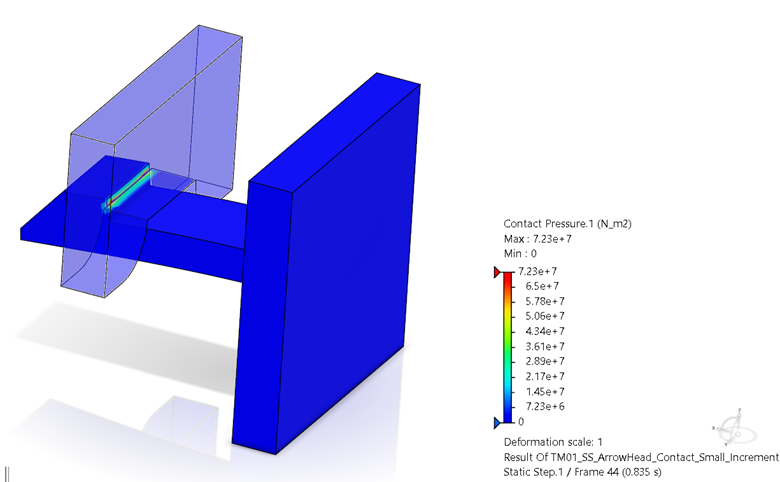
How to Visualize Contact Interactions in 3DEXPERIENCE SIMULIA
Evaluating contact interactions in 3DEXPERIENCE SIMULIA is essential to the design process, as it governs all behavior seen in the…
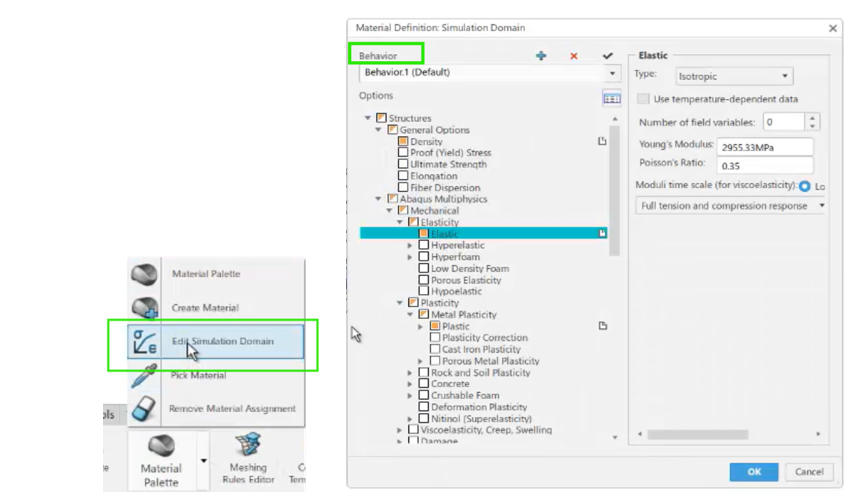
Improving Simulation Results with SIMULIA’s Material Modeling
SOLIDWORKS Simulation Premium users can use different material models, such as nonlinear elastic, nonlinear plastic, Von Mises, or Tresca, to…
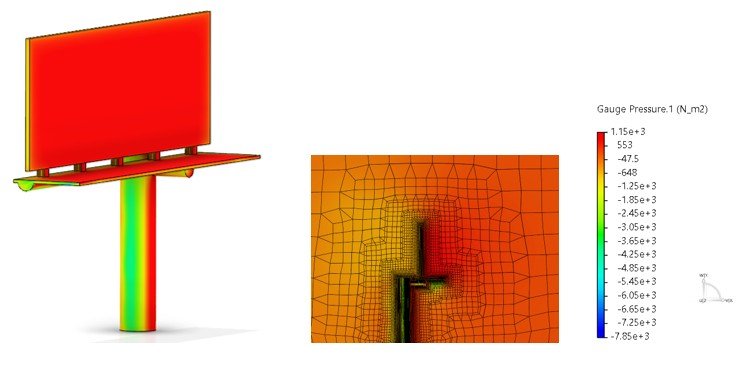
How to Simulate Fluid-Structure Interaction Using 3DEXPERIENCE
Simulation tools on the 3DEXPERIENCE platform empower designers and engineers to solve fluid-structure interaction (FSI) problems. With advanced meshing capabilities,…

Finite Element Model Representations in Structural Simulation Apps on 3DEXPERIENCE platform
SIMULIA applications on the 3DEXPERIENCE Platform offer realistic simulation solutions for a wide range of problems. For structural analyses, the…

Defining Virtual Bolts for Simulation on 3DEXPERIENCE Platform
Connectors allow you to virtually represent bolts, pins, and similar joints. These types of virtual connections save computational resources and…
The Simulation Manager on 3DEXPERIENCE Platform
Virtual product development using simulation tools such as the Simula roles on the 3DEXPERIENCE platform, accelerates the process of evaluating…
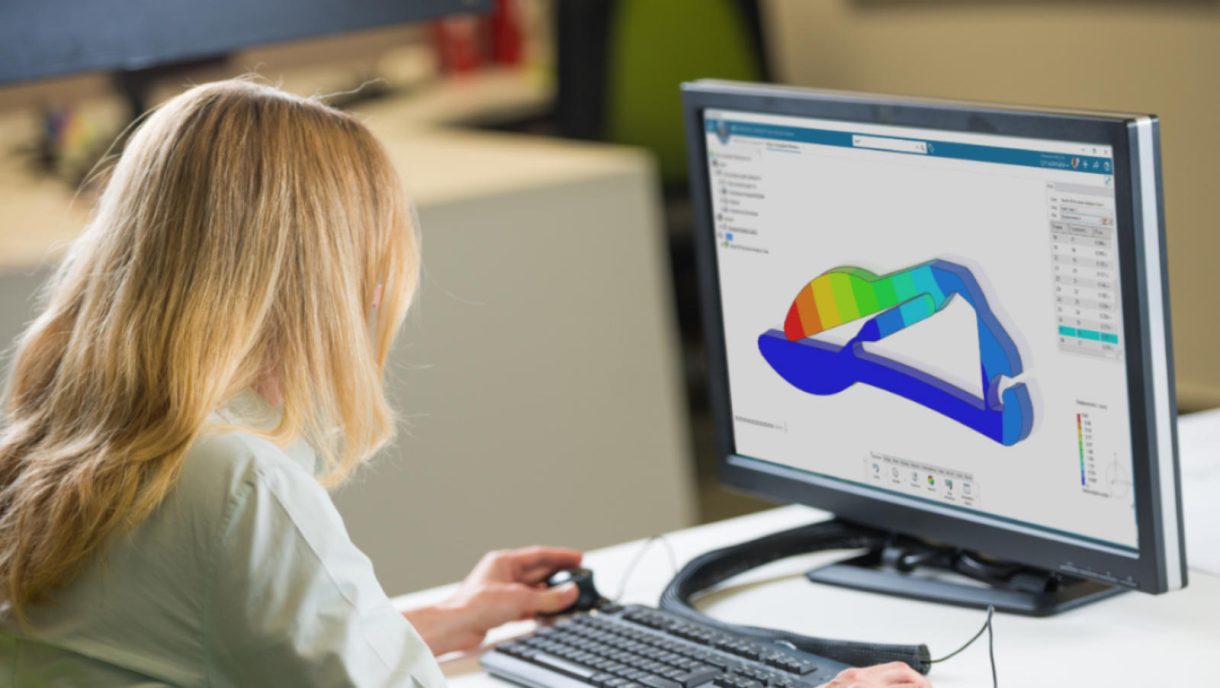
Simulating multiple physics enables better decision-making
Ensure quality by leveraging SOLIDWORKS Simulation and 3DEXPERIENCE® Works Simulation tools. Independent research firm Tech Clarity conducted a study based…
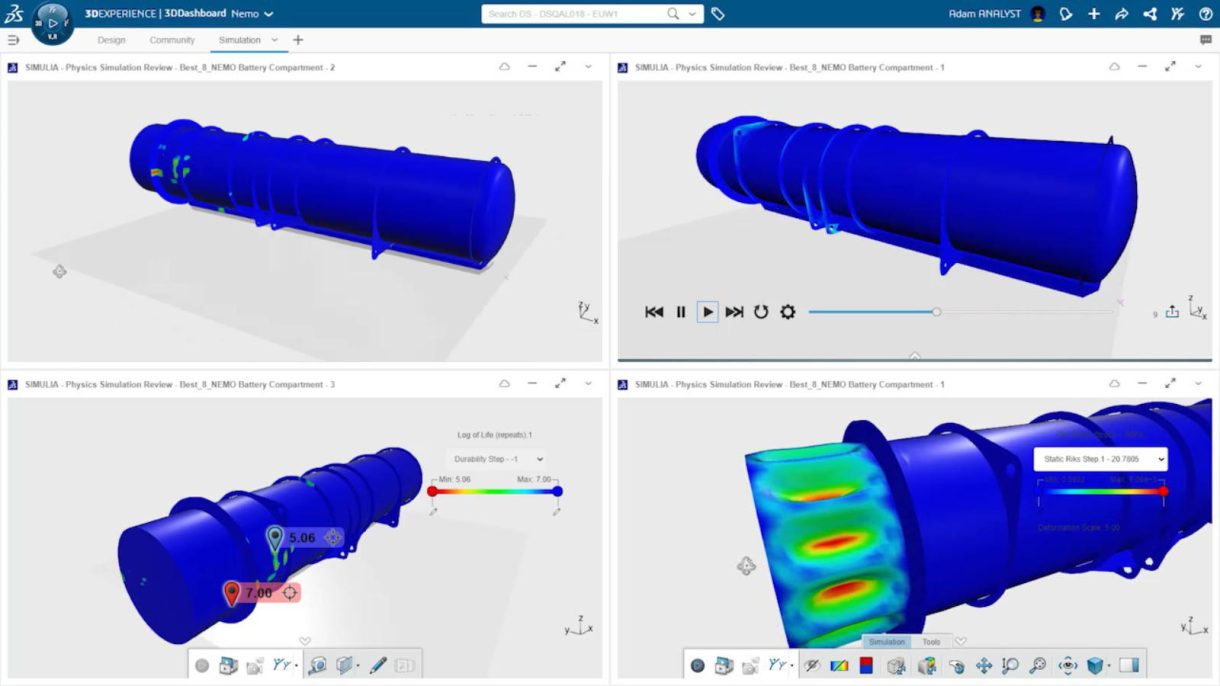
Simulation Tools Available on the 3DEXPERIENCE Platform
Do you know what simulation tools are available with the 3DEXPERIENCE Platform? Watch our on-demand webinar to learn about the tools

Creating a Simulation Study in 3DEXPERIENCE SIMULIA
In this video we’ll look at how a SOLIDWORKS design can be easily analyzed with powerful SIMULIA simulation tools on…