


Blog Tag
Showing 1-5 of 5.
SOLIDWORKS Rookie Mistake
Tech tips, tutorials, and best practices for SOLIDWORKS Rookie Mistake from the Javelin technical team
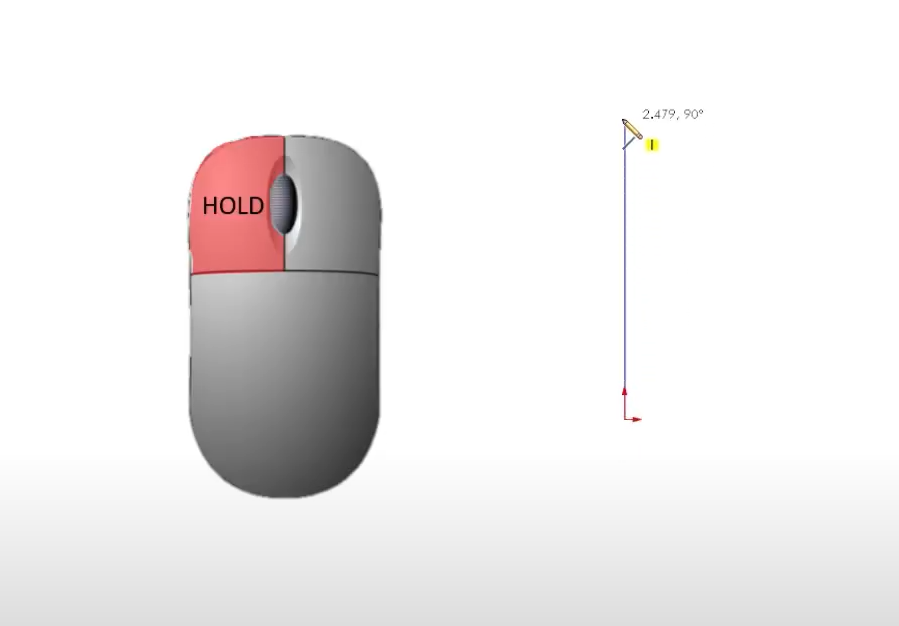
Choosing the Best Sketch Method for SOLIDWORKS
If you’ve ever struggled to get clean, closed contours or found yourself fighting with uncooperative SOLIDWORKS sketches, this post is…

Parameters vs. Smart Dimensions in SOLIDWORKS Sketches
One of the biggest benefits of taking certified, instructor-led SOLIDWORKS training is the knowledge shared by our team to help avoid…

Letting the SOLIDWORKS Calculator Work for You
A common SOLIDWORKS rookie mistake is not using the SOLIDWORKS Calculator and relying on an external one when placing dimensions with calculations.

Align Your First SOLIDWORKS Sketch to Origin
Not relating your first SOLIDWORKS sketch to origin leads to confusion and often requires the time-consuming process of refactoring your model later when errors occur. Watch the video to learn more.

SOLIDWORKS Rookie Mistake: Not Using the Mouse to Pan in SOLIDWORKS
A common SOLIDWORKS rookie mistake is using the mouse wheel far too often to navigate the graphics area. Discover the best ways to pan in SOLIDWORKS.