


Blog Tag
Showing 1-9 of 9.
SOLIDWORKS Sketching
Tech tips, tutorials, and best practices for SOLIDWORKS Sketching from the Javelin technical team

Using SOLIDWORKS Sketch Ink in Your Workflow
I’ve always used a tablet ever since I took my first graphics arts class back in high school. I’ve found…

SOLIDWORKS 2017 Improved Sketching ensures no more “Dirty Drawings”
SOLIDWORKS 2017 improved sketching provides a new buffer zone within the environment to help keep micro-lines from being created while…

It’s Easier to Manipulate Constrained Sketch Segments in SOLIDWORKS 2016
In this tech tip video, you’ll learn about the new enhancements to the Detach Segment on Drag tool in SOLIDWORKS…

SOLIDWORKS Quick Trick: Sketching Lines using Ctrl and Shift
Okay, sketching lines may not seem like a particularly advanced trick, but there are a few subtle things you can…

SOLIDWORKS 2016 Offset Entities Enhancements
New for the SOLIDWORKS 2016 Offset Entities sketch tool is the ability to create cap ends while offsetting open loop entities in 2D…
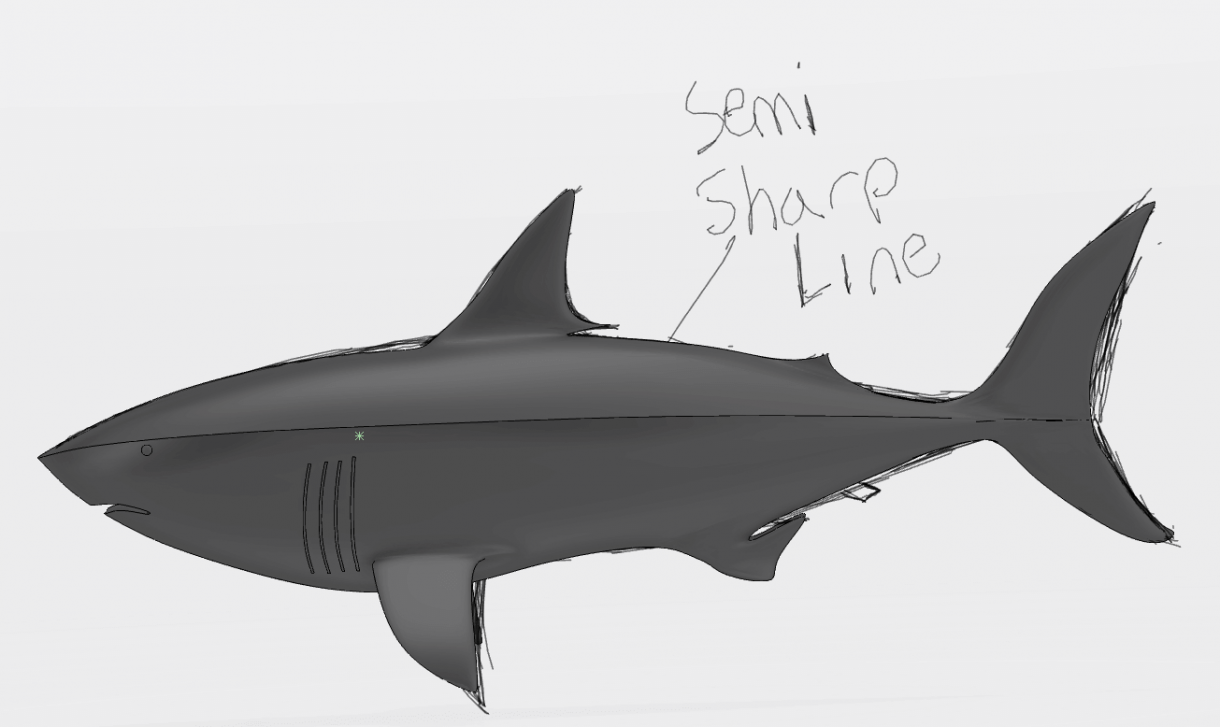
SOLIDWORKS Industrial Designer Sketching [VIDEO Series 2 of 4]
Welcome back everyone! In part 1, we became familiar with SOLIDWORKS Industrial Design, and learned how to navigate around it….

MySolidWorks Learning: Sketch Booleans will make 3D Object Intersections come to Life in Conceptual Designer
Want to know how to combine the volume of two sketch objects? Try the MySolidWorks Learning Sketch Booleans tutorial and you’ll be able to master the art of…
SOLIDWORKS Sketching Tips
When sketching in SOLIDWORKS for the first time there is a lot to take in. Even with the best of…
The Greatest Time Saver – Auto-Sketch Scaling in SolidWorks 2014 [VIDEO Tutorial]
Auto-Sketch Scaling in SolidWorks 2014 will save the world about 2,500 user-years annually!!! It is a bit ironic that you will…