


Blog Tag
Showing 16-30 of 450.
SOLIDWORKS
SOLIDWORKS tips and tutorials from the Javelin team of certified experts

Changing the SOLIDWORKS Language Pack
If you’re in need of a non-English SOLIDWORKS installation, the Installation Manager for SOLIDWORKS provides the option to change the…

Ultimate SOLIDWORKS Resource Guide: How to Learn SOLIDWORKS
Whether you are a beginner or self-taught, our SOLIDWORKS resource guide will help you learn SOLIDWORKS.

Making the Most of the SOLIDWORKS Pack and Go Tool
SOLIDWORKS Pack and Go is an important utility to copy or share projects. This provides the ability to make a…
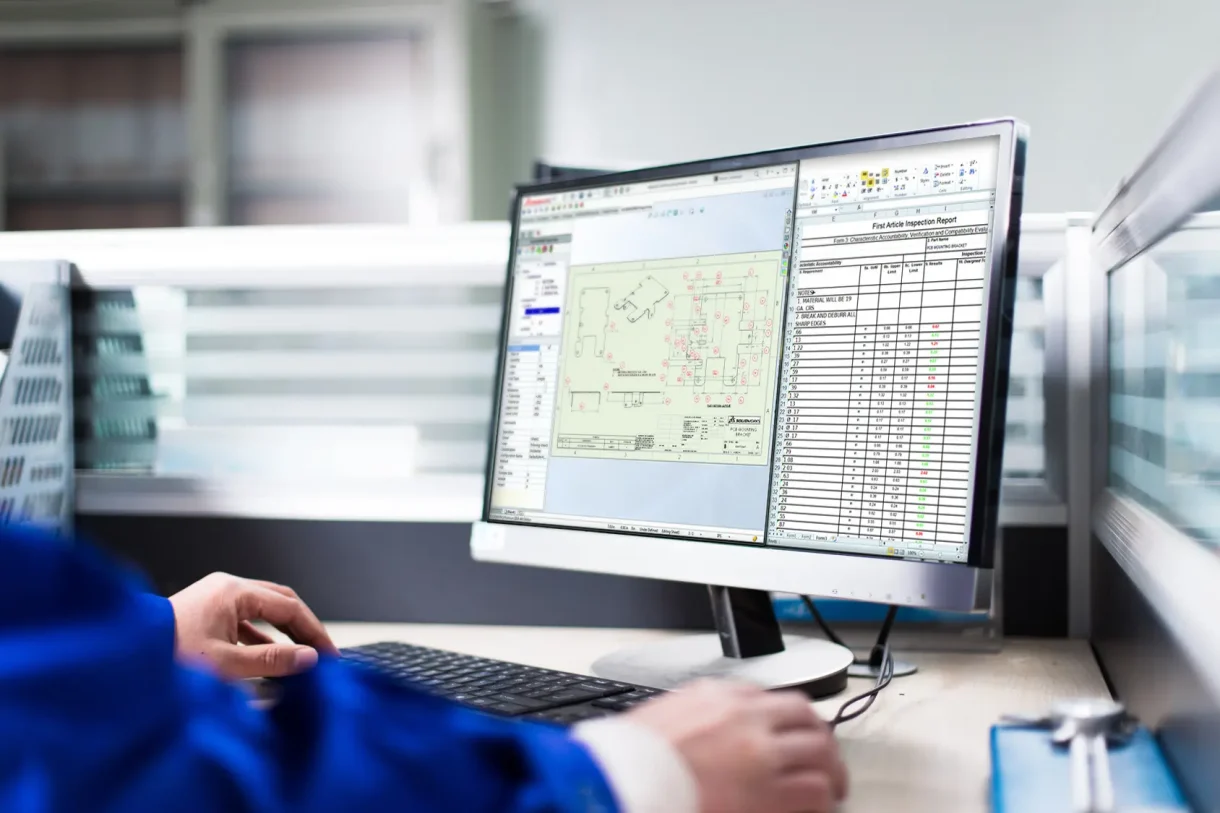
How to locate hidden or newly-imported annotations in SOLIDWORKS Drawings
In our earlier article, we demonstrate how to hide and show dimensions: How to Hide SOLIDWORKS Drawing Dimensions and make…

Make it Manufacturable – Design for Manufacturing in SOLIDWORKS with DFMXpress
One of the biggest bottlenecks in the design process can actually occur after the design is initially completed. The form…
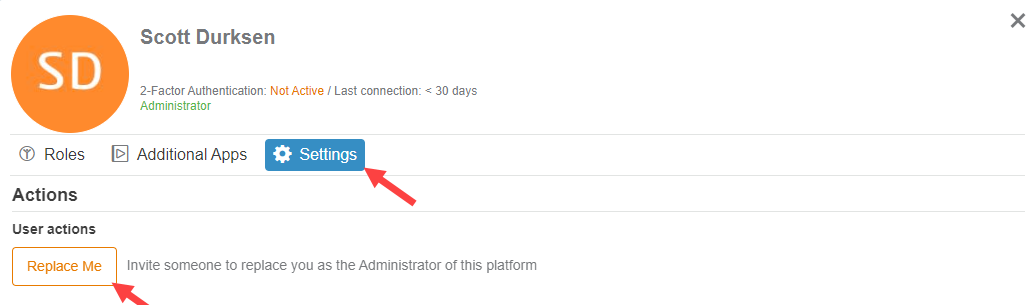
How to Change Your 3DEXPERIENCE Administrator
The 3DEXPERIENCE platform allows you to manage the user rights of all your members. After your order is processed, you…
Where can I find the latest release of SOLIDWORKS What’s New documentation?
The SOLIDWORKS what’s new documentation is an infinitely popular request during each product release season, Aside from some light bedtime…

Delete key not working with SOLIDWORKS? Check your Keyboard Shortcuts
On more than one occasion we have had customers contact our support team with what seems to be a benign…

A list of the default SOLIDWORKS Keyboard Shortcuts
Once upon a time, all installations of SOLIDWORKS came with a Quick Reference Guide. This wonderfully useful guide was an…
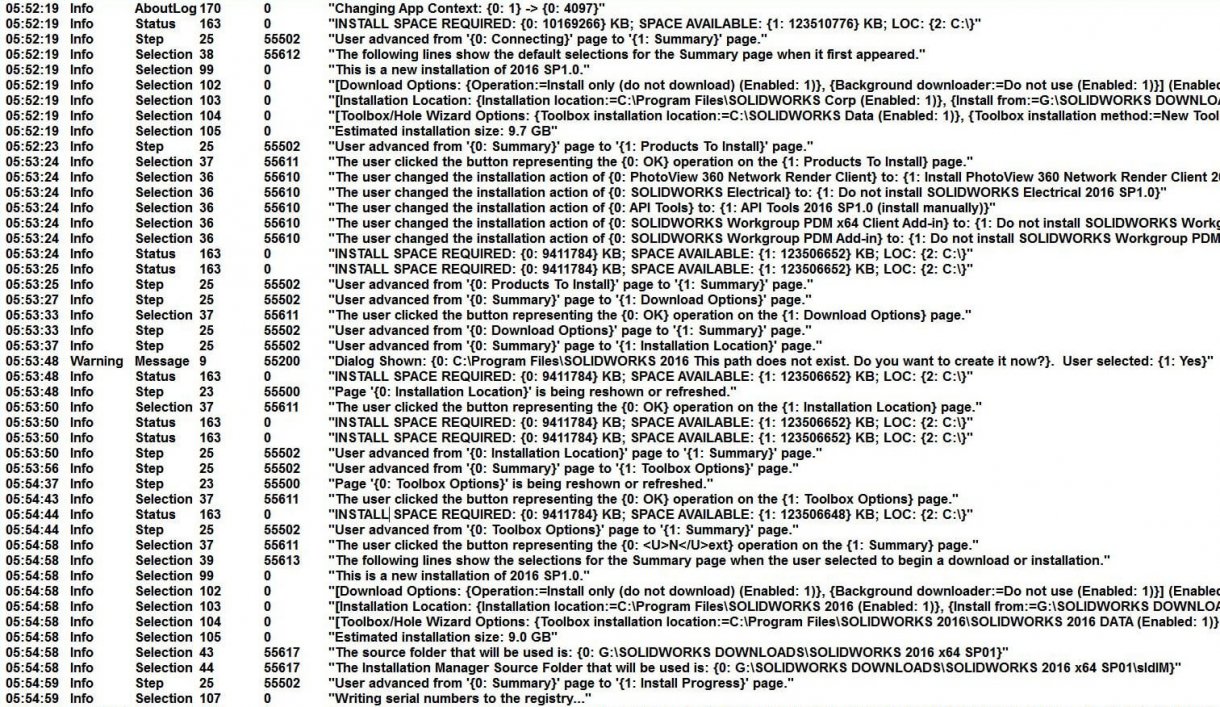
How to find your SOLIDWORKS Installation Log files
Our Technical teams here at TriMech Solutions will often request the SOLIDWORKS installation log files from clients who are experiencing…

SOLIDWORKS’ Rib Feature’s Unique Options
SOLIDWORKS’ Rib feature provides a powerful way to quickly create thin extruded features with a minimum of effort. Ribs are…

What is FeatureWorks?
What is FeatureWorks? It is a tool available in SOLIDWORKS that allows engineers to import 3D CAD models from other…

Adjusting Virtual Memory (Windows Pagefile) for increased SOLIDWORKS Performance
We use this procedure a great deal when attempting to enhance the performance of systems where SOLIDWORKS is having difficulty with importing or exporting geometry, or handling larger assemblies.

How to stop Windows from updating your SOLIDWORKS certified video card driver!
It is a story we hear time and again from customers: They take the time and effort to download the…

Using Zebra Stripes in SOLIDWORKS
SOLIDWORKS zebra stripes are a powerful tool that allow you to visualize and analyze the curvature of your models. They…