


Javelin / TriMech Author

Griffin Pacey
How to Create a Custom Appearance in SOLIDWORKS
 By Griffin Pacey on July 8, 2026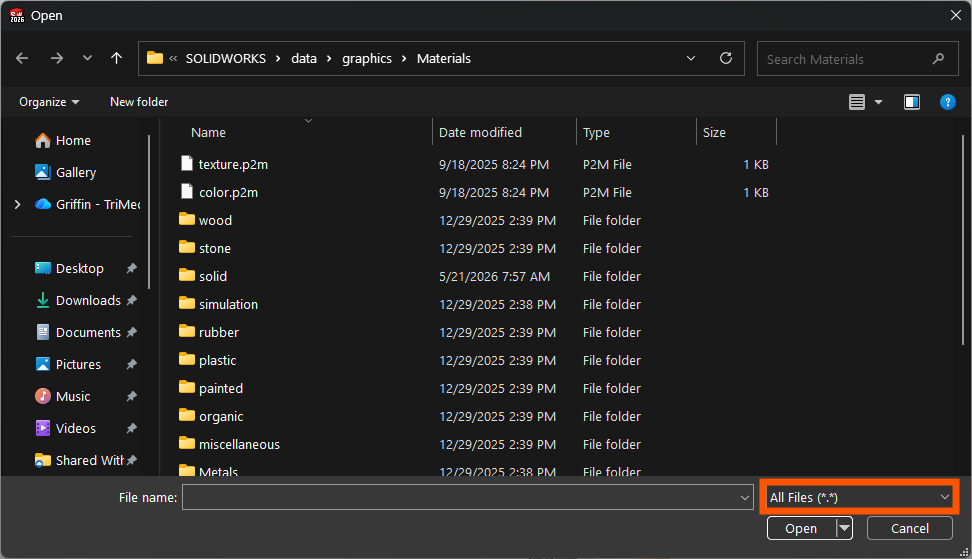
Using an appearance in SOLIDWORKS is a simple way to enhance the quality of your models. Learning how to create and apply a custom appearance in SOLIDWORKS makes your models look as realistic as possible. What is a Custom Appearance in SOLIDWORKS? Custom appearances in…
Manual SOLIDWORKS License Activation | How To Guide
By Griffin Pacey on May 27, 2026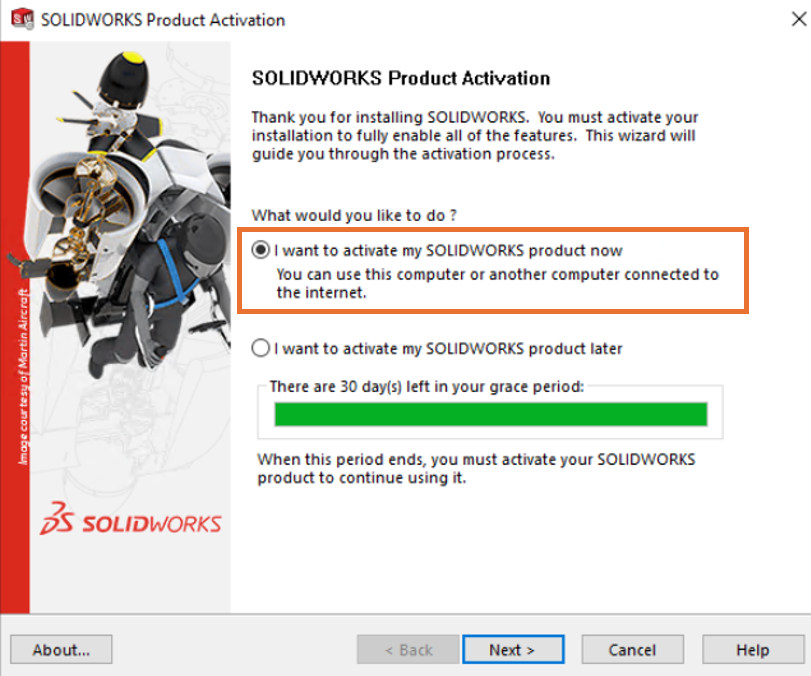
SOLIDWORKS license activation can be an unclear and bothersome process. The manual activation of a standalone SOLIDWORKS license on a PC is typically reserved for a PC that lacks internet access. To successfully activate an offline PC via email, you must be able to transfer…
Using the SOLIDWORKS Backup and Auto-Recovery Options
By Griffin Pacey on May 11, 2026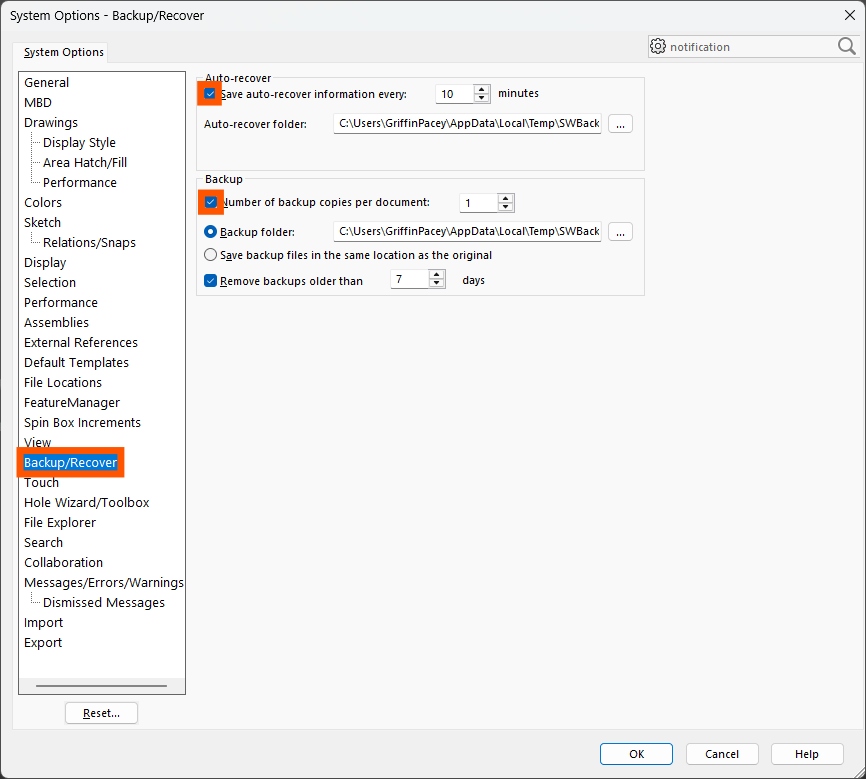
SOLIDWORKS has several options that allow you to regularly take backups and auto-recover files in the event of a crash. The backup, save, and auto-recovery SOLIDWORKS settings keep your parts, assemblies, and drawings safe. Ensuring these options are set properly will protect you in case…
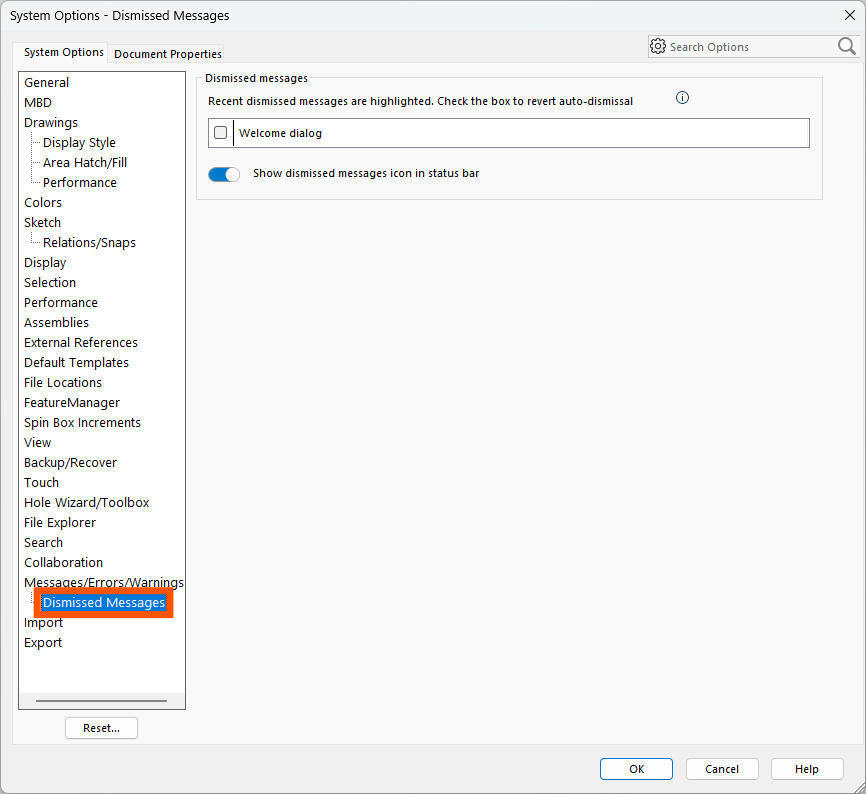
SOLIDWORKS has messages that will pop up to warn you that your actions may have consequences. Many users just proceed as normal, completing the action and dealing with the warning pop-up each time. However, some users will dismiss warning messages to clear them away. Dismissed…
How to Upgrade the SOLIDWORKS Toolbox
By Griffin Pacey on April 17, 2026
The SOLIDWORKS Toolbox is often upgraded automatically when you upgrade your SOLIDWORKS installation, but there are situations where it may not be. In an environment where the Toolbox is saved to a shared, central location, there may be controls in place protecting it from automatic…

If you’re in need of a non-English SOLIDWORKS installation, the Installation Manager for SOLIDWORKS provides the option to change the language of the program without having to change all of Windows to a different language. The available, non-English, SOLIDWORKS language packs in 2024 are: Chinese…
Missing Bend Lines on Sheet Metal DXF or SOLIDWORKS Drawings
By Griffin Pacey on August 26, 2024
Are you missing your Sheet Metal bend lines on your DXF Exports or Drawings? Then you’ve come to the right place! Below are some solutions to missing bend lines on both Exported DXFs and on SOLIDWORKS Drawings. Missing Sheet Metal Bend Lines on DXF Export…
How To Improve SOLIDWORKS Graphics Performance on Laptops
By Griffin Pacey on July 5, 2024
Are you noticing slow graphics performance in SOLIDWORKS on your new laptop? Here are 3 ways to improve SOLIDWORKS Graphics Performance.
My SOLIDWORKS Assembly Disappeared After Deleting Mates?!
By Griffin Pacey on May 6, 2024
Have you ever deleted your mates in a SOLIDWORKS assembly and then all of a sudden, the SOLIDWORKS assembly disappeared? Well, you’re not the only one and it’s an easy fix!
Double-clicking SOLIDWORKS files are printing instead of opening?
By Griffin Pacey on January 22, 2024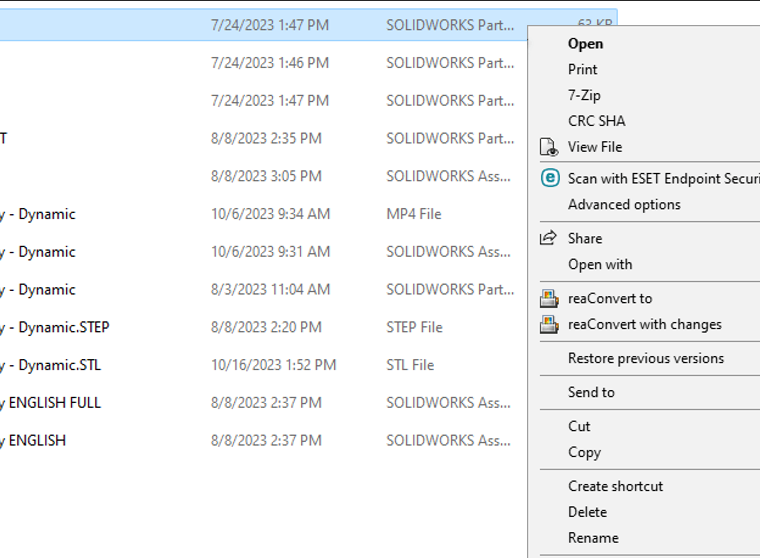
When you double-click on a SOLIDWORKS file, is it printing on a nearby or recently used printer instead of opening in SOLIDWORKS? This is most likely an issue with your SOLIDWORKS file associations.
Failed to Obtain Computer Identifier in SOLIDWORKS
By Griffin Pacey on December 21, 2023
When you launch SolidWorks, are you getting the error “Failed to obtain a computer identifier…”? Then follow the steps below! This Computer Identifier error message is generated by the FlexNet licensing system that SOLIDWORKS uses to identify computers. When you activate SOLIDWORKS, it “fingerprints” your…