


Javelin / TriMech Author

John Landis
How to Use the Move Component Command in SOLIDWORKS
 By John Landis on March 25, 2026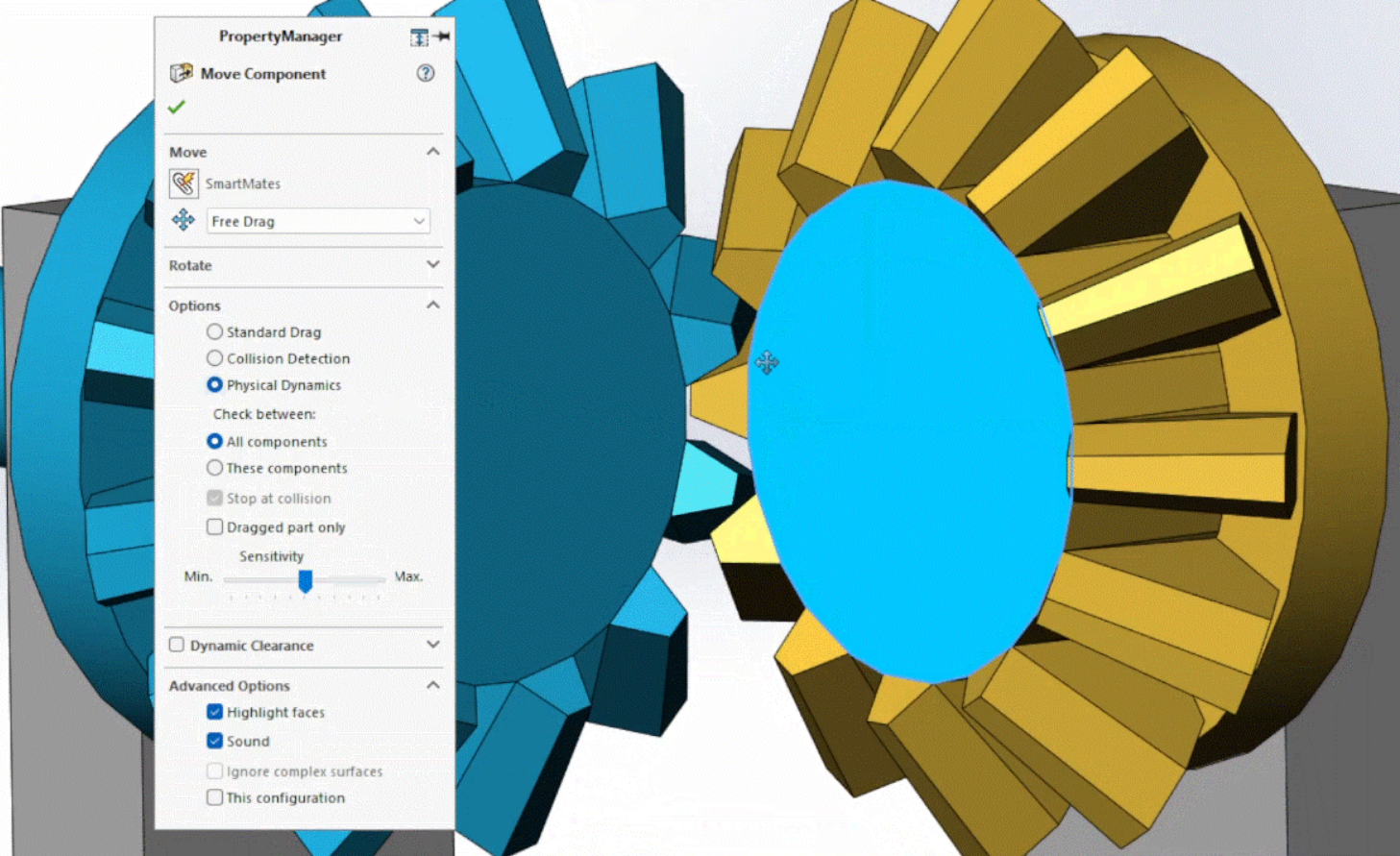
When doing assembly modeling in SOLIDWORKS, we usually use the Move Component command by left or right-clicking a component and then dragging the cursor. This interactive approach is great for most operations, but it can be challenging to move components precisely. Drag moves are always…
Using Detail and Section Views to Add Intelligence to SOLIDWORKS Drawings
By John Landis on February 9, 2026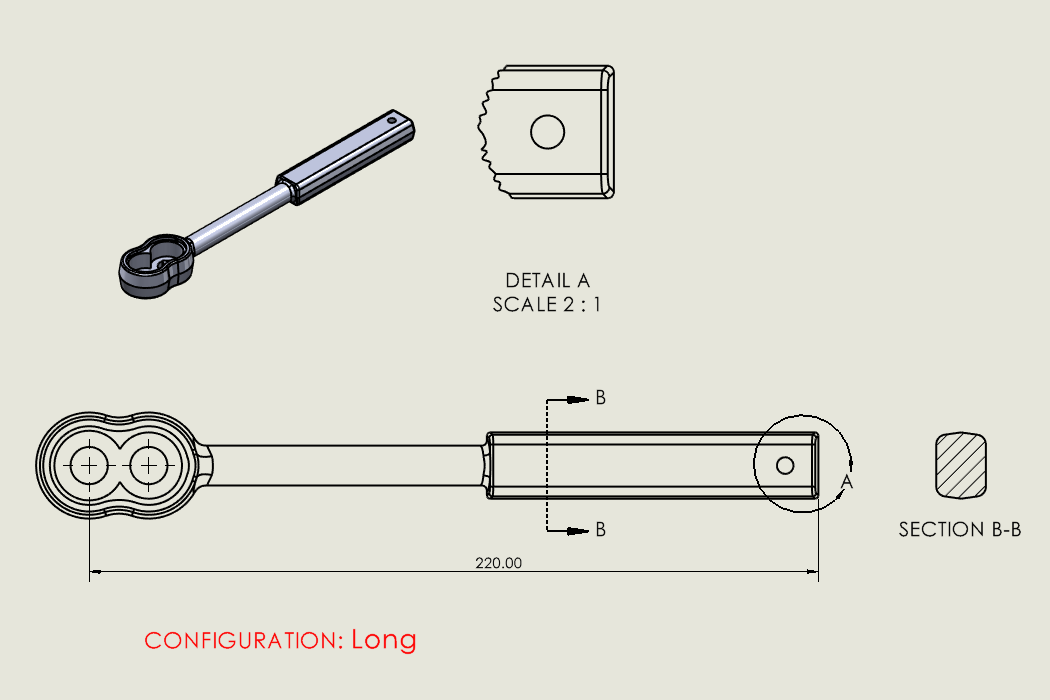
Detail and section views are commonly used in SOLIDWORKS drawings and are an easy way to communicate important details. These view types rely on a parent drawing view, and they generate linework based on the region to magnify or a section cutting line. Of course,…
Productivity Tips for the SOLIDWORKS User Interface and FeatureManager
By John Landis on January 12, 2026
The SOLIDWORKS user interface has long been recognized as one of the best in the computer-aided design and engineering industry. Its intelligent toolbar and panel layout, left and right-click functionality, workflow context sensitivity, and gesture interpretation are all elements that make SOLIDWORKS easy to learn…
How to Use SOLIDWORKS Revision Control on 3DEXPERIENCE
By John Landis on November 20, 2025
For SOLIDWORKS users, revision control can be easily achieved through the 3DEXPERIENCE platform. With the introduction of SOLIDWORKS Cloud Services, all SOLIDWORKS users have access to best-in-class data management tools to help them share files and easily control revisions.
How to Easily Edit Imported Models in SOLIDWORKS
By John Landis on August 11, 2025
We live and work in a multi-CAD world, and we often have to work with models that were created in software other than SOLIDWORKS. While we can open most major (and minor) native and neutral file types directly, they typically come in as a dumb…
Using Sketch Pictures to Guide Your Design
By John Landis on August 6, 2025
SOLIDWORKS lets us leverage 2D images as an overlay in the modeling environment to assist with design development. This is extremely helpful when we try to reverse engineer a product, begin the product development cycle, or collaborate more easily on designs. The Sketch Picture command…

SOLIDWORKS xDesign assembly happens in a single modeling environment meaning that everything happens within the same design space, with no distinction between part and assembly files.

In this Masterclass we cover SOLIDWORKS fabrication and how the manufacture of your design can take different forms during product development.

SOLIDWORKS’ Rib feature provides a powerful way to quickly create thin extruded features with a minimum of effort. Ribs are often overlooked when part modeling as most users use the traditional Extrude feature to create these types of structures. Let’s explore the utility and benefits…