Masterclass Part 2: SOLIDWORKS Parts and Features

Video by Jorge Villacres updated December 31, 2023

Like this Video? Get Live Online Training from Javelin
Take a live online training course with a Certified Instructor and become a SOLIDWORKS Expert.
About the Video
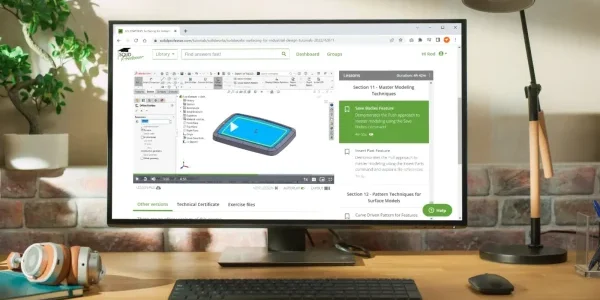
During the on-demand webinar, our instructor will guide you through a step-by-step process, covering fundamental concepts and advanced techniques for efficient SOLIDWORKS part modeling.
From basic geometric primitives to advanced features such as fillets, chamfers, and sweeps, this tutorial on-demand webinar will empower you to transform your ideas into tangible designs.
With real-world examples and interactive demonstrations, our on-demand webinar will equip you with the skills to tackle various design challenges. Whether you’re working on product design, engineering projects, or prototyping, this webinar will enable you to improve your efficiency in SOLIDWORKS. Take advantage of this opportunity to enhance your 3D modelling skills and take your designs to the next level.
During this SOLIDWORKS part modeling tutorial you will learn:
TriMech Solutions Consultant, Jorge Villacres will show the full potential of this powerful 3D modeling software. Whether you’re a beginner or an experienced user, this webinar is designed to provide you with comprehensive insights and practical knowledge to create intricate parts and features easily.
- Part Setup and Feature Tree
- Extruded Boss Base and Cuts
- Revolved Boss Base and Cuts
- Swept Boss Base and Cuts
- Hole Wizard
- Mirror and Patterns
Want to learn more about SOLIDWORKS Part Modeling?
Attend a TriMech SOLIDWORKS Online training course, check our training schedule for upcoming dates.
Content related to 'Masterclass Part 2: SOLIDWORKS Parts and Features'