DraftSight 2025

Video by TriMech Solutions, LLC updated October 4, 2024

Like this Video? Get Live Online Training from Javelin
Take a live online training course with a Certified Instructor and become a SOLIDWORKS Expert.
About the Video
DraftSight is professional-grade 2D CAD design software from the makers of SOLIDWORKS. The latest enhancements in DraftSight 2025 are designed with efficiency in mind, promising to save time and increase productivity.
Watch the video to learn about DraftSight 2025 enhancements. Highlights include:
- Transfer complex 3D models and assemblies with precision with the ability to import STEP files
- Maintain compatibility across CAD platforms and preserve complex design data integrity during transfers with DGN Export
- Create even more versatility for custom blocks with the new ability to insert multiple visibility elements
Import STEP Files*
Expand design possibilities and improve workflow efficiency with 3D model STEP import.
- Enable all users to import STEP files from a local disk.
- Accelerate 3D design workflows by importing STEP design data.
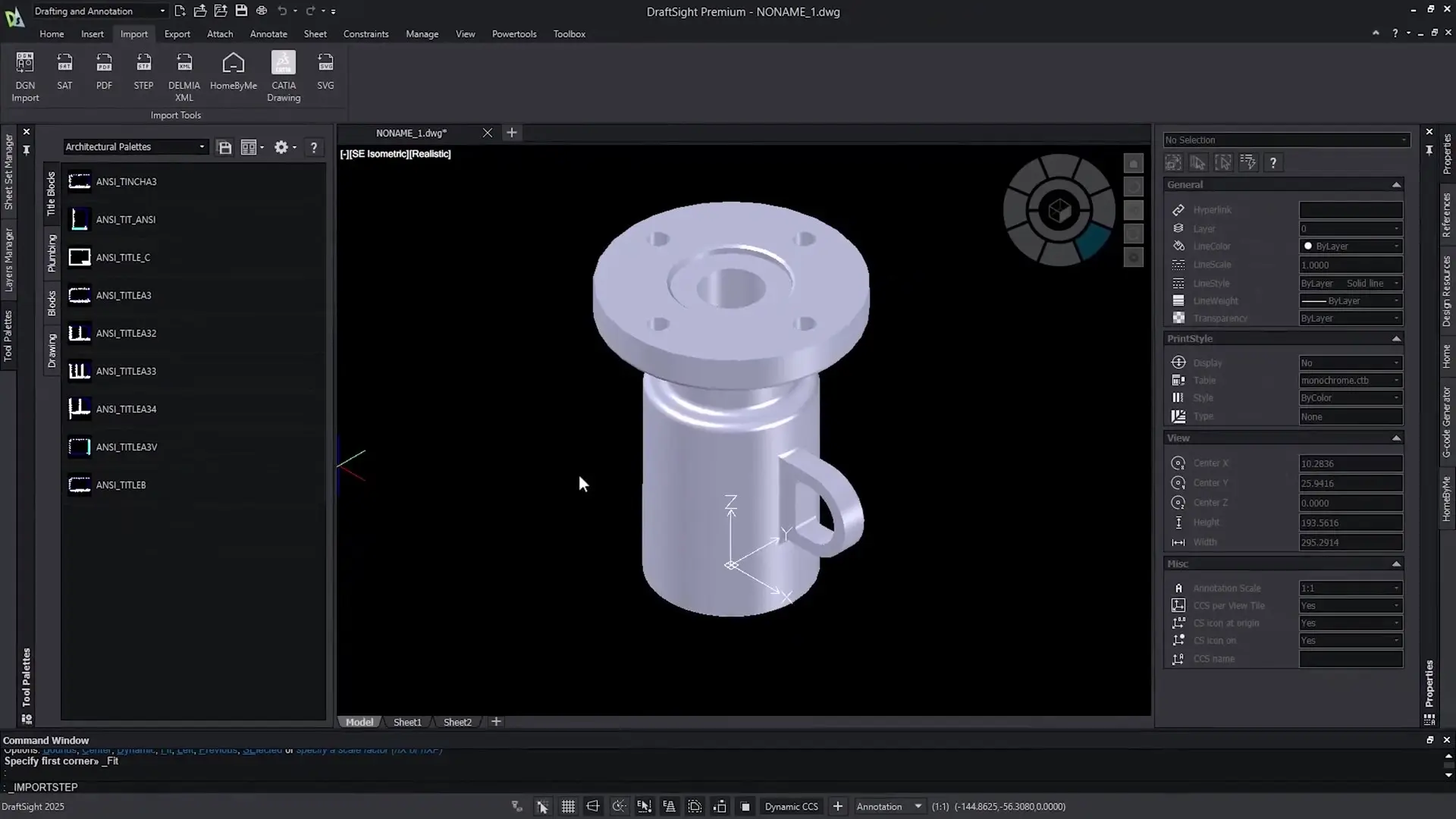
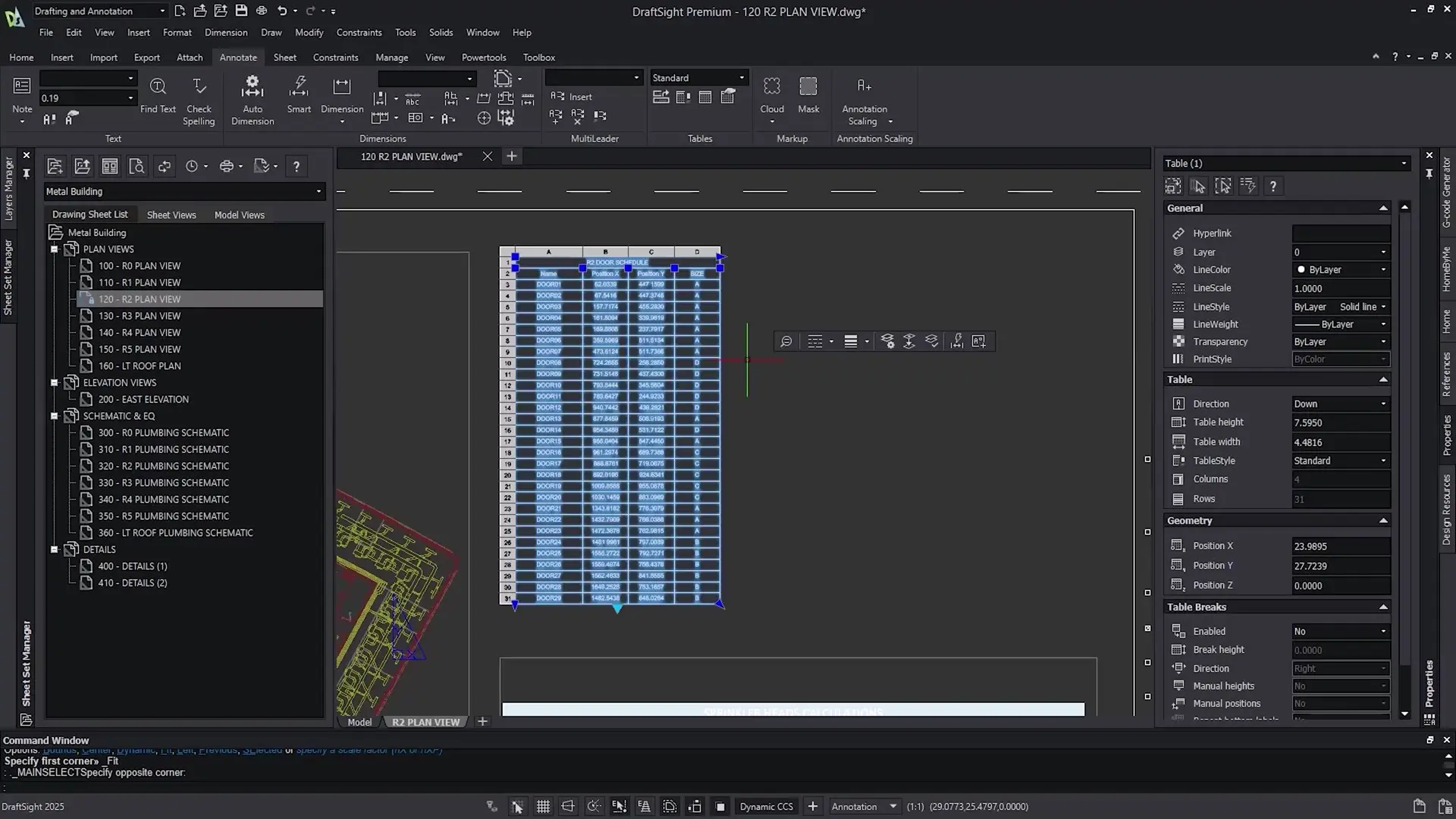
Table Enhancements*
Enjoy clear, precise design communication with customized tables. Experience enhanced table functionality with the support
of auto-filling cells and table breaks. You get enhanced usability and productivity with improvements to cell edit workflows.

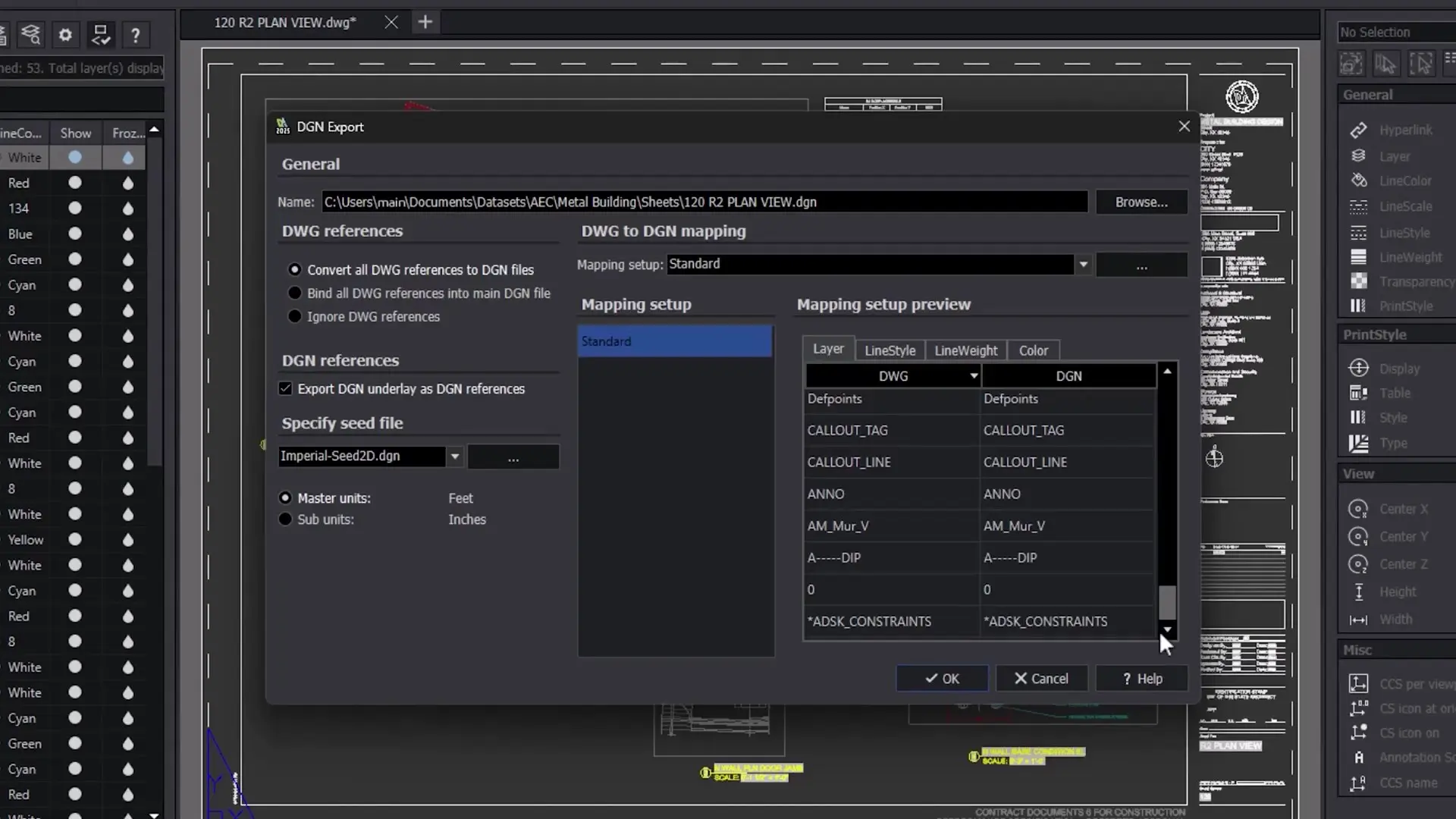
Export DWG to DGN Files*
Empower collaboration in the construction industry with DGN export. Allow export of DGN files from DraftSight for seamless design and collaboration for civil engineering, architecture, and industrial plant design.
Dynamic Blocks Ready-to-Use Library
Rapidly create new drawings from existing files without loss of detail.
- Use Dimensional Constraints with Dynamic Blocks in DraftSight.
- Improve your drawings with a library of ready-to-use dynamic blocks.

BOM Setting
Customize your bills of materials, part lists, and balloons effortlessly. Select which properties to list and display in your bills
of materials, part lists, and balloons with the new BOM setting.
DWG 2021 Support
Streamline your workflow and unlock new possibilities for precision and efficiency. Include and edit mechanical entities created and saved as DWG files up to version 2021.
DWG UNITS Command
Standardize 2D drafting by seamlessly converting measurements between unit systems. The new DWGUNITS command in DraftSight facilitates
seamless conversion between unit systems.
CATIA® Drawings Import
Work seamlessly with both CATIA and DraftSight. Import CATIA drawings with fidelity in graphical representations while preserving the multi-sheet drawing views and names in DraftSight.
Stability and Performance
Maximize your productivity and efficiency when working with large and complex drawings.
- Enjoy improved stability and performance.
- Decrease crash rates while you increase the speed of drawing view manipulation.
- Save time loading drawings that contain external reference files.

MacOS Sonoma Upgrade
Support seamless operations and productivity through compatibility with the latest macOS versions. Run DraftSight Premium on the latest macOS release, Sonoma.
* Available only in 3DEXPERIENCE DraftSight Premium and Mechanical and DraftSight Premium and Mechanical.
Content related to 'DraftSight 2025'