


Javelin / TriMech Author

Ryan Burgess
How to Export SOLIDWORKS Drawings to DXF/DWG
 By Ryan Burgess on April 27, 2026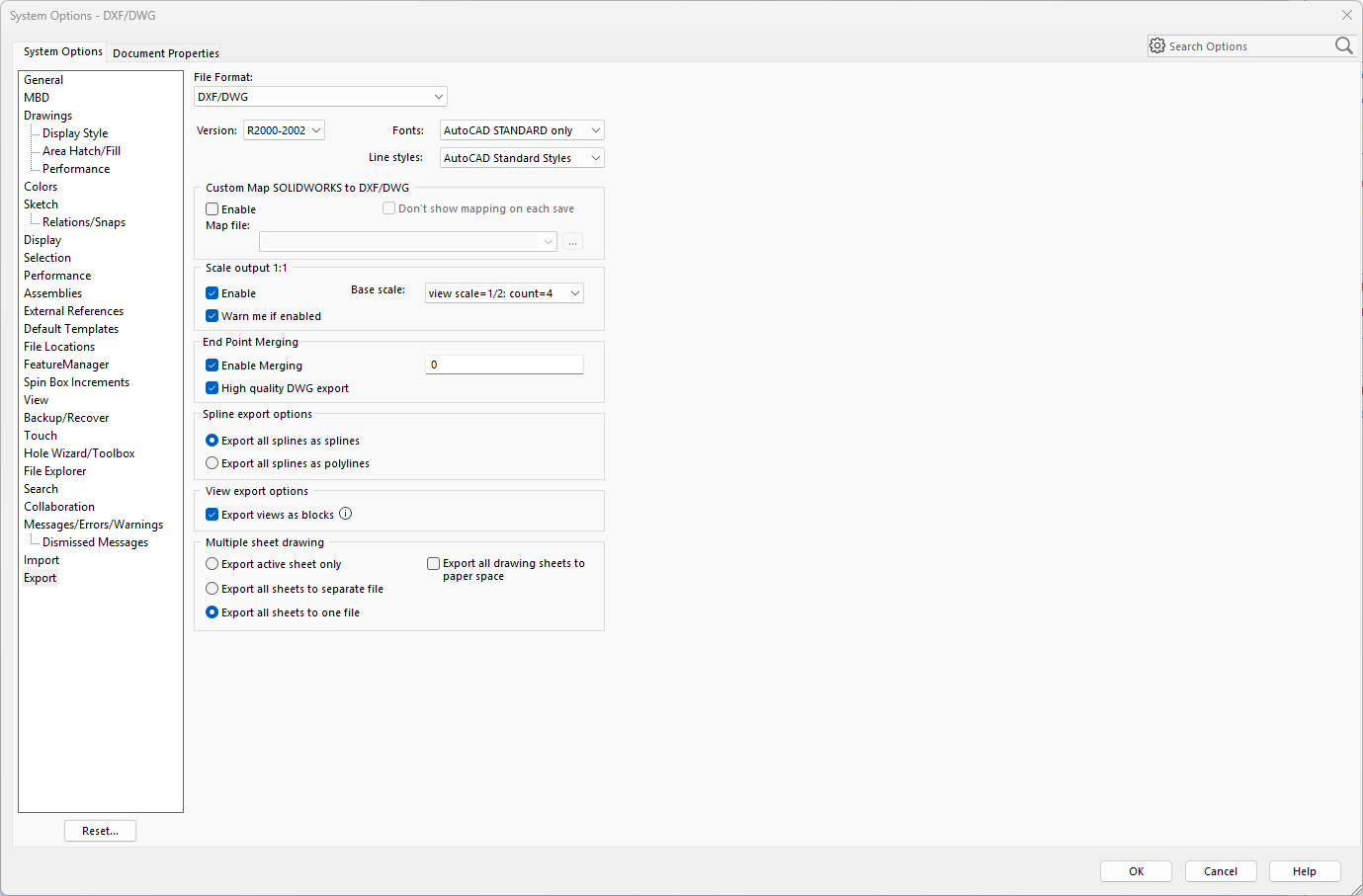
One of the most commonly used translations is exporting SOLIDWORKS drawings to DXF or DWG formats to open in 2D CAD packages. SOLIDWORKS supports translation, enabling it to interact with and exchange data with other common CAD platforms. Organizations use a variety of CAD tools…
How To Dimension Holes in SOLIDWORKS
By Ryan Burgess on April 1, 2026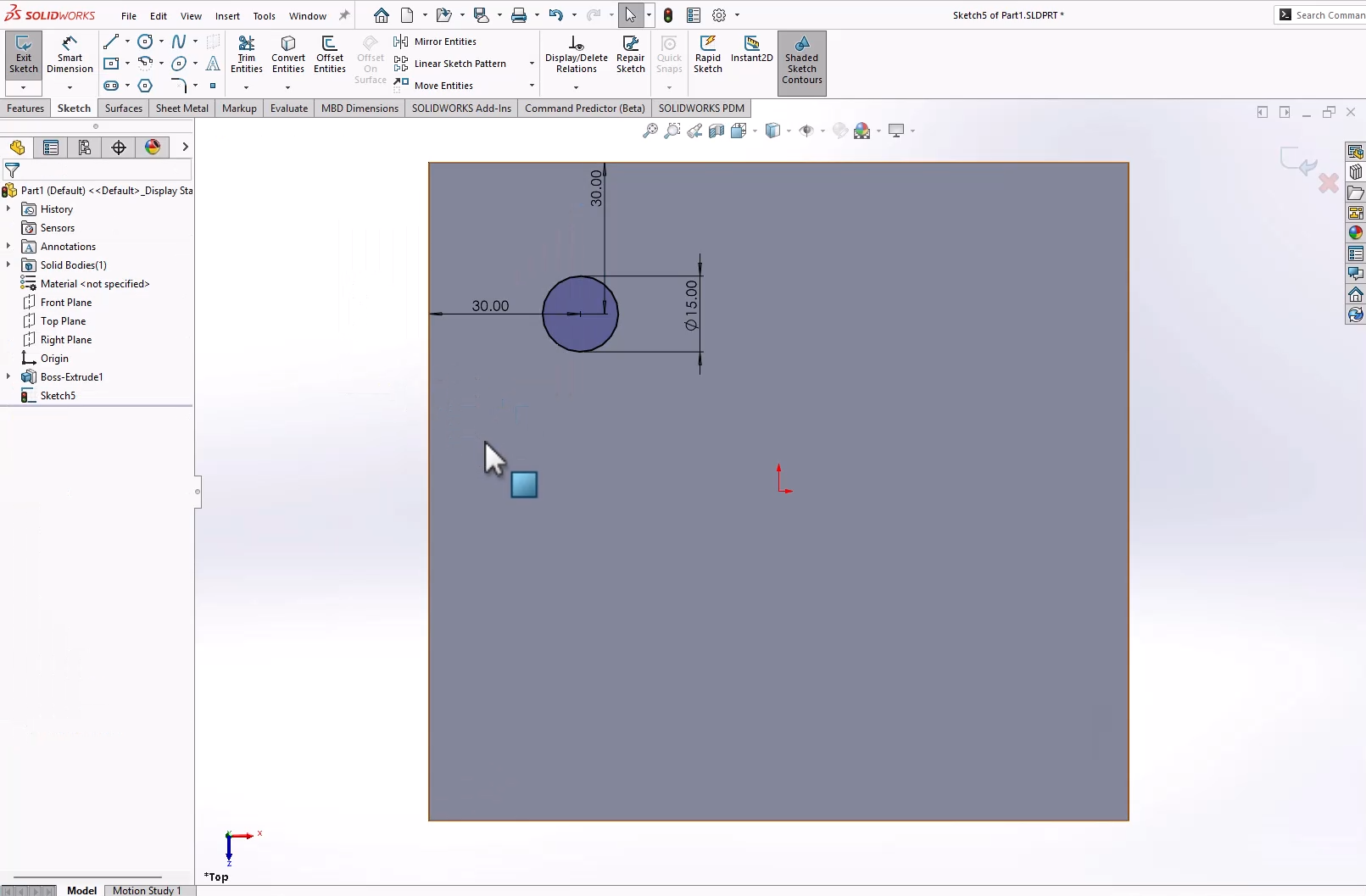
Aside from basic sketch tools, knowing how to dimension holes is a fundamental SOLIDWORKS skill. Without dimensioning holes, models lack design intent and leave out critical manufacturing information. With any part, there are multiple ways to add holes and apply dimensions. The two most common…
How to Show Dimensions When Creating a Sketch in SOLIDWORKS
By Ryan Burgess on March 20, 2026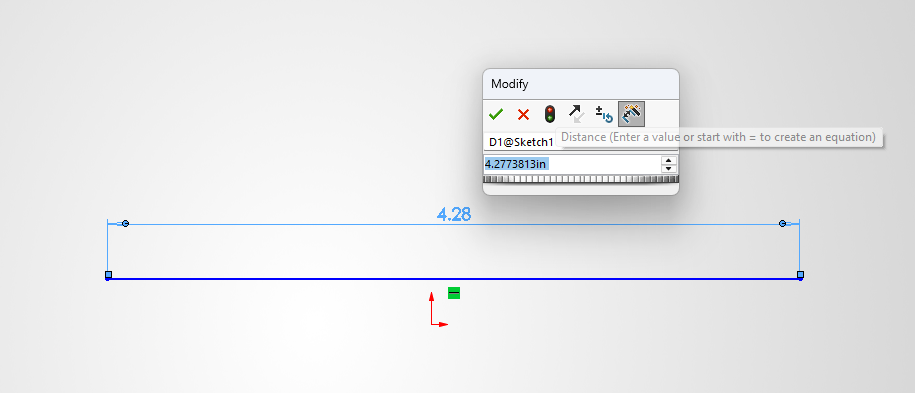
Sketches are the basis of everything inside SOLIDWORKS. Adding dimensions to sketches is an essential part of the sketching and design workflow. Dimensioning sketches can be done in multiple ways, and in this article, we’ll showcase the two most common methods to show dimensions when…
How to Make a Cone in SOLIDWORKS | Three Different Methods
By Ryan Burgess on March 11, 2026
Even the most fundamental SOLIDWORKS tasks can leave you stumped when there are so many ways to complete them. Knowing how to make a cone is one of those tasks that, depending on how you were trained, you may approach it differently. We’ll review the…
How to Create a Sphere in SOLIDWORKS | Three Different Methods
By Ryan Burgess on February 13, 2026
There are several different approaches to create a sphere in SOLIDWORKS. While it is a straightforward task, you may need to use one or all of the methods depending on your requirements.

While there isn’t a specific command to lock a sketch in SOLIDWORKS, there are a handful of methods that can achieve this depending on your goal. The best method to lock SOLIDWORKS sketches comes down to what you need to protect them for. Whether you…
Using SimulationXpress for Free FEA Analysis
By Ryan Burgess on November 26, 2025
SOLIDWORKS SimulationXpress is a powerful yet accessible tool for structural simulation and validation. Whether you are new to finite element analysis (FEA) or just curious about how loading might affect your model, SimulationXpress offers a great starting point to run first-pass FEA analysis on SOLIDWORKS parts.
Using FloXpress for Free CFD Analysis
By Ryan Burgess on November 18, 2025
FloXpress is a powerful yet accessible tool for fluid flow simulation. Whether you are new to computational fluid dynamics (CFD) or just curious about how fluids might behave in your model, FloXpress offers a great starting point to get your feet wet with CFD. What…
Getting Started with SOLIDWORKS for Makers
By Ryan Burgess on October 22, 2025
SOLIDWORKS for Makers is an incredibly accessible way to get hands-on with professional 3D design tools for your personal projects.
Utilizing the Form Tool for Sheet Metal Parts
By Ryan Burgess on October 8, 2025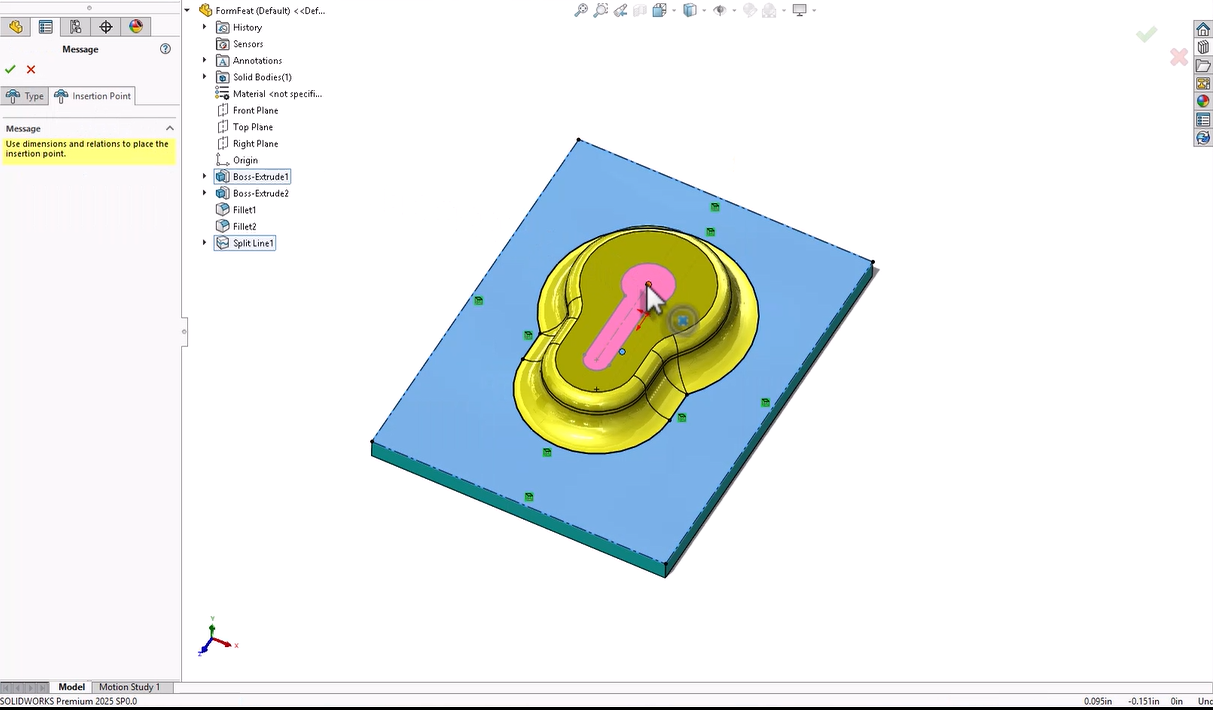
When designing sheet metal parts in SOLIDWORKS, the Form tool allows you to create shapes and features that are to be manufactured with a press or punch-style tool. This feature allows you to add more complex shapes and features, such as vents, louvres, flanges, and…
Using the SOLIDWORKS PDM Web2 Client for External Access
By Ryan Burgess on September 29, 2025
Accessing SOLIDWORKS PDM remotely can be done through different means, but ensuring access across many devices, browsers, and operating systems can be done with the SOLIDWORKS PDM Web2 Client. SOLIDWORKS PDM is a powerful tool for data management across an organization for everyone from engineers…
Using Document Groups to Get Organized
By Ryan Burgess on September 12, 2025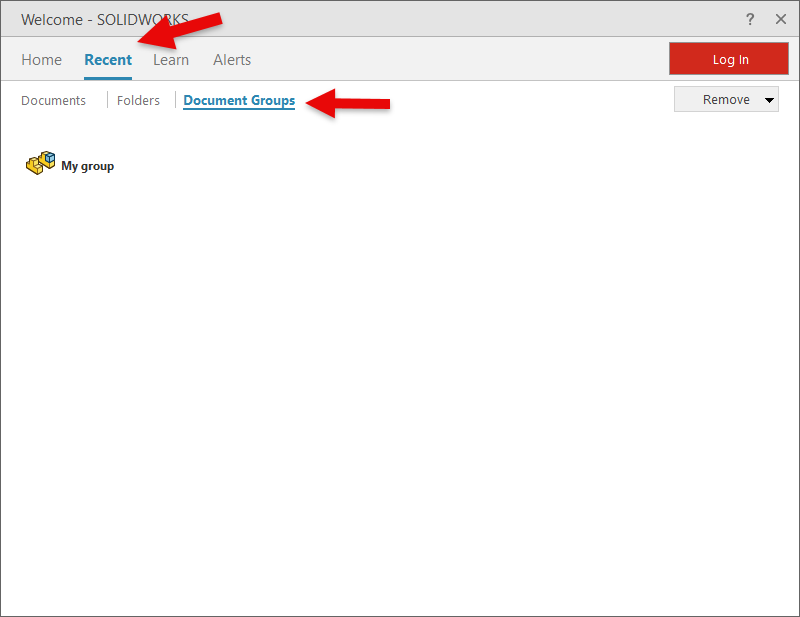
Has this ever happened to you? You’ve been deep into designing and developing a project, working furiously, and before you know it, you have multiple part files, a few assemblies, and some drawings open. It’s late, and time to call it a day, but you…
Creating a Photorealistic Render of a Disc Golf Basket in SOLIDWORKS Visualize
By Ryan Burgess on August 7, 2025
Recently, The TriMech Group has partnered with the Disc Golf Pro Tour to help support the growth of one of the most electric sports alongside its passionate community of athletes and fans. In previous articles, our team has been showcasing powerful SOLIDWORKS modeling techniques to…
What to Consider When Switching CAD Systems
By Ryan Burgess on August 5, 2025
Switching CAD systems isn’t something you do without making sure you understand the implications and undertaking to get there. You need to be sure that your team will be supported not only for the transition but for future growth and expansion. There’s more that goes…
Understanding 6W Tags on the 3DEXPERIENCE Platform
By Ryan Burgess on April 11, 2025
The 3DEXPERIENCE platform is an all-in-one cloud-based CAD, storage, and collaboration platform. You can design online with browser-based CAD tools like, xShape and xDesign or connect the platform to SOLIDWORKS to enhance your workflow with the suite of tools available through the 3DEXPERIENCE platform. When…