


Blog Tag
Showing 1-15 of 44.
SOLIDWORKS What’s New
SOLIDWORKS What’s New tech tips and tutorials from the Javelin team
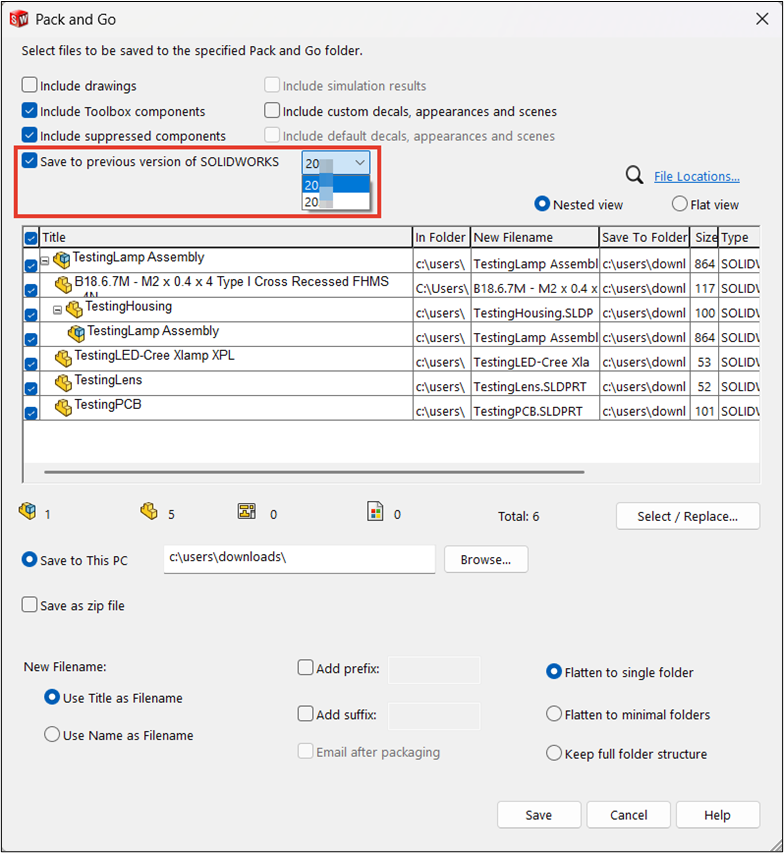
How to Save Previous Version Files in SOLIDWORKS
The ability to save previous version files in SOLIDWORKS was introduced in the 2024 release to avoid complications between users…
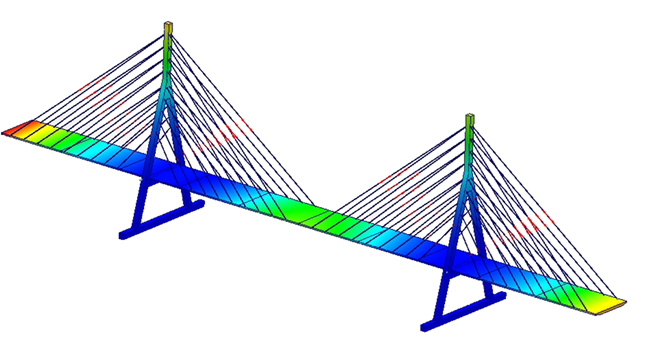
How to Use Cable Connectors in SOLIDWORKS Simulation
Cable connectors in SOLIDWORKS Simulation are a powerful feature for virtually representing cables, ropes, and chains. These are important supporting…
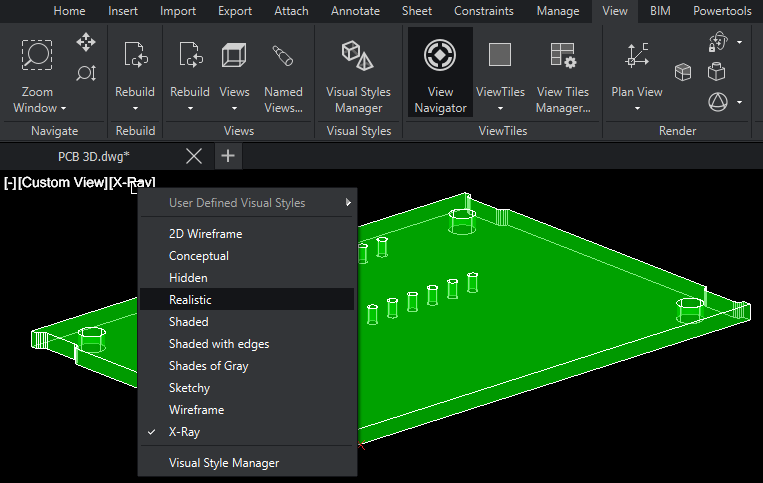
The Best Features in DraftSight 2026
DraftSight 2026 has added a host of new features and enhancements to improve your productivity. Most of these features dropped…
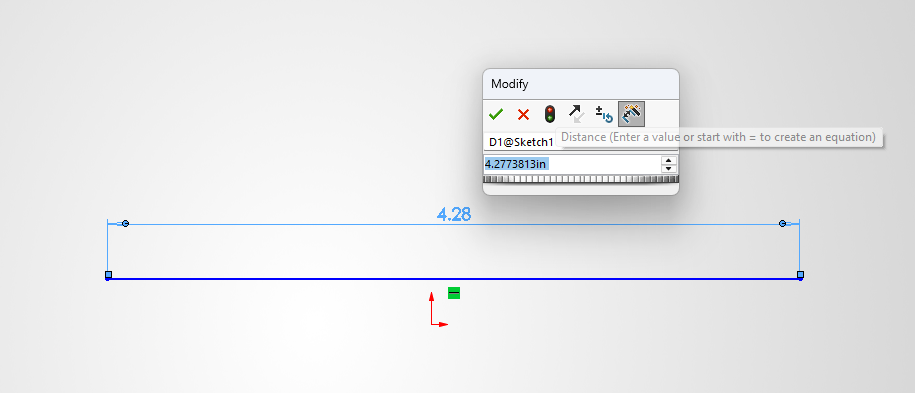
How to Show Dimensions When Creating a Sketch in SOLIDWORKS
Sketches are the basis of everything inside SOLIDWORKS. Adding dimensions to sketches is an essential part of the sketching and…

Introducing the Start Page in DraftSight 2026
Before DraftSight 2026, users were met with an empty drawing when launching the software. While this can let you immediately…
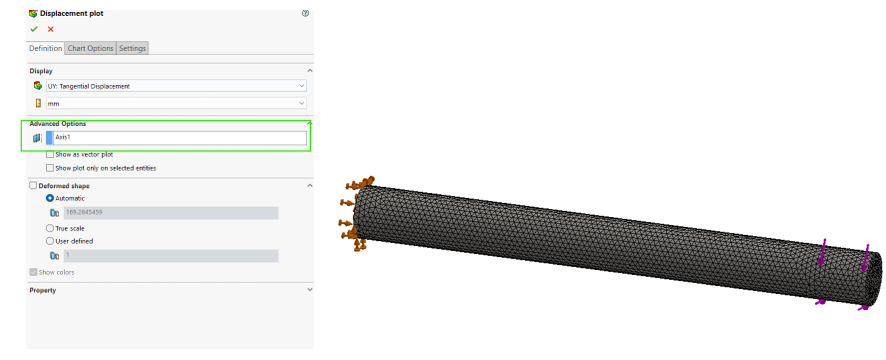
Evaluating Angular Deformation using SOLIDWORKS Simulation
When post-processing simulation results, we may want to evaluate the angular displacement of components. Angular deformation represents the rotational displacement…

Top 10 Enhancements in SOLIDWORKS 2026
The SOLIDWORKS 2026 Launch is just around the corner. This year, SOLIDWORKS is bringing 30 years of innovation, pulling out all the stops, and giving us the best release yet!

Override Document Level Tree Display to Change How Components are Listed
The FeatureManager Tree in a SOLIDWORKS assembly contains a wealth of information. However, the tree display can get a bit…
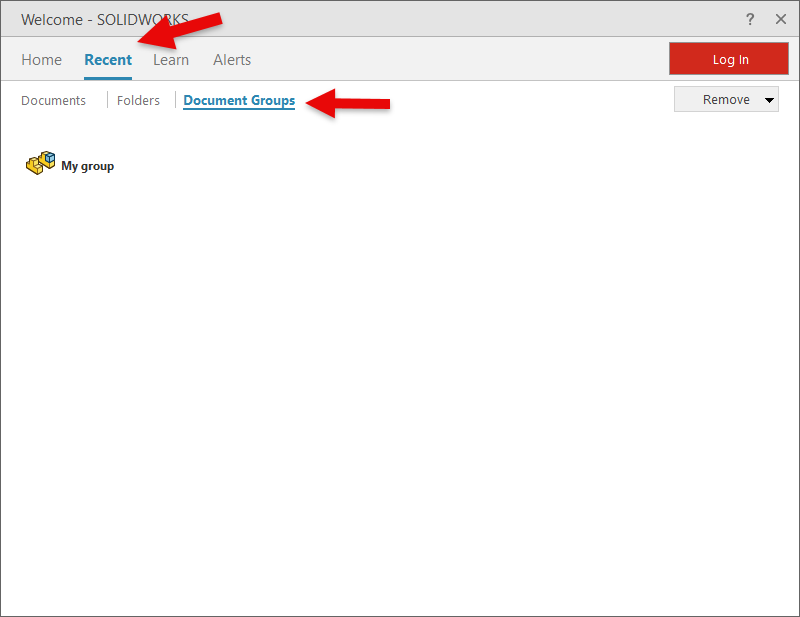
Using Document Groups to Get Organized
Has this ever happened to you? You’ve been deep into designing and developing a project, working furiously, and before you…

Where can I find the latest release of SOLIDWORKS What’s New documentation?
The SOLIDWORKS what’s new documentation is an infinitely popular request during each product release season, Aside from some light bedtime…

SOLIDWORKS PDM 2020 Web2 Download with References
The need to access data online continues to increase. The Web2 client of SOLIDWORKS PDM Professional 2020 delivers expanded capabilities…
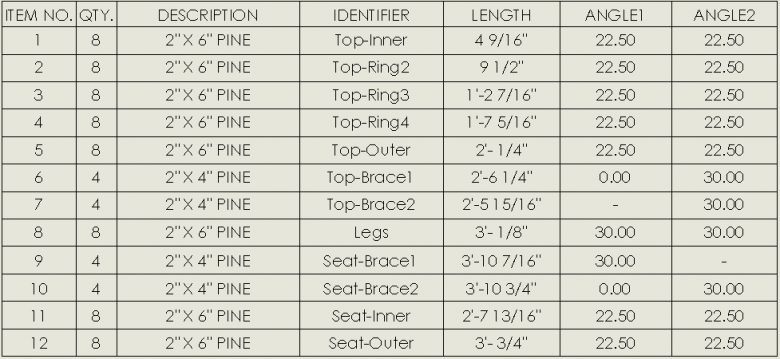
Enhance your SOLIDWORKS Cut List by including Custom Folder Names
A great new enhancement for SOLIDWORKS 2018 is the ability to make SOLIDWORKS cut list folder names a custom property!…

SOLIDWORKS 2018 Smart Explode Lines
Finally! The only boring part of making an exploded view (connecting all of the parts with explode lines) has been…
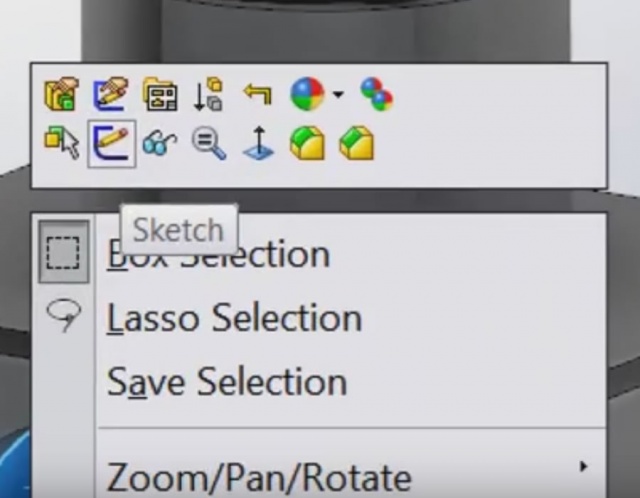
How to customize SOLIDWORKS Feature Manager Context Sensitive Popup Menus [VIDEO]
With every release of SOLIDWORKS, we gain new methods of customizing the user interface to our specific needs. As a follow…

SOLIDWORKS 2016 Dimensioning Pre-Selected Entities
This is the third article from the “What’s Really New in SOLIDWORKS 2016” series, where we continue to extensively test…