


Blog Tag
Showing 1-15 of 86.
3DEXPERIENCE
The 3DEXPERIENCE platform provides a Safe, Social, Connected, Informed and Structured environment for team leaders, project managers and other professionals who want to manage data on the cloud and collaborate without constraints.

How to Navigate the DSx.Client Care & Order Website
The DSx.Client Care & Order website allows you to add, remove, or modify access to subscription benefits for your organization….
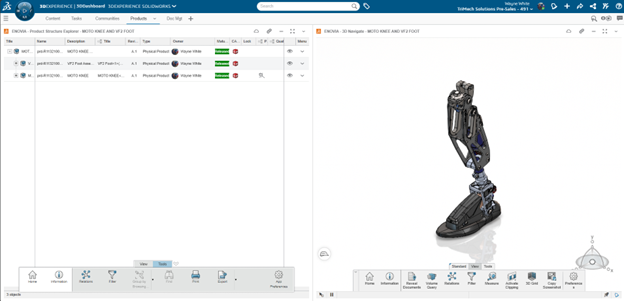
Enhancing Productivity with 3DEXPERIENCE Filters
The 3DEXPERIENCE platform is a powerful business experience designed to help organizations create collaborative experiences for their customers. While data…

Comparing Drawing Revisions Using 3DMarkup on 3DEXPERIENCE
Visualizing changes in product designs for both parts and drawings helps to simplify the review and approval process. Comparing drawing…

Unlocking the Power of SOLIDWORKS Cloud Services
Have you been wanting to start your journey with the 3DEXPERIENCE platform, but weren’t sure of how best to incorporate…
The True Cost of Only Designing in 2D
I have seen many companies that seem to be content with 2D-only CAD design capabilities because of their lower cost…
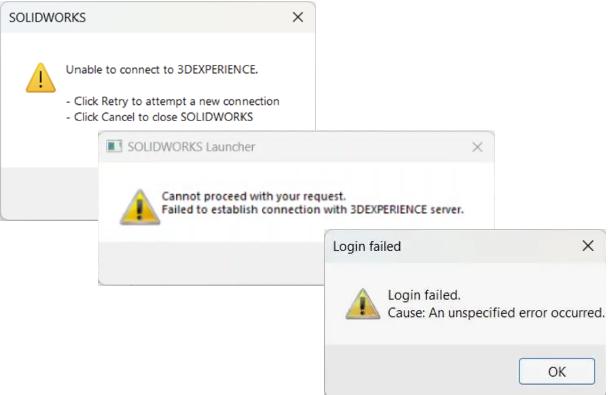
Troubleshooting 3DEXPERIENCE Connection Errors
The 3DEXPERIENCE platform enhances collaboration and eliminates geographical barriers for designers. As this is an online platform, a solid connection…
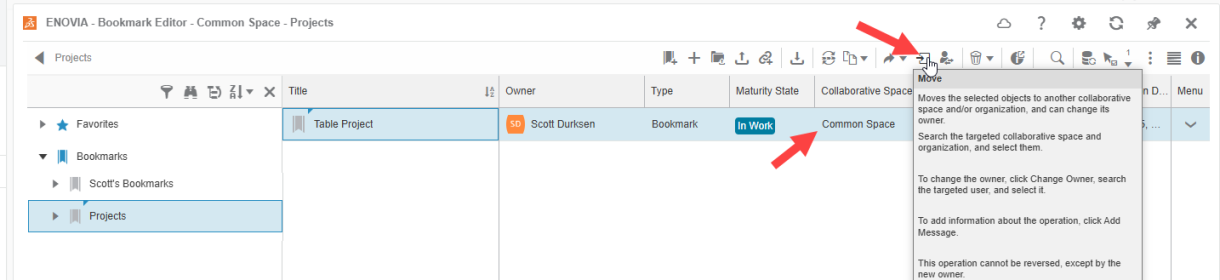
Troubleshooting Missing Bookmarks in 3DEXPERIENCE Bookmark Editor
Bookmarks in 3DEXPERIENCE are a powerful tool for organizing designs and data, helping users keep track of important files and…

3D Printing Optimization and Preparation with 3DEXPERIENCE
The SOLIDWORKS xDesign bundle includes powerful browser-based tools for 3D printing optimization and preparation to quickly run validation on your parts and assemblies designed for 3D printing applications.

3DEXPERIENCE File Management – Lock, Revise & Protect Data
3DEXPERIENCE includes cloud-based collaboration among your team. With that power comes ways to ensure that your hard work is not…

SOLIDWORKS xDesign Assembly Modeling Basics
SOLIDWORKS xDesign assembly happens in a single modeling environment meaning that everything happens within the same design space, with no distinction between part and assembly files.

3DEXPERIENCE Model-Based Definition and 2D Drawings
Like the other browser-based modeling tools available through the SOLIDWORKS xDesign bundle, the xDrawing app enables users to design and collaborate…

Leap Beyond with 3DEXPERIENCE Cloud PLM Professional
3DEXPERIENCE Cloud PLM Professional offers deep functionality for furthering cloud-connected design and release control. But which 3DEXPERIENCE roles are included and how can they help your team?

Creating Features and Accessing Properties in xDesign
Like the other browser-based modeling tools available through the SOLIDWORKS xDesign bundle, the xDesign app enables users to design and…

Understanding 6W Tags on the 3DEXPERIENCE Platform
The 3DEXPERIENCE platform is an all-in-one cloud-based CAD, storage, and collaboration platform. You can design online with browser-based CAD tools…

Mastering the Essentials of 2D Sketching in SOLIDWORKS xDesign
Like the other browser-based modeling tools available through the SOLIDWORKS xDesign bundle, the xDesign app enables users to design and…