


Blog Tag
Showing 1-7 of 7.
Best Practices
Tech tips, tutorials, and best practices for Best Practices from the Javelin technical team
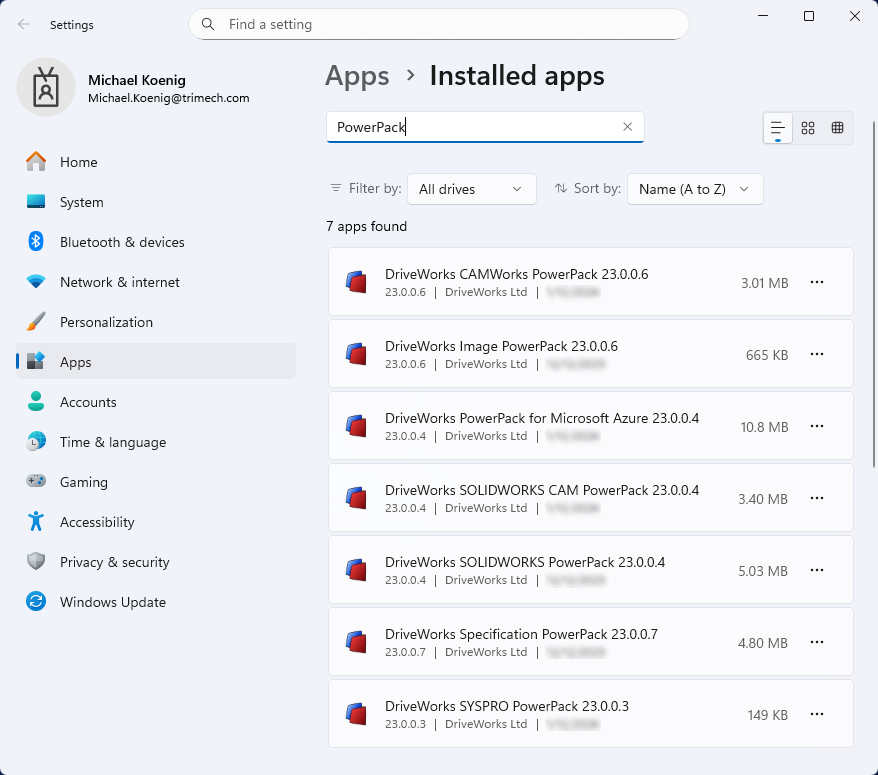
Keeping DriveWorks PowerPacks Up to Date for Enhanced Functionality
DriveWorks PowerPacks are plugins for the core DriveWorks Pro software installation. They include additional specification tasks, generation tasks, and functions…

Top 10 Tips for SOLIDWORKS Assembly Modeling
In the world of computer-aided design, SOLIDWORKS Assembly Modeling stands out as a powerful tool for creating intricate assemblies. Whether you’re designing complex machinery or elegant consumer products, mastering SOLIDWORKS can significantly enhance your productivity and efficiency. However, to truly unlock its potential, it’s essential to follow best practices for modeling assemblies. In this blog post, we’ll explore some key tips and techniques to help you streamline your assembly modeling process and achieve optimal results.

Using SOLIDWORKS Planes to create a DriveWorks Model
Often times people will ask for a “best practice” when modeling in SOLIDWORKS something that is intended to be used…

SOLIDWORKS Mate Best Practice #5: Don’t Mate Longer Than Necessary
Okay, so we’ve reached the end of our week of SOLIDWORKS Best Mating Practices. I’ve saved the best for last. There’s…
SOLIDWORKS Mate Best Practice #4: Don’t Mate Too Much (even if it’s a good idea!)
All of us who use assemblies in SOLIDWORKS know that mating can be fun (in SOLIDWORKS, of course). As a…
SOLIDWORKS Mate Best Practice #3: Don’t fight with your Mates
Welcome back, fellow SOLIDWORKS users for another installment of our SOLIDWORKS Mate Best Practice series. In the classic Star Trek…
SOLIDWORKS Mate Best Practice #1: Mate Before You Relate
Greetings, fellow SOLIDWORKS users! Welcome to my new blog series on the best practices of mating…in SOLIDWORKS of course! Over…