


Javelin / TriMech Author

Michael Koenig
Keeping DriveWorks PowerPacks Up to Date for Enhanced Functionality
 By Michael Koenig on January 23, 2026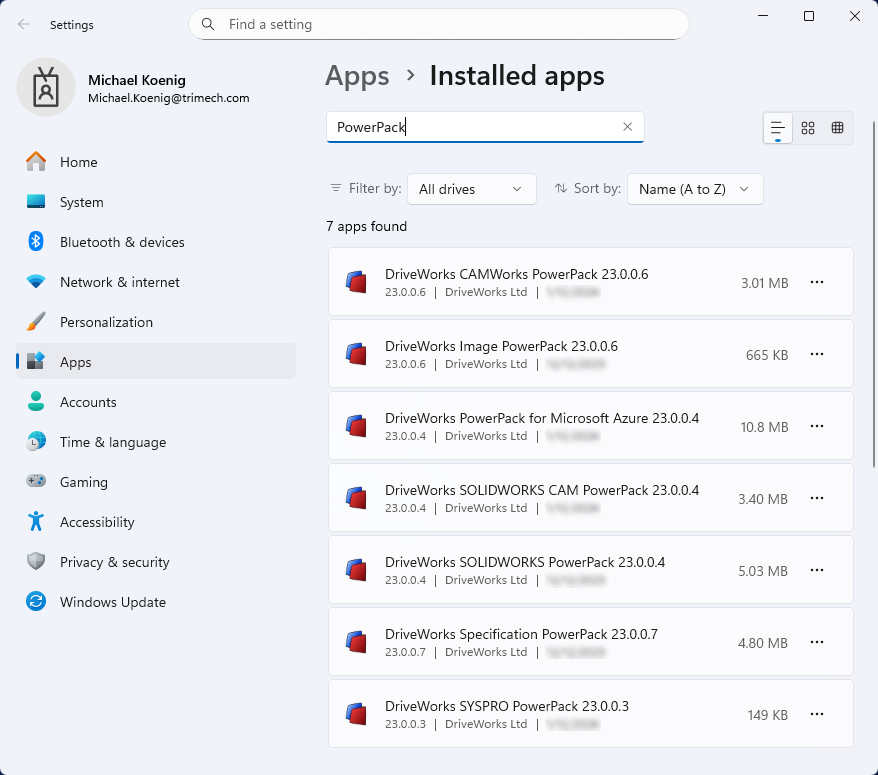
DriveWorks PowerPacks are plugins for the core DriveWorks Pro software installation. They include additional specification tasks, generation tasks, and functions that you can incorporate into your projects. These PowerPacks are created for DriveWorks by DriveWorks, so you can be assured of a seamless integration. As…
Logging Operations in SOLIDWORKS PDM Professional
By Michael Koenig on January 21, 2026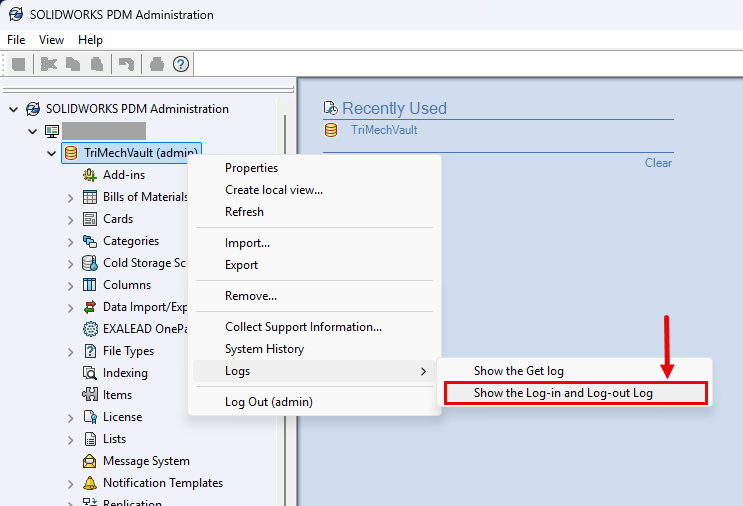
Staying up to date with the latest release of SOLIDWORKS Products gives you access to new features that can help your productivity. Introduced in SOLIDWORKS PDM Professional 2025 are two additional features within the logging operations functionality of the software. A new log that shows…
Understanding SOLIDWORKS PDM Search Results When Models have Multiple Configurations
By Michael Koenig on August 4, 2025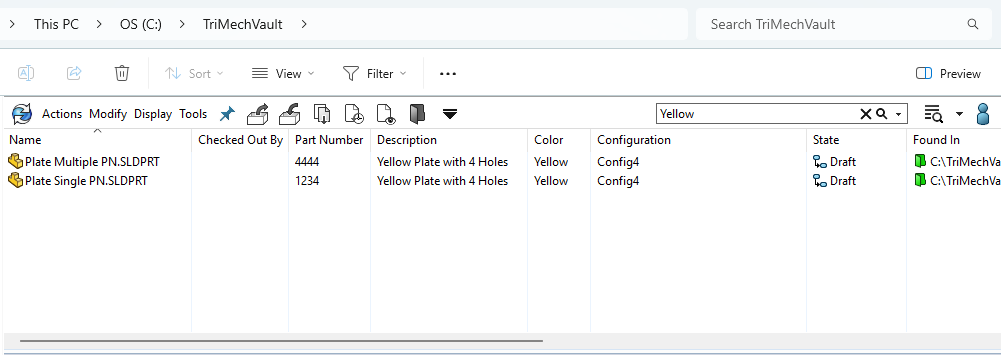
In SOLIDWORKS PDM, you can search for files in the vault based on certain criteria, including being able to search for specific file variables. For example, if you don’t know the name of a file, you can search for its description or some other variable…

Learn how to leverage Input Formulas in SOLIDWORKS PDM Professional to dynamically populate Edit-box controls on data cards using variables, static text, and functions for streamlined workflows.

DriveWorksXpress automates the generation of SOLIDWORKS models and drawings by creating variations of a master model.

SOLIDWORKS PDM copies files between the client machine and server machine, so that users are always working on files stored locally on their computer. Clients connect to the server through a working folder called the local vault view which is where files are cached. This…

SOLIDWORKS PDM Data Card Control Logic determines the display of a control through a condition. Learn how to set it up with this step-by-step example.
SOLIDWORKS PDM Admin User and its Special Privileges
By Michael Koenig on February 7, 2024
Every SOLIDWORKS PDM vault contains a default user named Admin. That’s because this user is automatically added upon the creation of a new vault and cannot be deleted. In this article, we will look at some of the privileges of the SOLIDWORKS PDM admin user….
Upgrading SOLIDWORKS Toolbox within SOLIDWORKS PDM
By Michael Koenig on April 20, 2021
If your SOLIDWORKS Toolbox is stored within the vault, you have the option to manually upgrade it, or my preferred method is to use the Installation Manager as I’ve outlined here: How to upgrade SOLIDWORKS Toolbox using the Installation Manager In this scenario, the upgrade…

Here is the Process to manually update Toolbox: Make a copy of your existing SolidWorks Data folder, for backup purposes. Make sure that you have write access to swbrowser.sldedb, located the lang/engish folder of the Toolbox directory. To check the properties of swbrowser.sldedb right-click on…