


Blog Tag
Showing 1-6 of 6.
Image Quality
Tech tips, tutorials, and best practices for Image Quality from the Javelin technical team

How to Export Images with Higher Resolution from SOLIDWORKS
Have you ever worked on a model in SOLIDWORKS and wanted to export images from the graphics area in the…
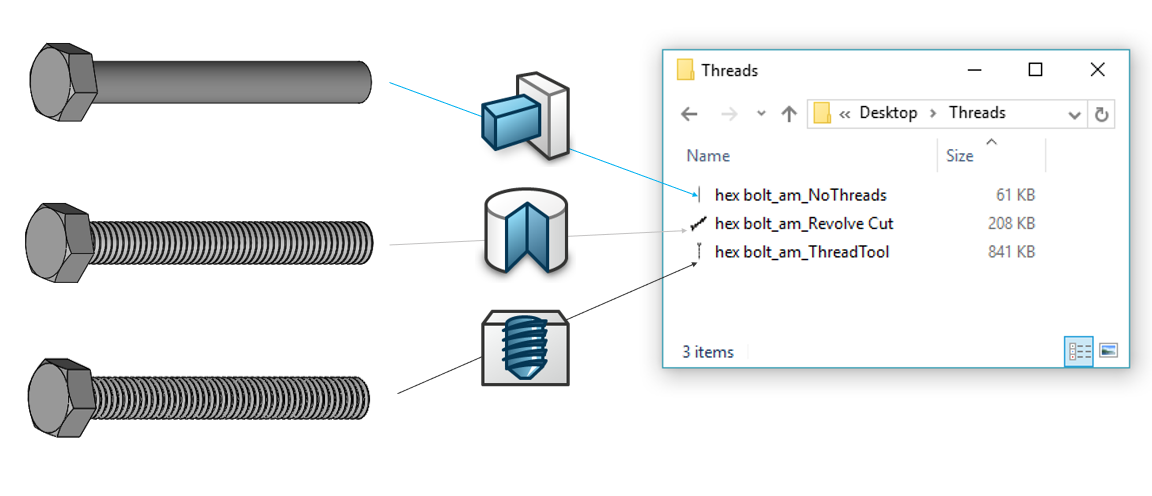
Optimizing Downloaded Models in SOLIDWORKS
Most SOLIDWORKS users have worked with downloaded models at one time or another. Some use them every day. Regardless of…

SOLIDWORKS 2019 Warning when Inserting Complex Components
Everyone wants improved performance when working with their assemblies. If this is causing a significant hindrance to your productivity, let…

How to adjust Part Image Quality to improve SOLIDWORKS Large Assembly Performance
Working with large assembly files in SOLIDWORKS is a challenge and requires some training. Using SOLIDWORKS Large Assembly Performance techniques is…

The Impact of SOLIDWORKS Image Quality on File Size
One of the many interesting things I’ve learned at Javelin is the effect that the SOLIDWORKS Image Quality setting has on…
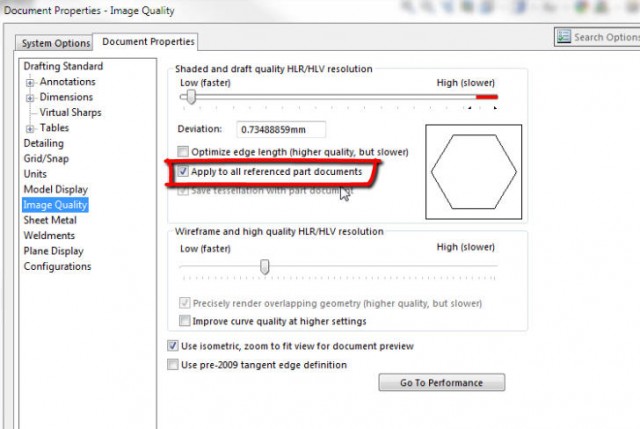
SOLIDWORKS Assembly Image Quality Overrides Component Setting
Working with SOLIDWORKS assemblies, you may come across a component displayed with low resolution in spite of its image quality set high. …