


Javelin / TriMech Author

Mike Walloch, CSWE
The Best Features in DraftSight 2026
 By Mike Walloch, CSWE on April 13, 2026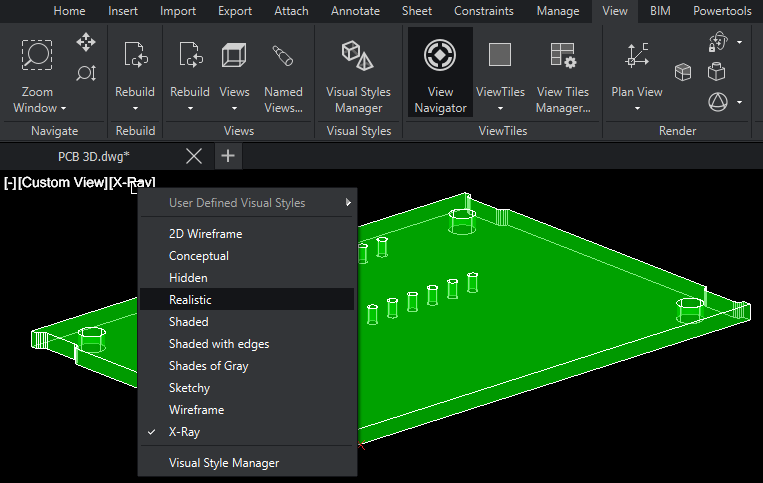
DraftSight 2026 has added a host of new features and enhancements to improve your productivity. Most of these features dropped during the 2026 launch, but keep your eye open for future enhancements through service pack releases. While some of these features are reserved for the…
Introducing the Start Page in DraftSight 2026
By Mike Walloch, CSWE on March 16, 2026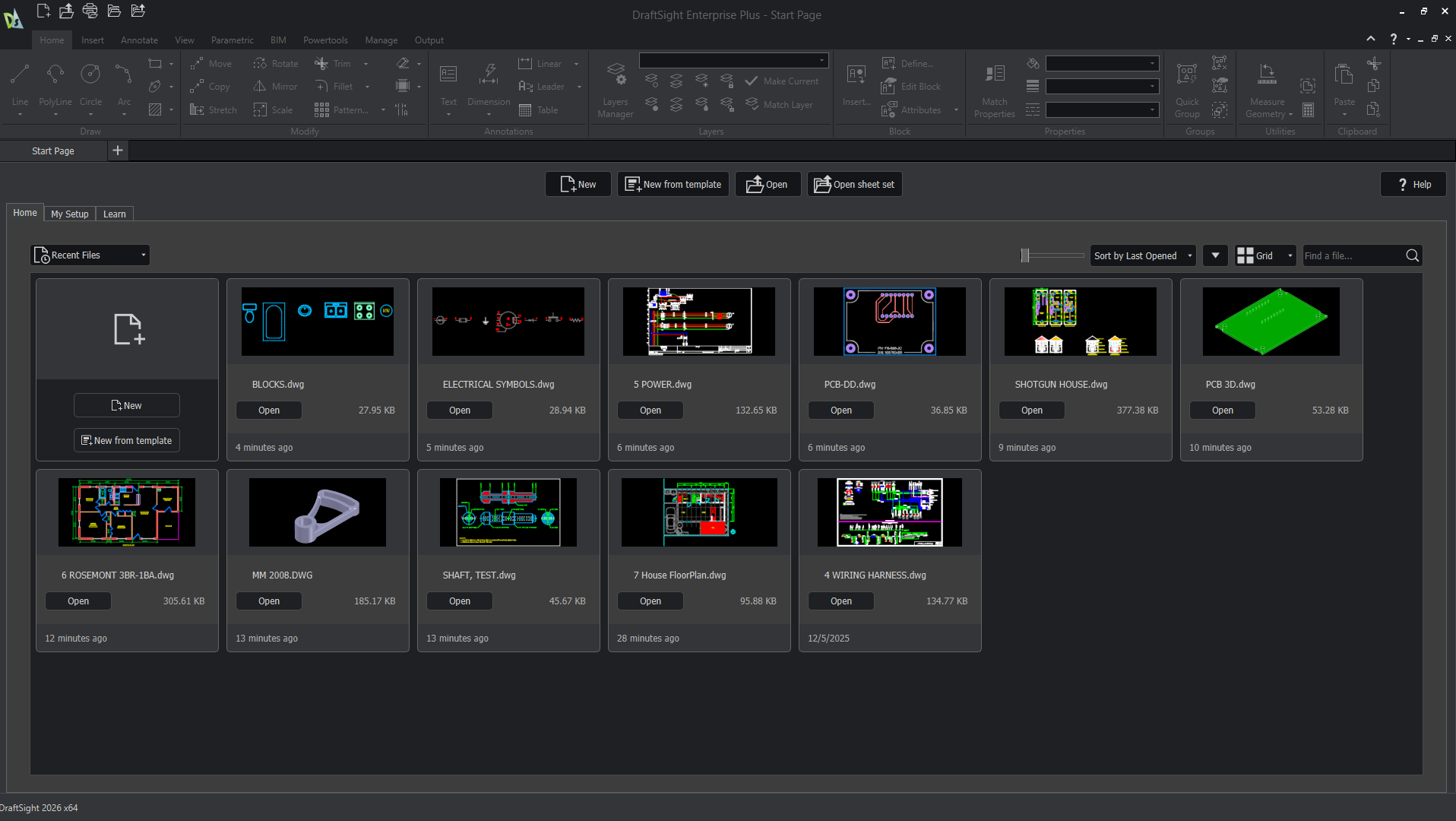
Before DraftSight 2026, users were met with an empty drawing when launching the software. While this can let you immediately start a new drawing or navigate elsewhere, beginners would be left without much guidance. For premium-level licenses, including DraftSight Premium, Enterprise Plus, and Mechanical, you…
Understanding The Hatch and Fill Area Commands in DraftSight
By Mike Walloch, CSWE on February 4, 2026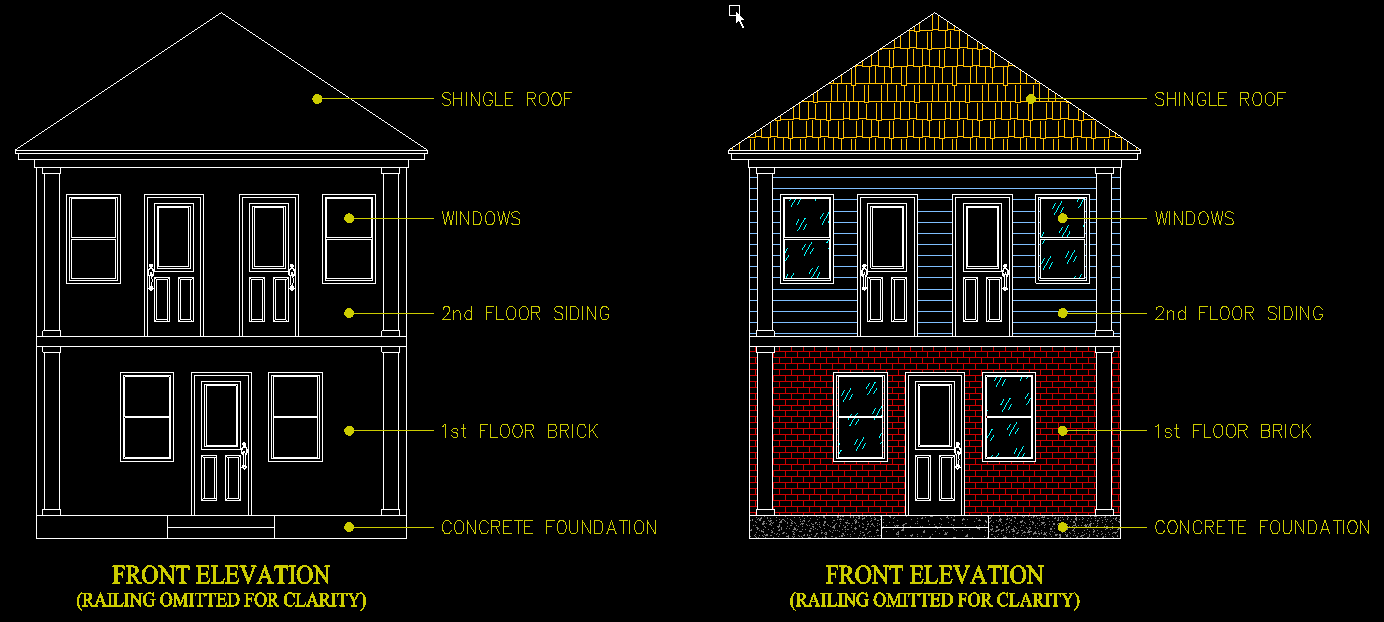
There have been some big changes to Hatches, Color Fills, and Gradients in recent DraftSight updates. These Hatch entities are more robust, with more options to make our drawings ‘pop’ with top-notch visual effects than ever before. Recently, DraftSight has been transitioning from old-school pop-up…
How to Use Block Attributes, Linked Fields, and DIESEL Expressions in DraftSight 2026
By Mike Walloch, CSWE on January 14, 2026
Similar to notes, tools like fields, block attributes, and DIESEL expressions are available text options in DraftSight 2026. They’re also top-notch automation tools that will save you a ton of time and effort. Text on any drawing is a big deal. It would be hard…
Modeling Thin Walled Parts | TriMech Training Tidbits
By Mike Walloch, CSWE on November 19, 2025
SOLIDWORKS is the most popular CAD application for mechanical engineering and product design. Learning how to use it effectively is essential to millions of professional CAD users. TriMech’s instructor-led training is a great way to learn SOLIDWORKS quickly. I’ll guide you through the process of…
How to Create A Virtual Subassembly in SOLIDWORKS
By Mike Walloch, CSWE on November 5, 2025
Not all SOLIDWORKS assemblies are created equal, especially not in terms of performance. Two versions of a geometrically identical assembly could open and rebuild faster or slower based on choices made during modeling. Using a virtual subassembly can make our mate schemes more efficient, especially…
Override Document Level Tree Display to Change How Components are Listed
By Mike Walloch, CSWE on October 13, 2025
The FeatureManager Tree in a SOLIDWORKS assembly contains a wealth of information. However, the tree display can get a bit cluttered with information you don’t particularly need for the job at hand. One such case is how assembly components are listed in the tree. SOLIDWORKS…
Best Practices for Taming the SOLIDWORKS View Palette
By Mike Walloch, CSWE on September 25, 2025
SOLIDWORKS has many options designed to increase speed, efficiency, and user convenience. Unfortunately, they aren’t always the same, and improvements in one area can come at a cost in another. Such is the case when working with a drawing’s View Palette. What is the SOLIDWORKS…
Optimizing Downloaded Models in SOLIDWORKS
By Mike Walloch, CSWE on May 23, 2025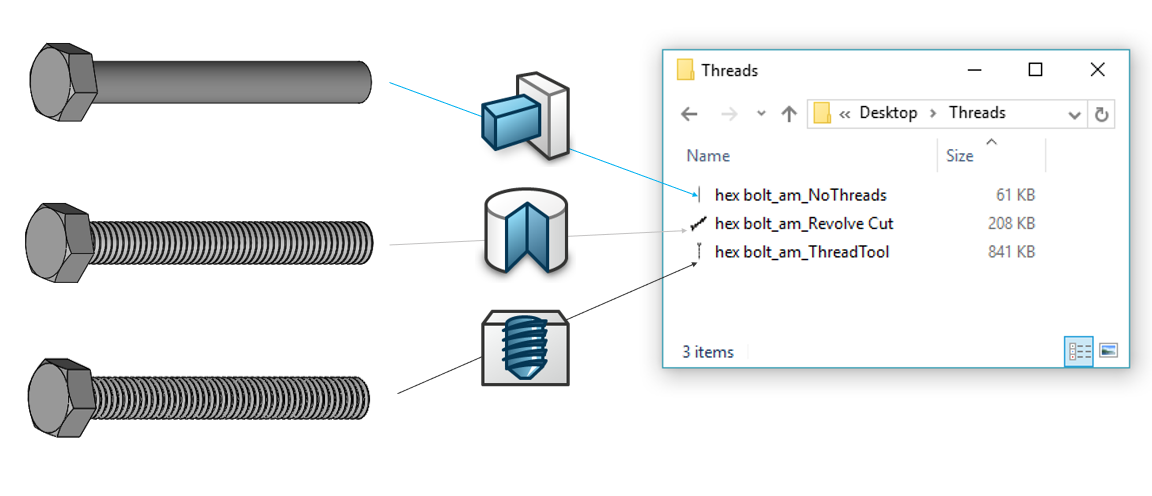
Most SOLIDWORKS users have worked with downloaded models at one time or another. Some use them every day. Regardless of what you’re using them for, there are best practices you need to know. Optimizing downloaded models is a crucial step to ensure future success with…
Increase Your SOLIDWORKS Assembly Speed by Hiding Lightweight Mode
By Mike Walloch, CSWE on May 5, 2025
Lightweight Mode was added to SOLIDWORKS a long time ago to help assemblies open faster. It does an exceptional job at that task. Some assemblies will open about twice as fast in Lightweight Mode as in Resolved Mode, but not everybody knows when to use…
Opening a Drawing with SOLIDWORKS Detailing Mode
By Mike Walloch, CSWE on March 31, 2025
One of the biggest benefits of taking certified, instructor-led SOLIDWORKS training is the knowledge shared by our team to help avoid common pitfalls or committing a SOLIDWORKS rookie mistake. While trying to learn on your own has the potential to go smoothly, it often leads…
Increase Your Efficiency with the SOLIDWORKS User Interface
By Mike Walloch, CSWE on January 13, 2025
We all want more efficiency, especially when it comes to work. The faster you can get your job done, the faster you can move on to another task, be it the next hot project, or a little quality time with your phone. The good news…

TriMech provides students access to a cloud-based training lab with individual virtual machines for SOLIDWORKS and other digital classes, available 30 minutes before and after scheduled class times, with additional lab time assigned as needed.
How to Configure Sheet Metal Gauge in SOLIDWORKS
By Mike Walloch, CSWE on October 9, 2024
Sheet Metal Gauge is a setting SOLIDWORKS parts are assigned as soon as the first sheet metal feature is created. It’s easy to create and manage multiple variations of similar parts or assemblies using configurations. We frequently configure the values of dimensions, the suppression state of features, and part materials. Sheet metal parts are no different, and we can easily create configurations with different lengths, bend angles, cutouts, etc.

Going from AutoCAD to DraftSight offers us new tools but does the same job with more convenient licensing options and all at a fraction of the price.