


Blog Tag
Showing 1-8 of 8.
SOLIDWORKS Connected
Tech tips, tutorials, and best practices for SOLIDWORKS Connected from the Javelin technical team

Where are the SOLIDWORKS Connected Tutorials?
Learn how to access the great built-In, free SOLIDWORKS Connected tutorials integrated inside of 3DEXPERIENCE SOLIDWORKS.

SOLIDWORKS Connected: How to Access and Save Simulation Data
SOLIDWORKS Connected on the platform provides access to perform linear static simulation if you have activated 3DEXPERIENCE SOLIDWORKS Premium and…

How to Store and Access SOLIDWORKS Templates through 3DEXPERIENCE
Creating a new Part, Assembly, or Drawing file always starts with SOLIDWORKS templates. Template files specify necessary document properties like…
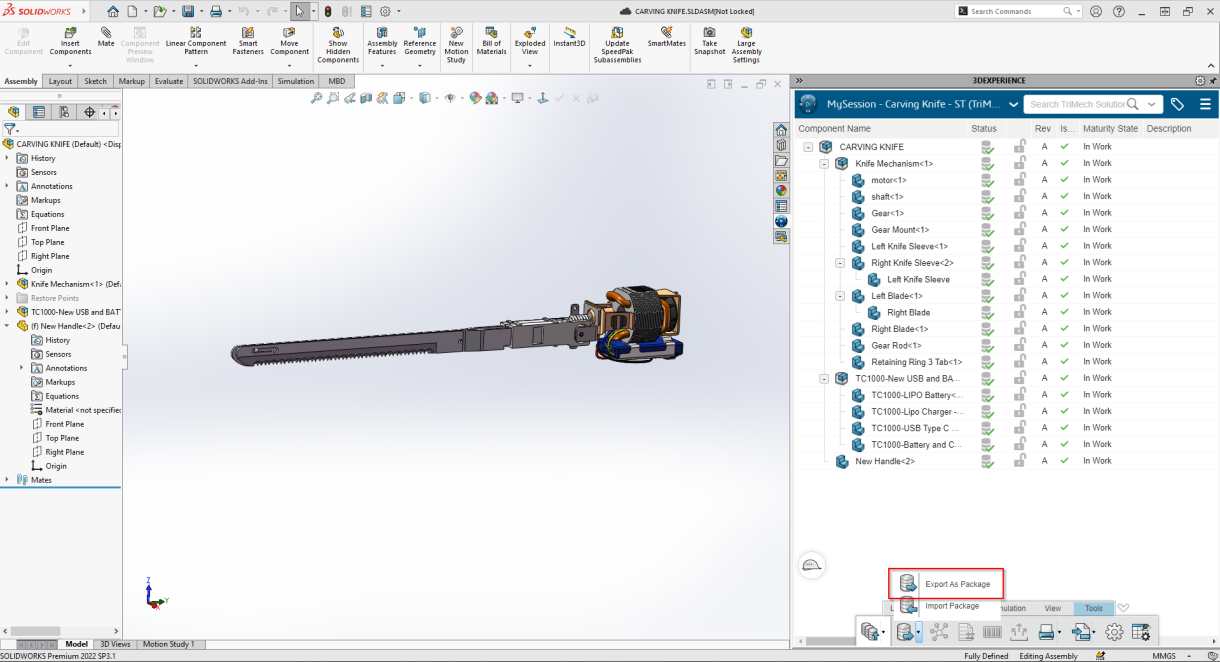
3DEXPERIENCE: How to Export as a Package
Collaborating with users outside of your organization just got easier! With the Export as a Package feature, you can quickly…

I have SOLIDWORKS Desktop, how do I get on the Cloud?
The future of design on the cloud was a big focus of 3DEXPERIENCE World 2022. When you have traditional desktop SOLIDWORKS…

Getting Started with 3DEXPERIENCE SOLIDWORKS for Makers and Obtaining Support
3DEXPERIENCE SOLIDWORKS for Makers is an effective tool to design, create, and model using the Professional version of SOLIDWORKS. Makers…

Should I choose SOLIDWORKS Desktop or 3DEXPERIENCE SOLIDWORKS?
New this year are the 3DEXPERIENCE SOLIDWORKS Offers, this is a cloud-connected version of SOLIDWORKS Standard, Professional and Premium software….
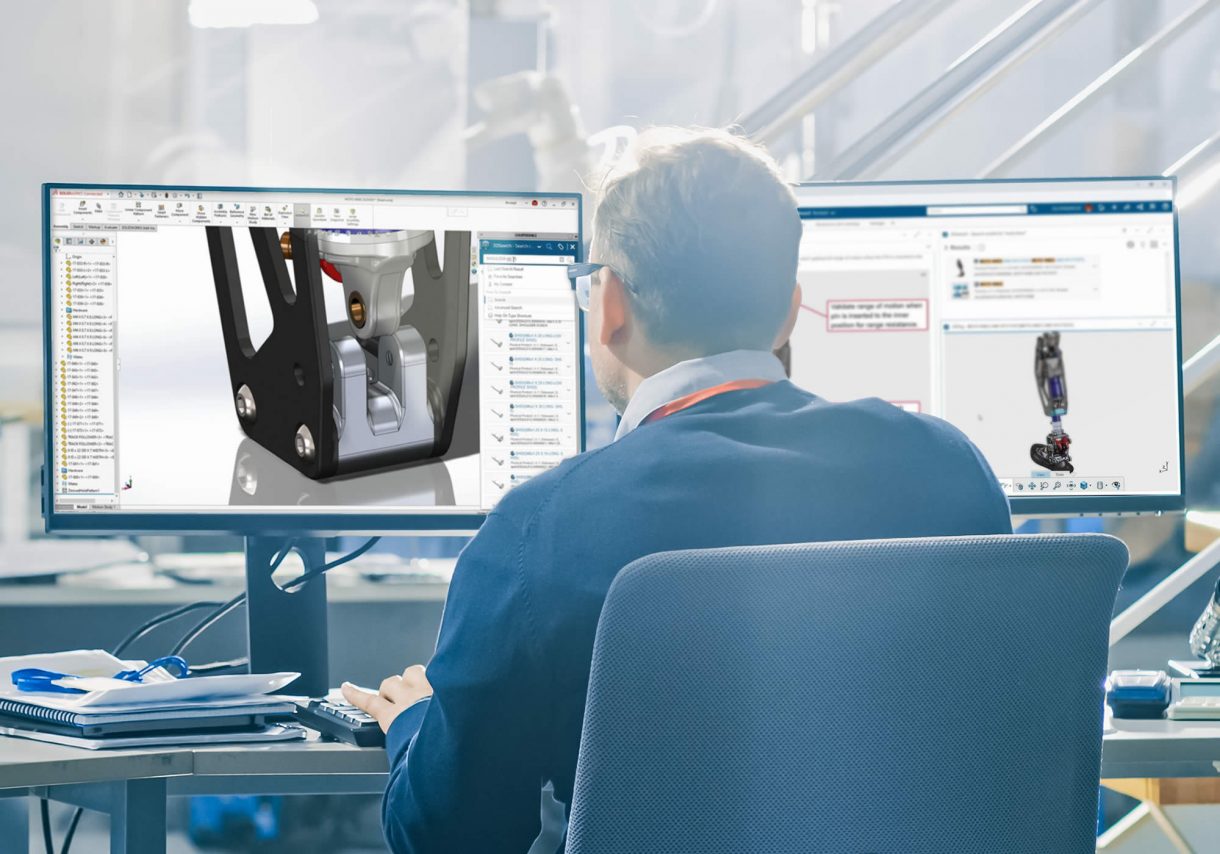
The difference between SOLIDWORKS Desktop and 3DEXPERIENCE SOLIDWORKS / Connected
There are now two distinct types of SOLIDWORKS software available from Dassault Systemes. SOLIDWORKS Desktop and 3DEXPERIENCE SOLIDWORKS / SOLIDWORKS…