


Blog Tag
Showing 1-10 of 10.
Stratasys F123
Tech tips, tutorials, and best practices for Stratasys F123 from the Javelin technical team

Tips on Stratasys 3D Printer Tip Calibration
At Javelin Technologies, we have trained thousands of customers on how to use their brand-new Stratasys dual extruder 3D printers…

3D Printing with PLA Tips and Tricks
A thermoplastic made from renewable resources, PLA helps you produce design concepts quickly and economically in 11 different colour options….

3D Printing Jigs & Fixtures can reduce fabrication costs by 50–90%
Watch the video below to learn how 3D printed jigs and fixtures for the production floor can reduce fabrication costs…
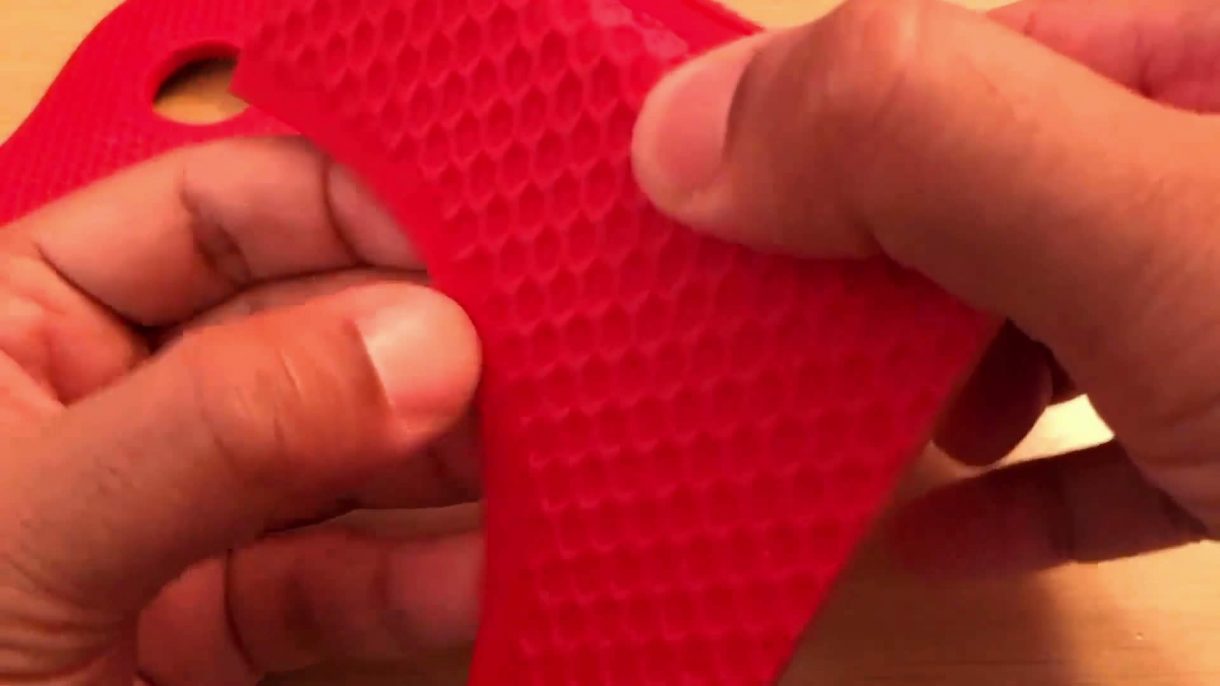
How to apply Textures to 3D Printed Parts with SOLIDWORKS
SOLIDWORKS users often need to create complex or repeating features, but these features can be time-consuming to generate, especially on…
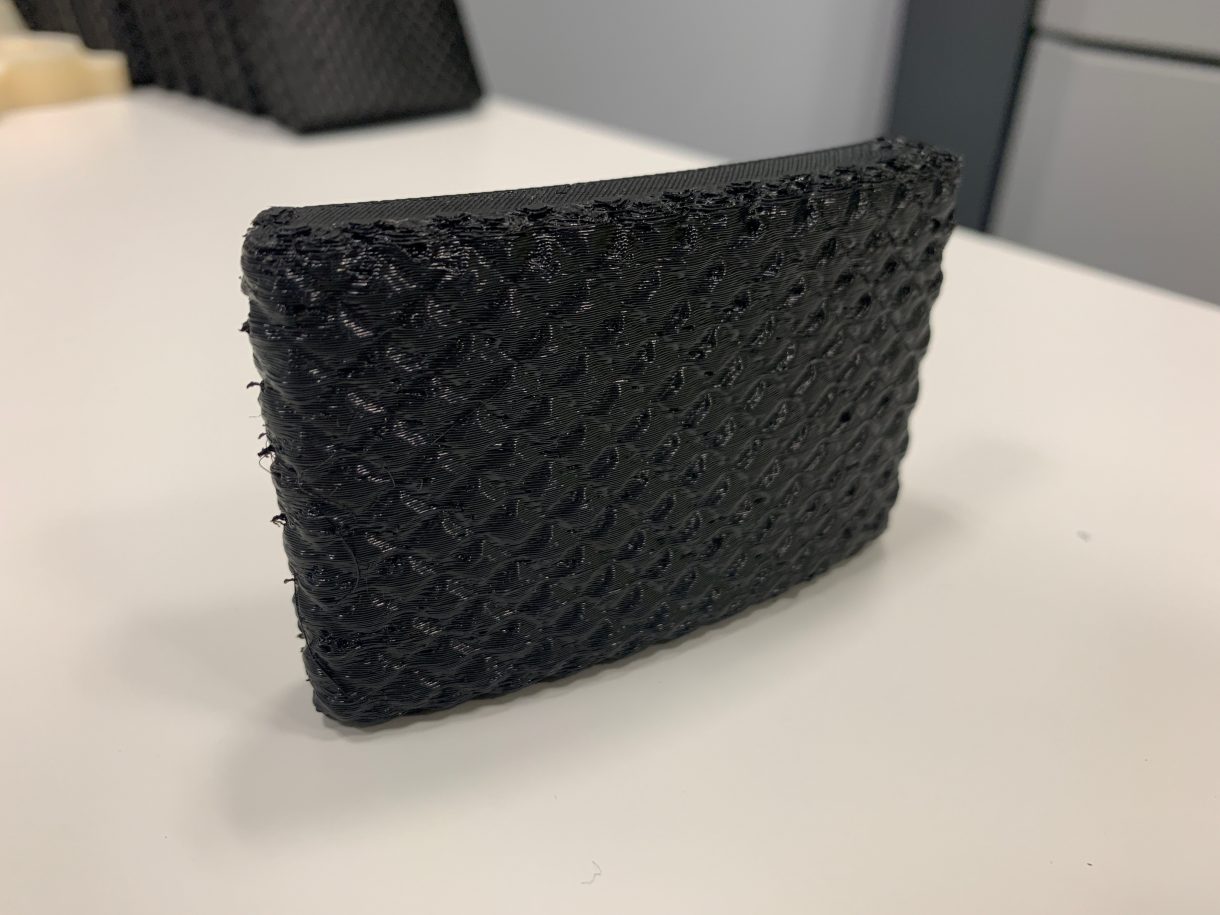
3D Printing Service – Brake Pedal Cover: TPU 92A Material
Here at Javelin Technologies, our 3D printers are hard at work. Whether it’s a 3D printing service job, a benchmark,…

3D Printing a Small-Block V8 Engine | PART 3
This is the third part of my 3D Printing a Small-Block V8 Engine Project using a Stratasys F123 Series 3D Printer….

3D Printing a Small-Block V8 Engine | PART 1
GM’s LS3 Engine is part of the company’s vast family of small-block V8’s. It was used in the Corvette for…

3D Printing Procedure for a Stratasys F123 Machine
Setting up a print job on the Stratasys F170 is quite simple and straight forward. One of the biggest strengths…

Introducing the new GrabCAD Print for SOLIDWORKS Add-in
In addition to the launch of the new Stratasys F123 Series at SOLIDWORKS World 2017 this week; Stratasys also launched…

The new Stratasys F123 3D Printer Series is designed for SOLIDWORKS prototyping
Stratasys Ltd., the 3D printing and additive manufacturing solutions company, have just unveiled a new professional, versatile and fast Fused Deposition…