


Blog Tag
Showing 46-60 of 146.
SW2017
SOLIDWORKS 2017 Tech Tips and Tutorials
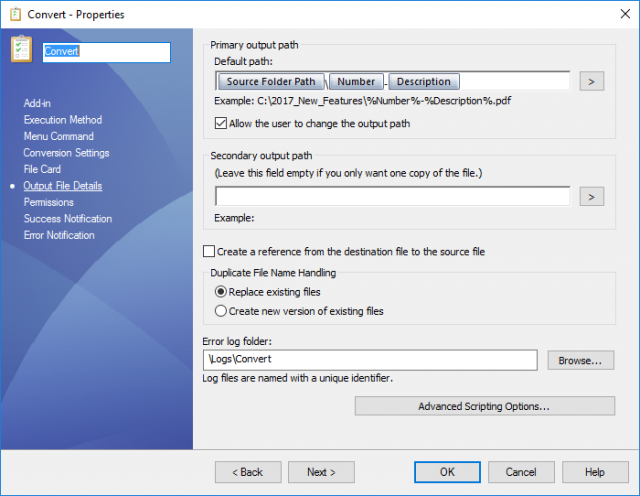
SOLIDWORKS PDM 2017 Using Variables in the Convert Task Output File Name
A nice new function has been added to the out of the box SOLIDWORKS PDM Convert Task in SOLIDWORKS PDM Professional…
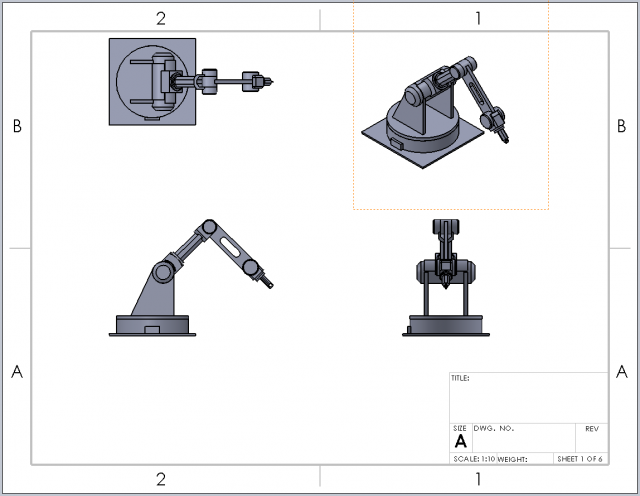
SOLIDWORKS 2017 Change Multiple Sheet Formats at Once!
Changing the sheet format of any SOLIDWORKS drawing can be an unwanted task, especially if one has multiple sheets upon…

Reduce SOLIDWORKS assembly open times by specifying external reference search locations
If there is one topic that repeatedly sends our customers to sleep, it’s file references. But what if I could…

SOLIDWORKS 2017 Mate Controller now supports Path Mates
If you are a newcomer to the Mate Controller functionality within SOLIDWORKS, then check out the video below to learn how…

How to group component instances to condense the assembly tree size in SOLIDWORKS 2017
The Assembly tree for a large assembly file can turn into a very long list of components. In most cases many…
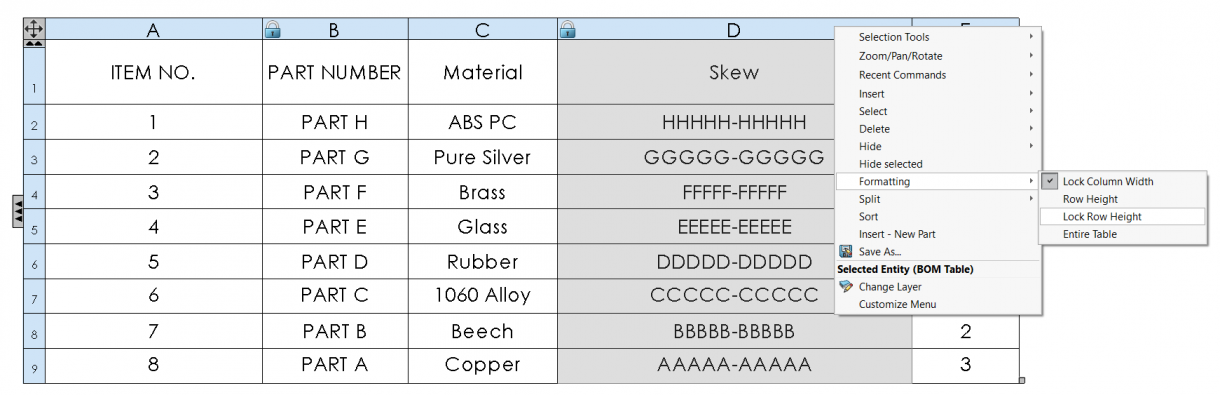
Lock Column Width & Row Height formatting in SOLIDWORKS BOM Templates
BOM Tables in SOLIDWORKS can sometimes create as many issues as they often solve, as you take the time to…

SOLIDWORKS 2017 Assembly Visualization Sort Assembly Components by Open Time
A new capability to sort SOLIDWORKS components in the assembly tree by the time it takes to open the component…
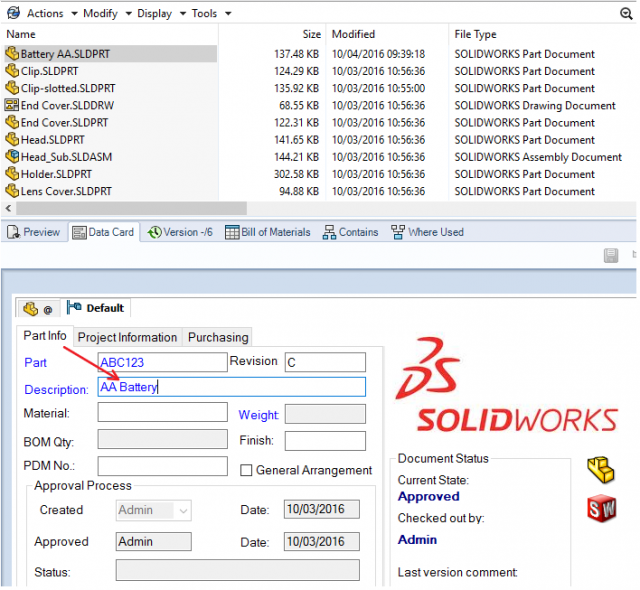
SOLIDWORKS PDM 2017 Latest Version Overwrite
New in SOLIDWORKS PDM 2017 is the SOLIDWORKS PDM Latest Version Overwrite feature which enables users to overwrite a file while retaining…

SOLIDWORKS 2017 Add Configurations from within the Mate Controller
The Mate Controller had been a handy tool in past releases that could be used to review the positions of…
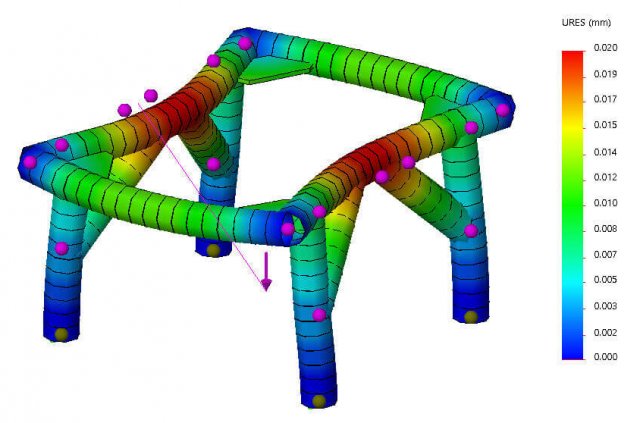
SOLIDWORKS Simulation 2017 Remote Load/Mass for Beams
SOLIDWORKS Simulation 2017 now unlocks the ability to apply Remote Load/Mass features to beam elements. This is available in Static, Frequency,…

Offloaded Simulation allows you to solve your SOLIDWORKS Studies on another computer
NOTE: The Offloaded Intel Network Sparse solver has been discontinued for SOLIDWORKS 2022 and future releases SOLIDWORKS Simulation 2017…

Recording Macros in SOLIDWORKS Simulation 2017
You now have the power of recording your own macros for studies in SOLIDWORKS Simulation 2017. The Record button in the…
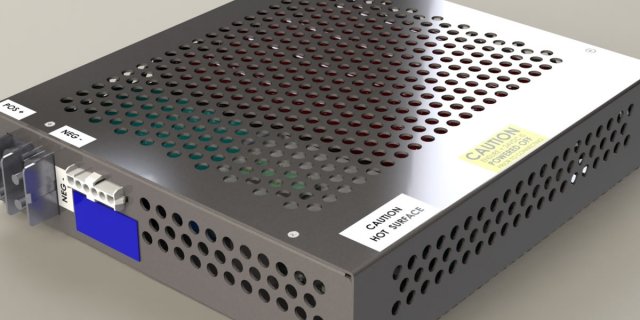
SOLIDWORKS 2017 Hardware Recommendations
Here is our current SOLIDWORKS 2017 hardware recommendations. Please browse through this FAQ for more specific information. Processor: Intel Core…

SOLIDWORKS 2017 Update FAQs
Get your SOLIDWORKS 2017 Update frequently asked questions answered below: SOLIDWORKS 2017 General Information SOLIDWORKS 2017 Installation SOLIDWORKS 2017 Standalone…

SOLIDWORKS 2017 Rebuild All Configurations in a single step
SOLIDWORKS 2017 introduces the ability to rebuild all configurations in a single step. This allows you to quickly ensure that all…