


Javelin / TriMech Author

Dewayne May
How to Use SOLIDWORKS PDM Dispatch to Automatically Rename Files
 By Dewayne May on May 6, 2026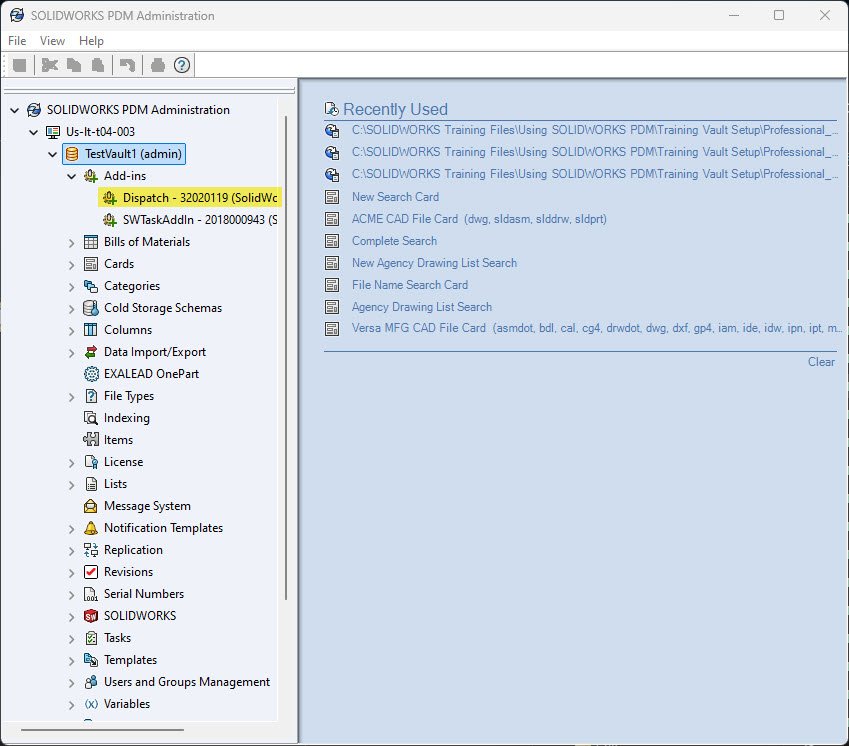
SOLIDWORKS PDM Dispatch is a small programming tool that comes standard with SOLIDWORKS PDM Professional. Commonly referred to as Dispatch, this program will allow you to automate some tasks in PDM.
The Best Features in SOLIDWORKS PDM 2026
By Dewayne May on April 10, 2026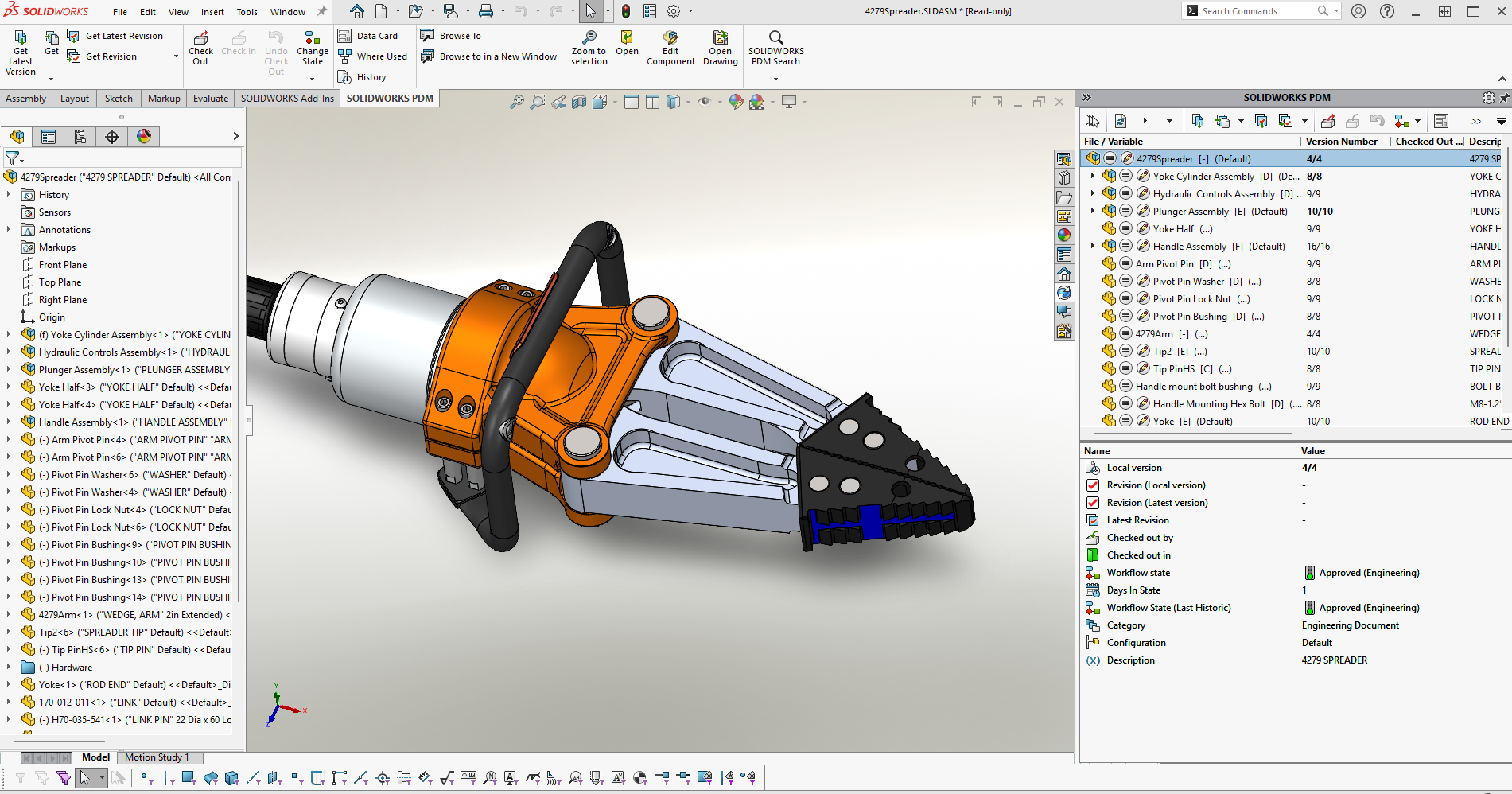
SOLIDWORKS PDM 2026 introduces a range of productivity enhancements that support your team working smarter and engineering faster. By upgrading SOLIDWORKS PDM, you can ensure your team has access to the latest enhancements and is using the most secure version of the software. Synchronized Vault…
SOLIDWORKS PDM Automation with Serial Numbers and Templates
By Dewayne May on February 5, 2026
SOLIDWORKS PDM serial numbers and templates can help your company stay on standard for naming conventions, folder structure, and remove the disconnect between an ERP and PDM system. With them, your team can stay on the company standard and remove the manual interaction needed to…
Getting the Most from SOLIDWORKS PDM Copy Tree
By Dewayne May on December 8, 2025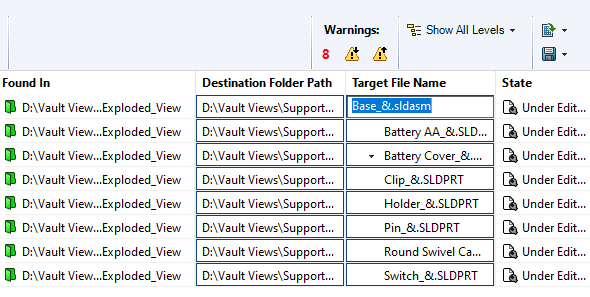
The Copy Tree tool within SOLIDWORKS PDM is designed to help engineering teams manage their design data efficiently. Copy Tree offers similar functionality to SOLIDWORKS’ standalone Pack & Go tool, but with enhanced capabilities tailored specifically for use within SOLIDWORKS PDM. This feature is particularly…
Use SOLIDWORKS PDM Templates to Streamline Folder and File Creation
By Dewayne May on October 31, 2025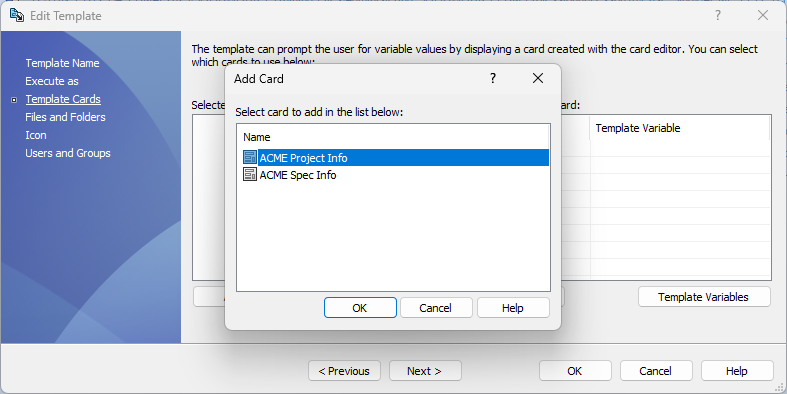
Maintaining consistency in folder structures and file creation while minimizing user error and preventing data duplication is a critical challenge in engineering data management. SOLIDWORKS PDM templates provide a robust, rules-based framework to standardize and automate these processes across the enterprise. What are SOLIDWORKS PDM…
Resetting the SOLIDWORKS PDM Admin User to Default | A Step-by-Step Guide
By Dewayne May on August 22, 2025
Follow this guide to effortlessly reset your SOLIDWORKS PDM Admin user to default settings and restore full administrative permissions.

The What’s New SOLIDWORKS PDM 2024 has topics that discuss the changes or the additional functionality for the version you may seek to upgrade to.
SOLIDWORKS PDM Professional can send notifications through the default database message system or an SMTP mail server. Get step-by-step instructions on setting up emailrelay.

This article builds on an excellent one posted by my colleague Michael Nwachukwu. In his article, Justin explained how to link SOLIDWORKS PDM variables to a SOLIDWORKS revision table. In this article, I will look at how to add additional columns to a SOLIDWORKS Revision…

Have you ever questioned, how they send a notification to an email that will allow you click on it and take you directly to the file to review? Good news the option is available. You can now add a link to a report, Email, or…
Relocating SOLIDWORKS PDM Archive Folders
By Dewayne May on April 7, 2017
As your SOLIDWORKS PDM vault continues to be utilized—through the addition of new files and the creation of updated versions—the associated archive folders will grow accordingly. Over time, this can result in a substantial increase in storage requirements. To maintain optimal performance and ensure adequate…
SOLIDWORKS EPDM Transition Conditions
By Dewayne May on May 27, 2015
SOLIDWORKS EPDM Transition Conditions can be added to a workflow transition to limit which files can pass through the transition. As an example, a file can only pass through a workflow if the variable ‘Checked By’ contains an associated value. A Transition Action In this example, in…
What makes a good SOLIDWORKS PDM Admin person?
By Dewayne May on January 6, 2015
The successful implementation, use and growth of SOLIDWORKS PDM, is largely dependent on the skill of the administrator(s). Below are some characteristics that make for a good SOLIDWORKS PDM Admin person: Have a working knowledge of the PDM System: A successful PDM Administrator must possess a well-rounded…