


Blog Tag
Showing 1-15 of 67.
SOLIDWORKS PDM
Tech tips and tutorials for SOLIDWORKS PDM (Product Data Management) software

Setting Up Windows Users in SOLIDWORKS PDM Professional
SOLIDWORKS PDM has the ability to make ad hoc users or groups with their own usernames and passwords, not tied…

How to Access the Windows Event Logs for Application and System Logs
When troubleshooting SOLIDWORKS PDM issues, a helpful resource to diagnose an issue is the Windows Event Logs. In particular, the…

How to Set Up Delayed in State Notifications for Stuck SOLIDWORKS PDM Files
SOLIDWORKS PDM makes it simple to have a workflow that details each stage of a design’s development and to move…
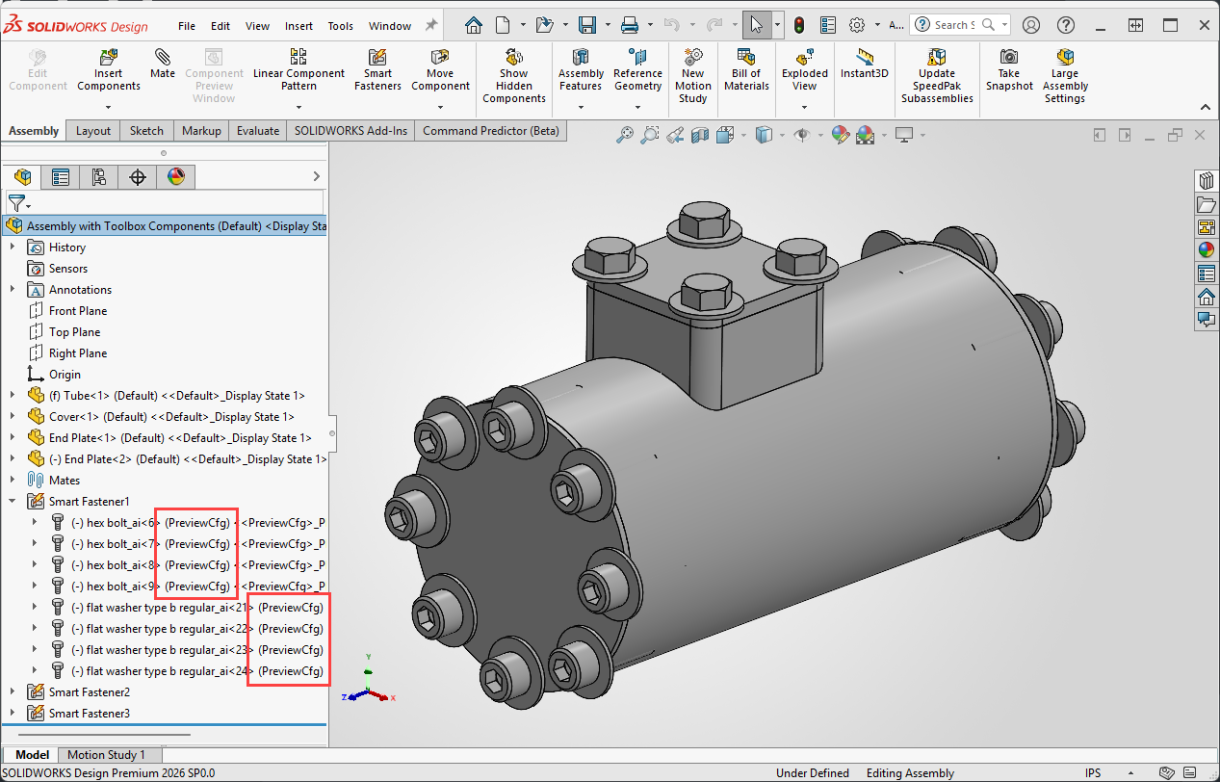
How to Fix Wrong Size SOLIDWORKS Toolbox Components
If you’ve ever opened an assembly with SOLIDWORKS Toolbox components only to find that all of the sizes are wrong,…
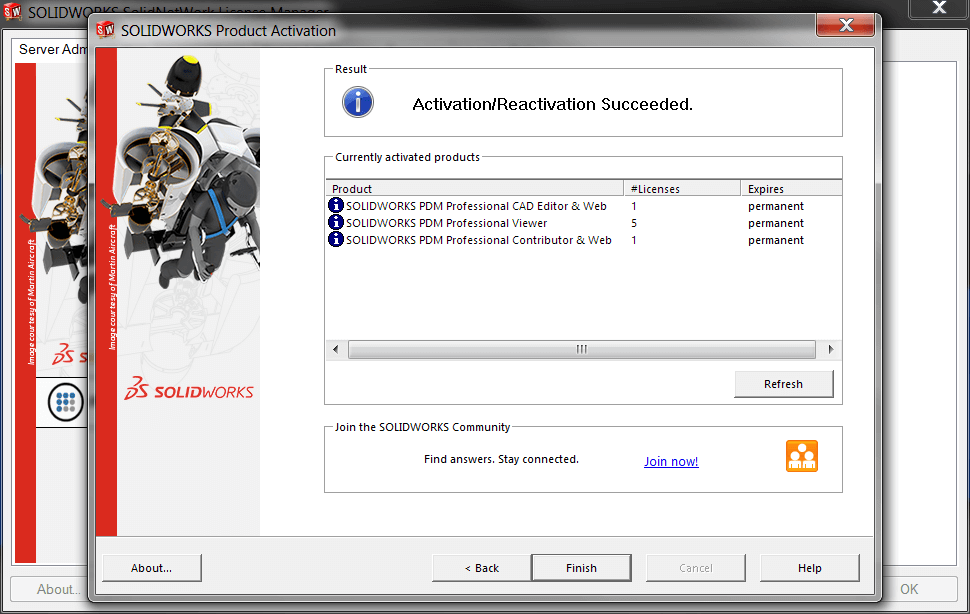
Troubleshooting SOLIDWORKS PDM License Issues
SOLIDWORKS PDM uses floating licenses that operate the same as traditional SOLIDWORKS network licenses. However, there are a few differences…
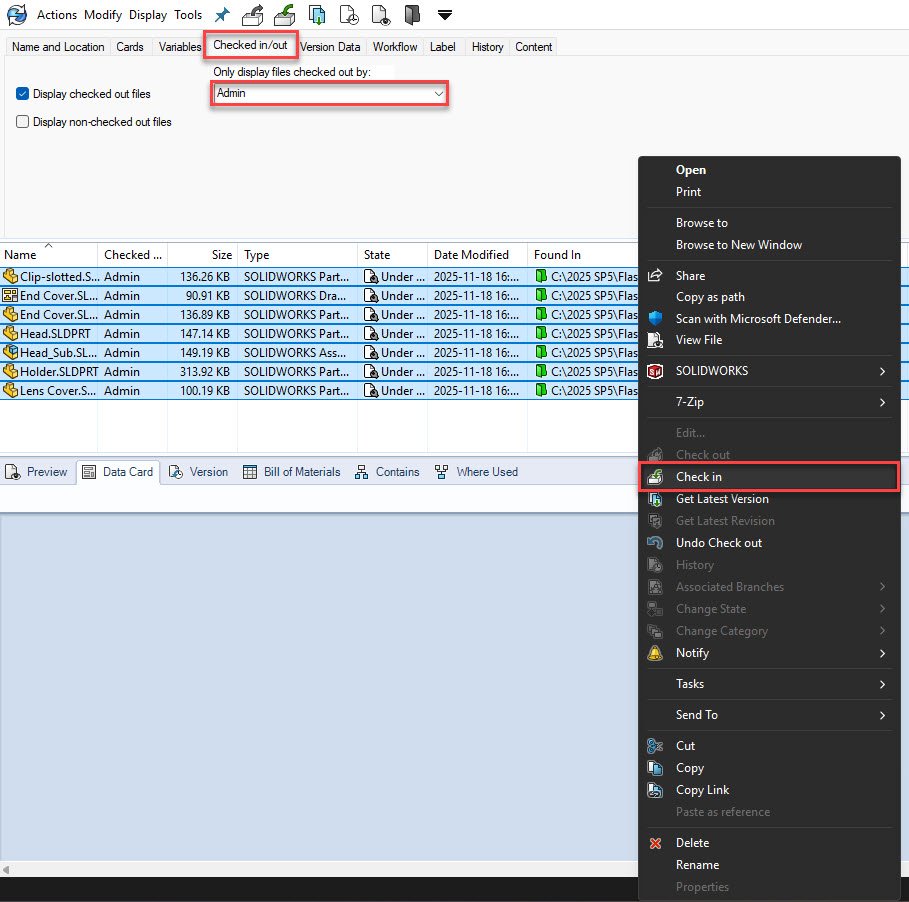
How to Work Offline with SOLIDWORK PDM
SOLIDWORKS PDM is a server-based product and requires a connection to the application and database servers for smooth operation. However,…

Resetting the SOLIDWORKS PDM Admin User to Default | A Step-by-Step Guide
Follow this guide to effortlessly reset your SOLIDWORKS PDM Admin user to default settings and restore full administrative permissions.

How to Locate and Save the SOLIDWORKS PDM Client Logs
When troubleshooting SOLIDWORKS PDM issues, a helpful resource you can utilize is the SOLIDWORKS PDM Client logs. These log files…

Hardware Recommendations for SOLIDWORKS 2024 Data Management
We have compiled these architecture and hardware recommendations for the SOLIDWORKS 2024 data management tools. Use this guide when upgrading…

SOLIDWORKS PDM Services from TriMech
Product Data Management (PDM) plays a crucial role in how engineering teams handle their design files, collaborate across departments, and…

SOLIDWORKS PDM PTC Creo Parametric Integration Changes Coming in May 2025
If your team relies on the SOLIDWORKS PDM PTC Creo Parametric Integration, an important change is on the horizon. Dassault…

Creating a Card List from an SQL Database in SOLIDWORKS PDM
Introduction Card lists play a crucial role in managing data within SOLIDWORKS PDM. By setting up T-SQL queries to retrieve…

SOLIDWORKS PDM and Toolbox: Configuring and Updating
Amongst the other key benefits of using a Data Management System like SOLIDWORKS PDM is getting to a single source…

Restore Deleted PDM Users
If you have ever needed to restore deleted PDM users that have been prematurely deleted in previous versions of PDM…

SOLIDWORKS PDM Admin User and its Special Privileges
Every SOLIDWORKS PDM vault contains a default user named Admin. That’s because this user is automatically added upon the creation…