


Blog Tag
Showing 1-14 of 14.
SOLIDWORKS Assemblies
Tech tips, tutorials, and best practices for SOLIDWORKS Assemblies from the Javelin technical team

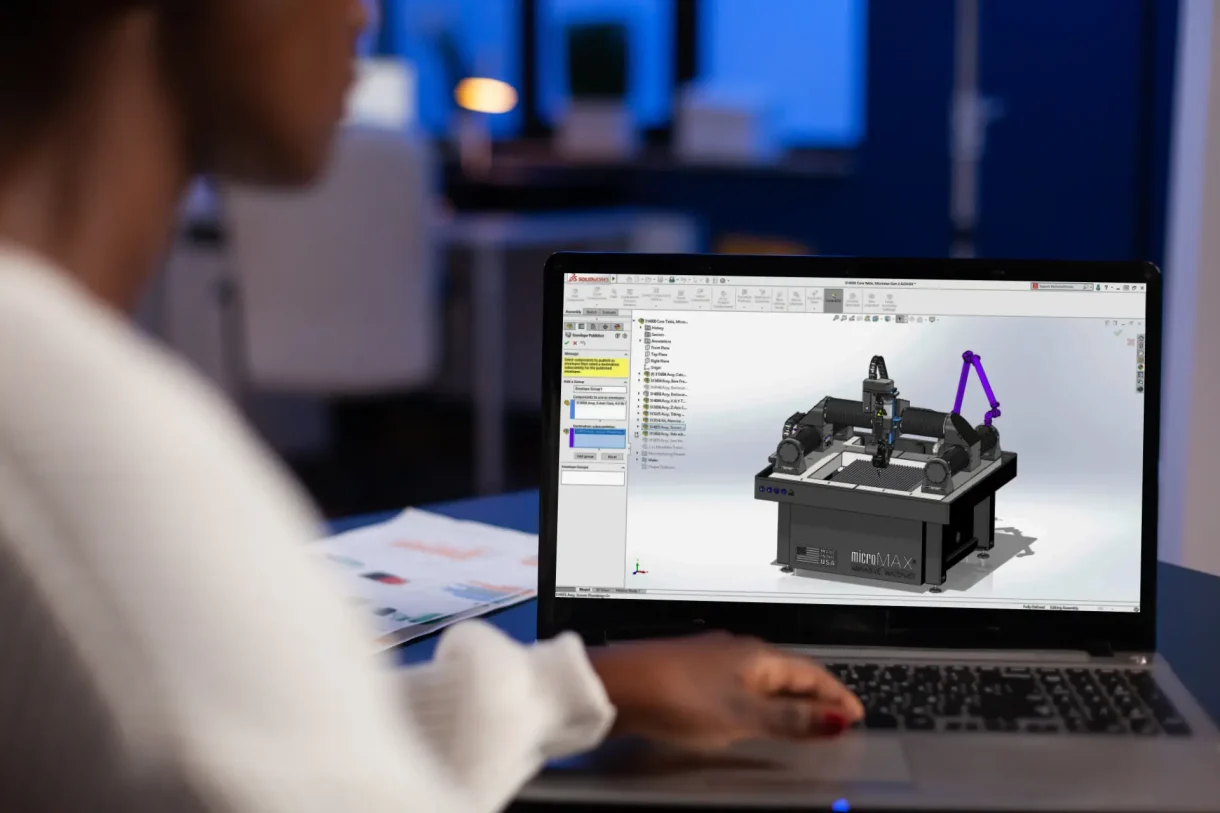
Top 10 Tips for SOLIDWORKS Assembly Modeling
In the world of computer-aided design, SOLIDWORKS Assembly Modeling stands out as a powerful tool for creating intricate assemblies. Whether you’re designing complex machinery or elegant consumer products, mastering SOLIDWORKS can significantly enhance your productivity and efficiency. However, to truly unlock its potential, it’s essential to follow best practices for modeling assemblies. In this blog post, we’ll explore some key tips and techniques to help you streamline your assembly modeling process and achieve optimal results.
Masterclass Part 3: SOLIDWORKS Assemblies
SOLIDWORKS Assemblies play a crucial role in many businesses’ daily needs and with SOLIDWORKS, there’s always something more to learn.

What are SOLIDWORKS External References?
What are SOLIDWORKS external references? In SOLIDWORKS assemblies, external references are relationships between components that exist outside the current assembly….

Assembly Visualization and Image Quality – Why Are SOLIDWORKS Assemblies Slow
Large assembly performance can suffer from a multitude of reasons. Why are SOLIDWORKS Assemblies slow? There are many factors that…

Using the Width Mate in SOLIDWORKS Assemblies
Creating an assembly in SOLIDWORKS is an essential part of verifying the functionality of any design, but what holds that…

How to use appearance hierarchy in SOLIDWORKS
Appearances can be viewed by creation order, alphabetically, or by hierarchy in SOLIDWORKS. Hierarchy can be a very informative option,…

Make SOLIDWORKS FeatureManager More Useful with Component Name and Description
If you work with Assemblies in SOLIDWORKS, and your company uses some form of product numbering system, then chances are,…

Why you should use the SOLIDWORKS Defeature Tool
Creating a digital twin of your real-life assembly can provide a lot of benefits; including accurate bills of materials, machining…

Control the display of SOLIDWORKS Component and Top Level Annotations
Starting with SOLIDWORKS 2015, it is easier to control the display of SOLIDWORKS component annotations and top level annotations in an…

SolidWorks Tutorial: Advanced Mate References [VIDEO]
Mate references can be set up in two parts to correspond to each other. When created this way it is…
Flexible Sub Assemblies: What a Drag! [VIDEO]
When I used to design automated machinery, I would use configurations to show my machine in various stages of the…
SOLIDWORKS Top Level Assemblies Filter [VIDEO]
SOLIDWORKS is all about saving time and reducing or eliminating user’s frustration when performing frequent tasks. Little things like finding and opening…

Mirroring in Assemblies
When mirroring a component or sub-assembly in an assembly you have to remember that SolidWorks mirrors relative to the center…
The power of Display States in SolidWorks 2010
Johnny Eberle was asking in the SolidWorks Forum: I am trying to create a view of just one part of…