


Blog Tag
Showing 61-75 of 88.
SOLIDWORKS Assembly
Tech tips and tutorials for SOLIDWORKS Assembly modeling, mating and configuration
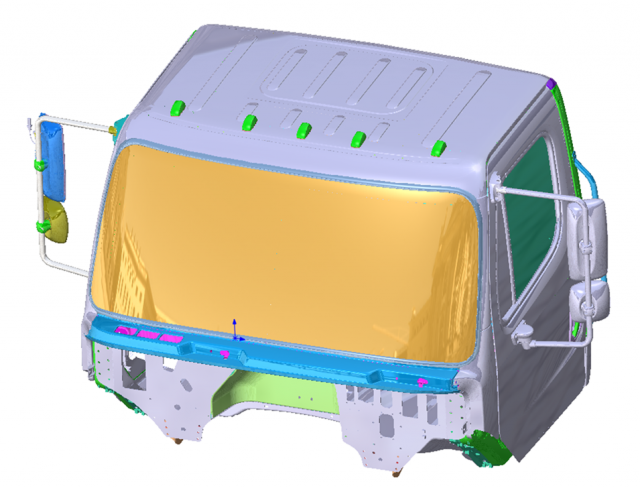
Reduce SOLIDWORKS Large Assembly Load Time & Optimization Techniques
When loading a SOLIDWORKS Large Assembly did it take so long that you were able to run to the coffee…

What to try when a SOLIDWORKS Assembly File will NOT Save
When a SOLIDWORKS assembly file will not save the first workaround is to try and save the assembly with a new name, to a…

Rotating Inserted Components in SOLIDWORKS Assemblies
When inserting components into a SOLIDWORKS assembly, you will see a context sensitive toolbar pop up before placing the component. This…

SolidWorks Tutorial – Filling a Specific Assembly Cavity (one out of many)
Last week I showed you how easy it is to fill a cavity at the assembly level using the new tools…

Linking SOLIDWORKS Component Dimensions to Global Variables at the Assembly Level
During one of our recent SOLIDWORKS online training courses an excellent question was poised by one of the students regarding…

SolidWorks Tutorial: Advanced Mate References [VIDEO]
Mate references can be set up in two parts to correspond to each other. When created this way it is…
SolidWorks Tutorial – Apply Material to All Parts of an Assembly [VIDEO]
What do you do when you work on a large assembly, with multiple levels of sub-assemblies, and want to apply the…

SOLIDWORKS PDM Professional: Write Drawing Card With Part Card Variables [VIDEO]
SOLIDWORKS PDM Professional is capable of copying values from a part or assembly card and writing them to a Drawing…
SolidWorks 2014 Tutorial: What Was Hard Now Is Easy When Applying Tangent Mates [VIDEO]
SolidWorks has always been a user-friendly software, mostly because 99.9% of the workflows in SolidWorks are natural, like in the real life….
How Many Mates Can Be Created At Once in SolidWorks? One, Two,… Three? [VIDEO]
Watch this video to learn how to create one, two and even three mates at the same time in SolidWorks.

SOLIDWORKS SpeedPak [VIDEO]
Since 2009, the SOLIDWORKS SpeedPak has been the perfect tool for simplifying sub-assembly components, by replacing heavy geometry with a graphical representation…

Selecting Configuration When Opening [VIDEO]
Configurations are a great way to control your models in SolidWorks. But when you have an especially large assembly that…

SOLIDWORKS Mate Best Practice #5: Don’t Mate Longer Than Necessary
Okay, so we’ve reached the end of our week of SOLIDWORKS Best Mating Practices. I’ve saved the best for last. There’s…
SOLIDWORKS Mate Best Practice #4: Don’t Mate Too Much (even if it’s a good idea!)
All of us who use assemblies in SOLIDWORKS know that mating can be fun (in SOLIDWORKS, of course). As a…
SOLIDWORKS Mate Best Practice #3: Don’t fight with your Mates
Welcome back, fellow SOLIDWORKS users for another installment of our SOLIDWORKS Mate Best Practice series. In the classic Star Trek…