


Blog Tag
Showing 16-30 of 40.
SOLIDWORKS Custom Properties
SOLIDWORKS Custom Properties technical tips and tutorials

How to add SOLIDWORKS Part Template File Properties
In my previous post I described the steps for creating a SOLIDWORKS Part Template, but what happens next? Now it’s time…

SOLIDWORKS 2018 Linked Custom Properties in Derived Parts
Starting with SOLIDWORKS 2018 you now have much more precise control over Linked Custom Properties in derived parts. Previously, when…
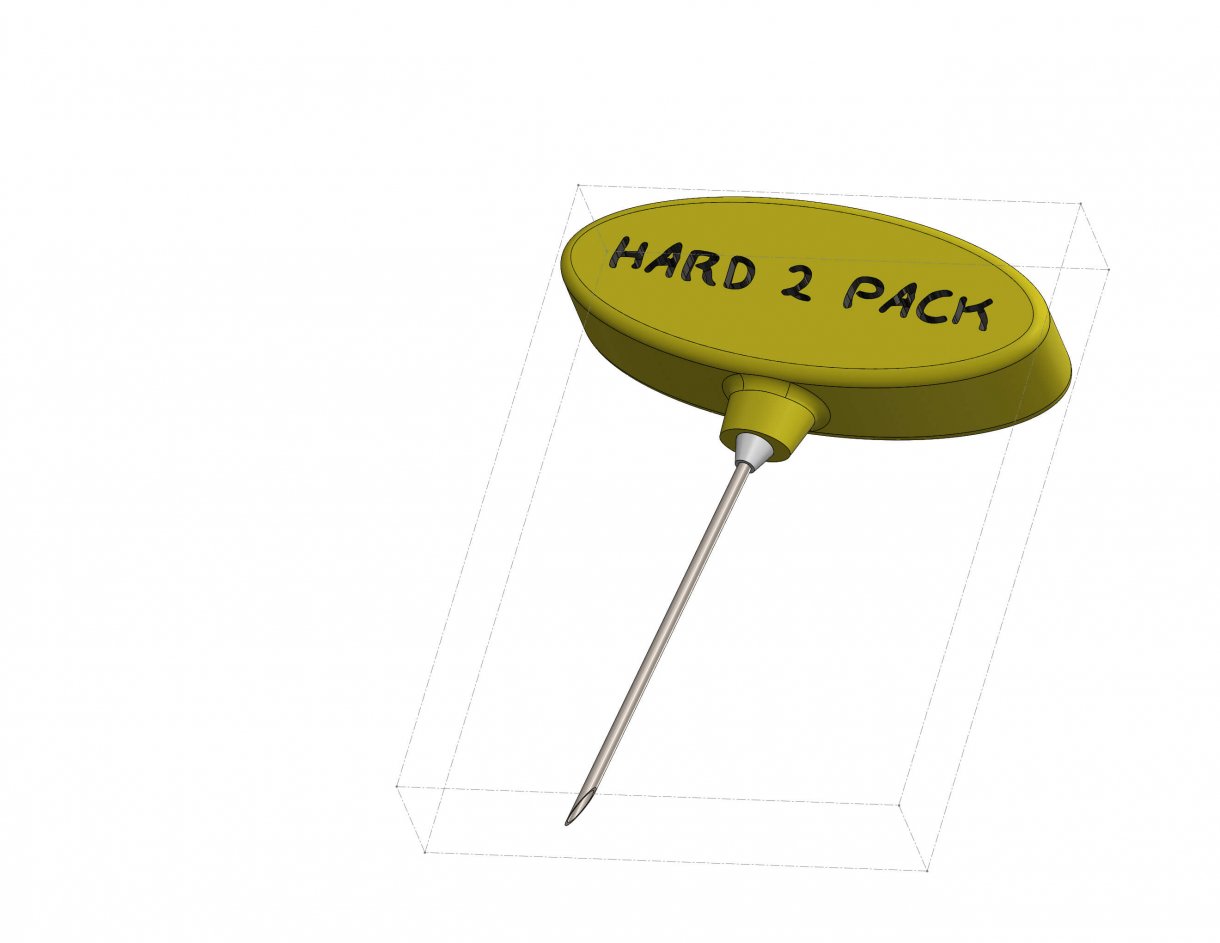
Apply a Bounding Box to any Model using SOLIDWORKS 2018
Let’s take a look at a common scenario that crops up after a design is complete – the design of…

SOLIDWORKS Multi-sheet Drawing Custom Properties Source
When a drawing annotation has a link to a Custom Property based on the ‘View specified in the sheet properties’,…

How to combine multiple Custom Properties in a SOLIDWORKS Bill of Materials
When going through the process of creating an assembly drawing, it is beneficial in most cases to make use of…

Is repetitive Custom Property insertion taking too long? Try the Property Tab Builder
I am always surprised when I discover that a long time SOLIDWORKS user does not know about the SOLIDWORKS Property…

SOLIDWORKS 2017 Assembly Visualization Sort Assembly Components by Open Time
A new capability to sort SOLIDWORKS components in the assembly tree by the time it takes to open the component…

Edit your SOLIDWORKS Title Block on the fly!
The best practice for populating a SOLIDWORKS title block is to have the fields linked to model custom properties. So when your part…
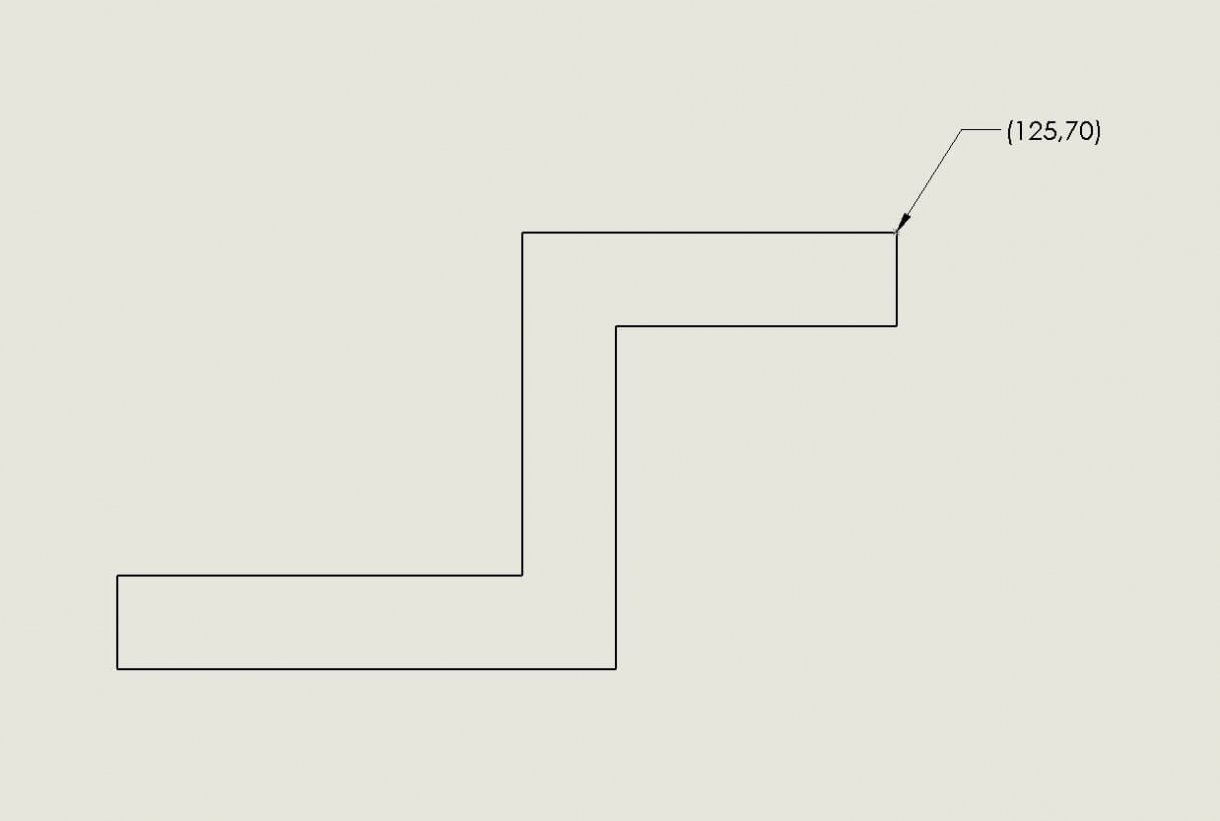
How to identify and label X & Y coordinate points in a SOLIDWORKS Drawing
In complicated drawings where there are many details to represent, you may want to label specific SOLIDWORKS coordinate points in your drawing…
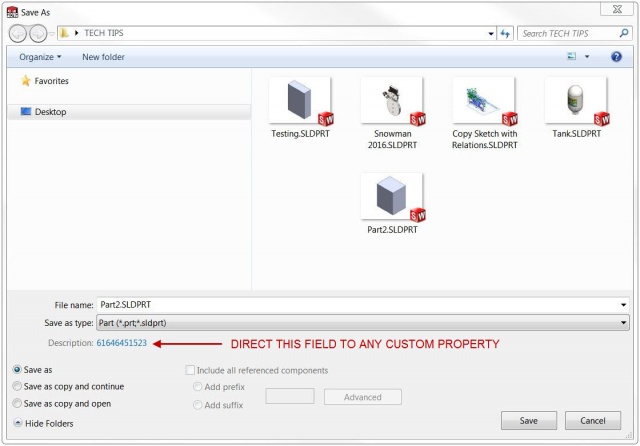
Link the SOLIDWORKS Save As dialog description field to a Custom Property
Here at Javelin we are witness to a wide variety of ways that customers manage their custom property data. Often,…

SOLIDWORKS Property Tab Builder [VIDEO]
The SOLIDWORKS Property Tab Builder is a great tool to easily add Custom Properties to your SOLIDWORKS part directly from the…

How to Copy & Paste SOLIDWORKS Custom Properties between documents
Greetings fellow SOLIDWORKS users! Perhaps you work for a company that makes use of SOLIDWORKS custom properties. Of course you…

SOLIDWORKS Multi-Line Custom Properties [VIDEO]
There are some occasions where you may need a single Custom Property value to have multiple lines. The Custom Property…

Adding Non-visible items to your BOM
Sometimes when working with an assembly, it may be necessary to have something shown on your BOM which is not…

Creating Configuration Specific Properties in SOLIDWORKS Toolbox Parts [VIDEO]
When configuring the SOLIDWORKS Toolbox Properties, you can enter “Description” and “Comment” values for each fastener’s size. These values are…