


Blog Tag
Showing 76-89 of 89.
SOLIDWORKS Part
SOLIDWORKS Part features tech tips and best practices
SOLIDWORKS Feature Order
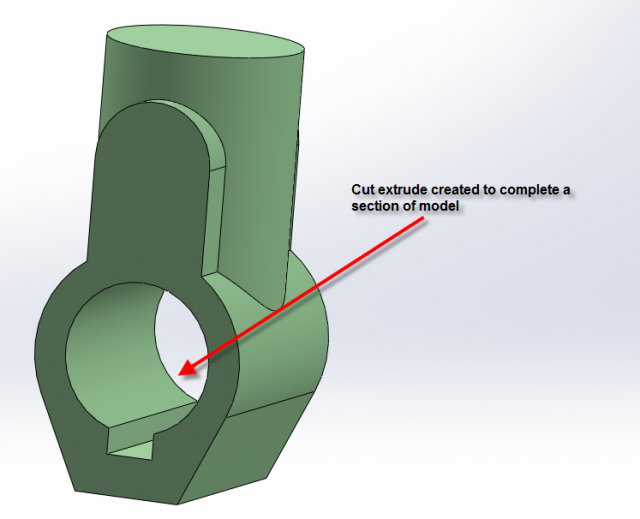
In the SolidWorks Essential course we provide students with techniques for creating efficient models. One of the many techniques I teach…
Pattern of a Pattern [VIDEO]
So the little lady and I went to see an on-stage production of The Wizard of Oz this past week…
Save time when Finding and Opening SOLIDWORKS Sub-assemblies [VIDEO]
Sometimes you just need to change the techniques in your existing workflow in order to reap huge benefits from SOLIDWORKS. As a rule, you are more…

How to Navigate the SOLIDWORKS Feature Tree Using the Keyboard Arrow Keys [VIDEO]
Since I wrote the “Shortcuts for Navigating Your SOLIDWORKS Feature Tree ” article, I discovered a few more ways you…
Alin’s SW2013 Pick of the Day – Fast Edge Selection
When applyIng a fillet feature to a lot of edges, the most time consuming part is selecting them. In SolidWorks…
Alin’s SW2013 Pick of the Day – The Real History = Flat Tree View
SolidWorks’ User Interface is one of the most intuitive in the CAD world and that is probably the reason why SolidWorks is…

Circular Chamfer on Non-Circular Edges
When you need to make a circular chamfer around the edges of a non-circular part, such as a nut, you…
SOLIDWORKS Advanced Mates Management – 3 Time Saving Tips
Do you feel you waste too much time finding component specific mates in large assemblies? Do you spend more time…

Name BODIES Once and For All
Have you noticed how your Solid or Surface Bodies are taking the name of the last feature applied to them (fig.1)….

How to create an Equally Spaced SOLIDWORKS Pattern
If you’ve wanted to create an Equally Spaced SOLIDWORKS Pattern over a set distance, you may have noticed that there is…

5 Quick Shortcuts for navigating the SOLIDWORKS FeatureManager Design Tree
Do you find yourself scrolling up and down the SOLIDWORKS feature tree all day hunting for that elusive feature? Does dragging…

Select like a Pro with Power and Advanced Select
You may have noticed the Select tool in the menu toolbar is always highlighted. But have you seen the drop-down…

How to create a Spiral / Helical Sheet Metal Model that can be flattened
If you want to create a spiral / helical sheet metal model, using the sweep feature + insert bends will…

Creating a Helical Sweep in SOLIDWORKS
It is possible to create a helical solid in SOLIDWORKS which, rather than extending linearly, actually follows a helical (or other) path. …