


Blog Tag
Showing 1-13 of 13.
SOLIDWORKS Troubleshooting
Tech tips, tutorials, and best practices for SOLIDWORKS Troubleshooting from the Javelin technical team
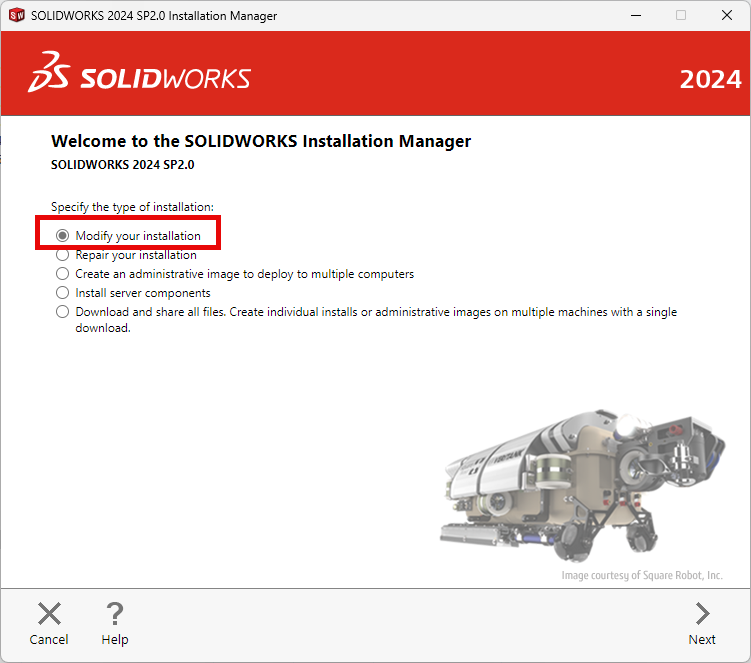
How to Install SOLIDWORKS CAM Standard and CAM Professional | Step-by-Step Guide
This blog will go over how to install SOLIDWORKS CAM Standard and SOLIDWORKS CAM Pro add-ins. This will give you the ability to create toolpaths on your part then send that information to your CNC Machine to get manufactured. You must have up to date SOLIDWORKS subscriptions for SOLIDWORKS CAM Standard to function.
How to Resolve the “Could not read reactor table version” Error for SOLIDWORKS PDM
If you’re working with SOLIDWORKS PDM and encounter the warning message “Could not read reactor table version”, you’re not alone….
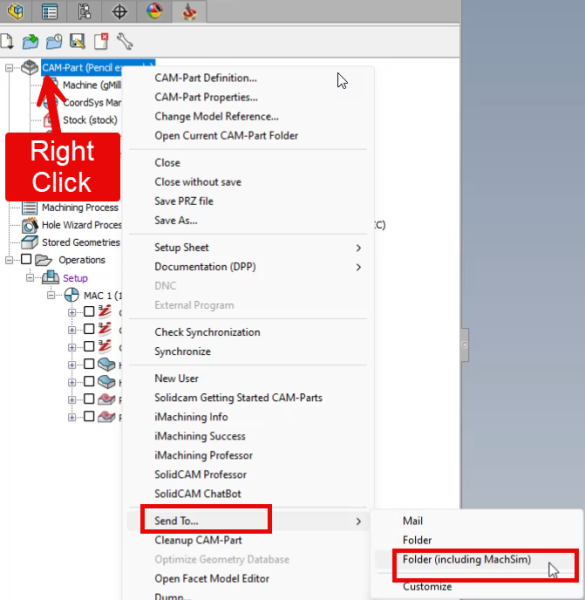
How to Create a “Send To” File Set for SolidCAM Troubleshooting
In this blog article will learn how to send complete SolidCAM file-set to TriMech’s Client Success Team for them to help trouble shoot your issue. if you have any CAM related questions you can email [email protected]

Fundamentals of SOLIDWORKS Electrical Troubleshooting
It is critical that your electrical schematic design tool is working properly so you and your team can continue to…
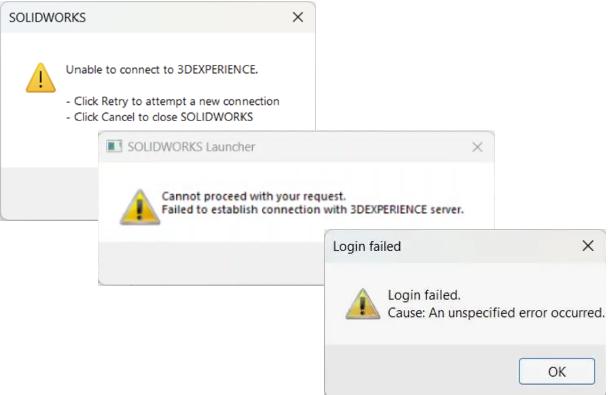
Troubleshooting 3DEXPERIENCE Connection Errors
The 3DEXPERIENCE platform enhances collaboration and eliminates geographical barriers for designers. As this is an online platform, a solid connection…
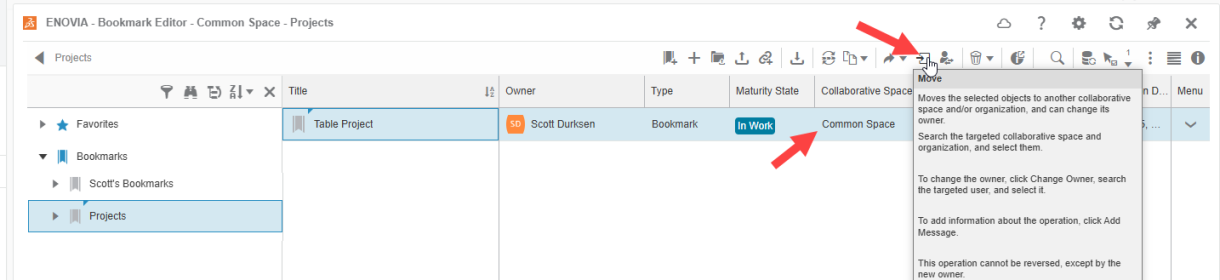
Troubleshooting Missing Bookmarks in 3DEXPERIENCE Bookmark Editor
Bookmarks in 3DEXPERIENCE are a powerful tool for organizing designs and data, helping users keep track of important files and…

SOLIDWORKS Hardware Performance Benchmark: Can Your Machine Handle Large Assemblies?
SOLIDWORKS hardware performance is something we are asked about frequently. Giving general recommendations can be helpful, but you may need…

SOLIDWORKS Visualize: Common Crashes
A SOLIDWORKS Visualize crash can be triggered by a number of behaviors but have two common causes: a corrupt local…

SOLIDWORKS SolidNetWork License Manager Troubleshooting (SNL)
A SOLIDWORKS Network License requires a network connection between the server and client machines. The server runs the SolidNetWork License…

Why you should use Restart (instead of Shut down) with SOLIDWORKS
When troubleshooting unwanted behavior on a computer, especially when running SOLIDWORKS, there are a couple of simple steps worth trying…

Clean Uninstall of a SOLIDWORKS PDM Client
Sometimes you may need to completely uninstall SOLIDWORKS PDM Client, including all Program Files and Registry Keys. This process is…

SOLIDWORKS PDM Connectivity Test Tool [Updated]
NOTE: This article has been updated to reflect the new version of the Connectivity Test Tool. The new tool is…

Solving SOLIDWORKS surfacing challenges when designing a Golf Club head [VIDEO]
Since I’m pretty terrible at golfing, I’ve decided that designing a golf club head with SOLIDWORKS will make it easier for…