


Javelin / TriMech Author

Derik Moore
How to Set Up Delayed in State Notifications for Stuck SOLIDWORKS PDM Files
 By Derik Moore on January 26, 2026
SOLIDWORKS PDM makes it simple to have a workflow that details each stage of a design’s development and to move it down the workflow appropriately. With SOLIDWORKS PDM, the Delayed in State notifications can help you stay on top of impending deadlines even with the…
Troubleshooting SOLIDWORKS PDM License Issues
By Derik Moore on December 15, 2025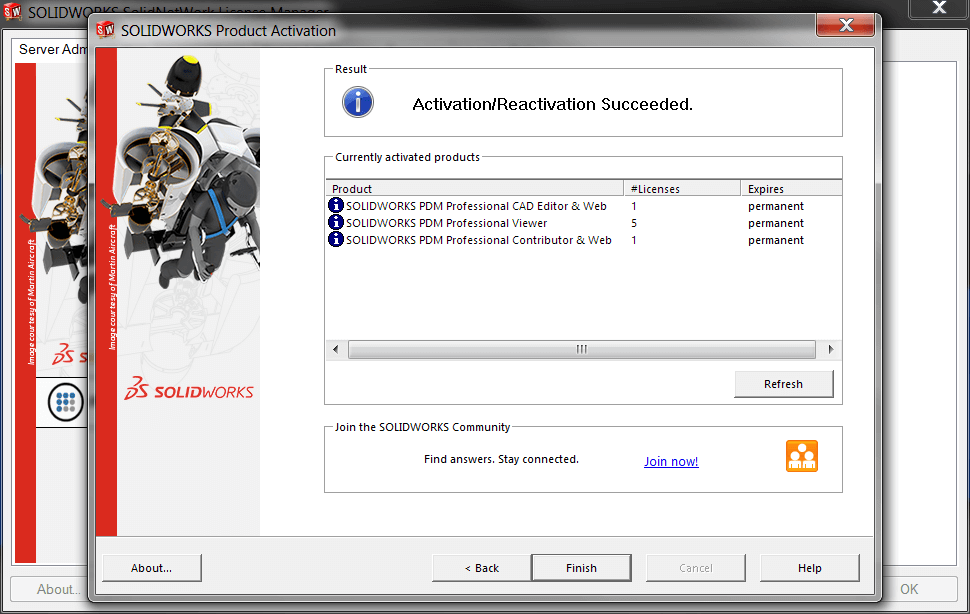
SOLIDWORKS PDM uses floating licenses that operate the same as traditional SOLIDWORKS network licenses. However, there are a few differences between them, resulting in different steps for fixing them compared to regular network licenses. Troubleshooting SOLIDWORKS PDM license issues needs to look further than just…
Export Bill of Materials with Thumbnails in SOLIDWORKS PDM 2025
By Derik Moore on July 21, 2025
While bill of materials are typically created and consumed from a SOLIDWORKS drawing, sometimes it is useful to export bill of materials to be consumed separately.
Fixing The “SOLIDWORKS Newer Version of this Application is Already Installed” Error
By Derik Moore on July 10, 2025
The SOLIDWORKS error reading “A newer version of this application is already installed. Installation stopped.” stems from the updates made to Visual Basic for Applications (VBA) version 7.1 in SOLIDWORKS 2021 SP2. The SOLIDWORKS newer version error message will completely halt you from proceeding with…
Fixing “This Version of SOLIDWORKS Has Not Been Commissioned Properly” Error
By Derik Moore on April 16, 2025
“This version of SOLIDWORKS has not been commissioned properly” error is caused by old licensing data that did not get properly removed, learn how to fix the issue.
Exporting Files for Use in Older SOLIDWORKS Releases
By Derik Moore on March 26, 2025
If you need to share SOLIDWORKS files with users running an older SOLIDWORKS release, export your assembly as a STEP file (AP203 or AP214) and ensure they disable 3D Interconnect in their import options to retain the FeatureTree.
How to Move a SOLIDWORKS License: Deactivating vs Disabling
By Derik Moore on January 15, 2025
When you need to move a SOLIDWORKS license there’s two different ways a license can be unattached from a machine. See how you can deactivate or disable a license.
Preparing a File for 3D Printing With SOLIDWORKS Print3D
By Derik Moore on September 30, 2024
How can a SOLIDWORKS user prepare their models for 3D Printing easily? DS answered this with the SOLIDWORKS Print3D tool. In this Tech Tip, we’ll go over the basic usage of the tool.
SOLIDWORKS Save As Older Version available in SOLIDWORKS 2024
By Derik Moore on July 26, 2024
SOLIDWORKS Save As older version is available in SOLIDWORKS 2024, which allows you to save files in the versions of the two most recent editions.
Just purchased NEW SOLIDWORKS Licenses? Don’t forget to Reactivate your License Manager
By Derik Moore on January 18, 2024
In this article you will learn how to re-activate SOLIDWORKS SolidNetWork License Manager so that users can make use of a new SOLIDWORKS license.