


Blog Tag
Showing 1-12 of 12.
Imported Geometry
Tech tips, tutorials, and best practices for Imported Geometry from the Javelin technical team

How to Easily Edit Imported Models in SOLIDWORKS
We live and work in a multi-CAD world, and we often have to work with models that were created in…
How the SOLIDWORKS Delete Face Feature Simplifies Your Workflow
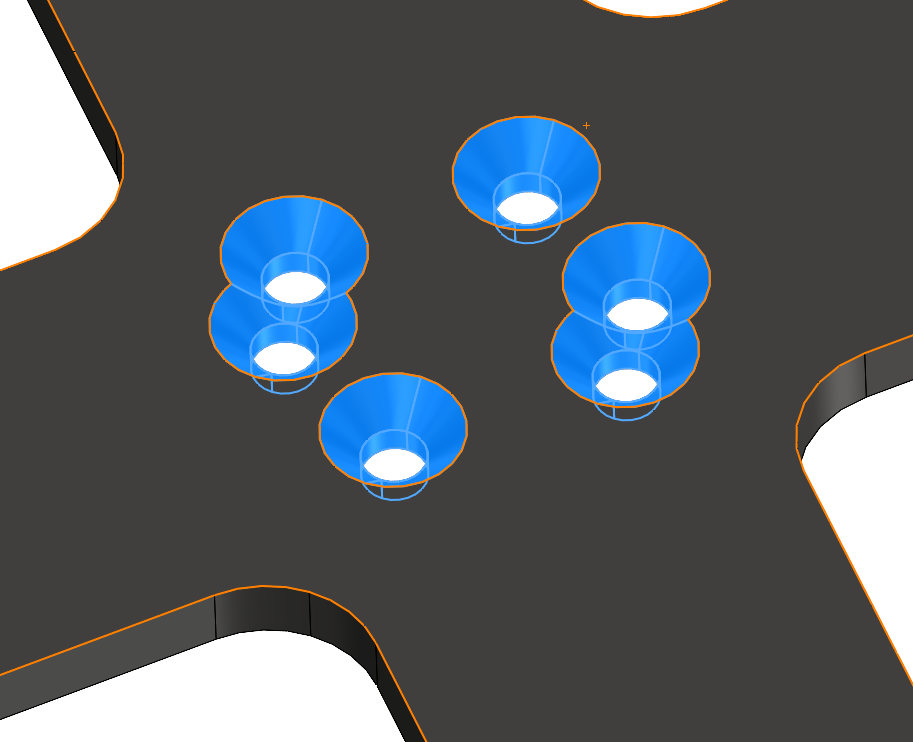
The SOLIDWORKS Delete Face feature is a versatile tool used to remove unwanted geometry like modeling artifacts, bosses, ribs, fillets, and through holes, and can seamlessly patch and trim the remaining faces, making it especially useful for editing imported geometry without a feature history.

3 Simple Steps to Reduce File Size of Imported Models in SOLIDWORKS
In this tech tip learn how to reduce the file size of an imported electrical component in SOLIDWORKS using three…

Quick Imported Geometry Optimization Techniques for SOLIDWORKS Large Assemblies
Alin Vargatu, Senior Training and Process Consultant at Javelin, shares one of his most popular learning sessions from 3DEXPERIENCE World…

Working with Imported Geometry in SOLIDWORKS
Do you work with multiple CAD systems? Do you reference or modify imported geometry in your SOLIDWORKS designs? Then this on-demand webinar…

How to salvage imported sheet metal data the easy way in SOLIDWORKS
What if you receive an imported sheet metal model with weird abnormalities, like jagged edges or crazy surface shapes? Maybe…

Slicing imported Mesh or Scanned Geometry into SOLIDWORKS Sketches
In a world that is moving more and more towards additive manufacturing as a primary method of creating our designs,…
Be careful using SOLIDWORKS Convert to Bodies on models with referenced drawings
In an earlier article, I introduced the New Convert to Bodies functionality available in SOLIDWORKS 2017. If you are considering…

How to Import Data and use it effectively in SOLIDWORKS [VIDEO]
Did you know that SOLIDWORKS provides more than 30 translators to convert CAD data into SOLIDWORKS 3D CAD format? Common…

Importing STL files into SOLIDWORKS as a Solid or Surface model
Occasionally I am asked if there is a way of importing STL files into SOLIDWORKS as a solid/surface model and not…
SolidWorks Tutorial: Direct Modeling [VIDEO]
Some people will be shocked by the title of this article. How can you say that SolidWorks can do direct…

How to import Sheet Metal Geometry into SOLIDWORKS from STEP, Parasolid, IGES etc.
Importing model geometry can be a real pain if you don’t know how to apply some tricks. We will take…