


Blog Tag
Showing 76-90 of 153.
SOLIDWORKS 2017
SOLIDWORKS 2017 Tech Tips and Tutorials
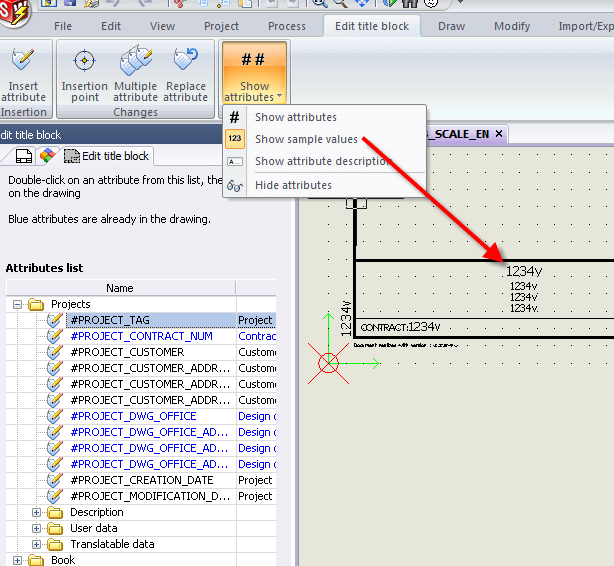
SOLIDWORKS Electrical 2017 Top 5 Features
The DS SOLIDWORKS team has continued it’s ever adaptive model of listening to their users and adding changes to SOLIDWORKS…
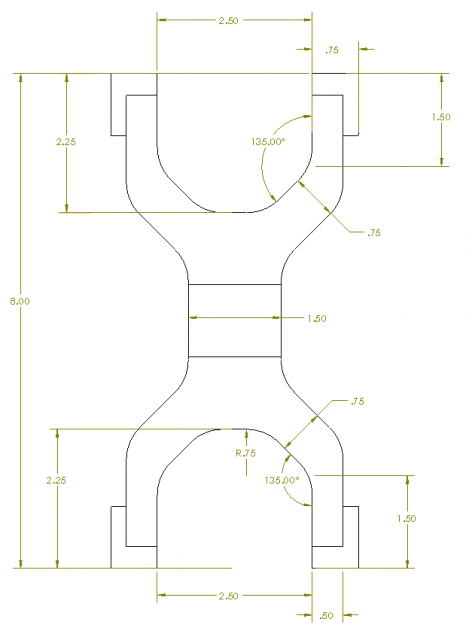
Be careful using SOLIDWORKS Convert to Bodies on models with referenced drawings
In an earlier article, I introduced the New Convert to Bodies functionality available in SOLIDWORKS 2017. If you are considering…

SOLIDWORKS 2017 has nipples?
SOLIDWORKS Pipe Nipples that is! This is a safe for work blog after all. Another requested feature among those folks who…

SOLIDWORKS 2017 Tree Display options reduce visual clutter in the FeatureManager
With all of the information that the SOLIDWORKS feature manager design tree is able to relay to users, enhancements that…

SOLIDWORKS 2017 Breadcrumb Enhancements
People who know me know I like symmetry. I like symmetry in architecture, in design, and especially in SOLIDWORKS. As…

SOLIDWORKS PDM 2017 Rollback Enhanced to include References
The Rollback feature in SOLIDWORKS PDM 2017 has been enhanced to allow a parent file to be rolled back with its child references…

What’s New in SOLIDWORKS Inspection 2017 [On-Demand WEBINAR]
SOLIDWORKS Inspection 2017 helps simplify the process of creating inspection documents and performing in-process or receiving inspection. Intuitive and easy-to-use SOLIDWORKS Inspection…

SOLIDWORKS Sweep Profile Selection Enhanced to include Faces, Edges, & Curves
The SOLIDWORKS Sweep feature has been improving over the years; unlike Extrude the Sweep feature requires at least two sketches to be…
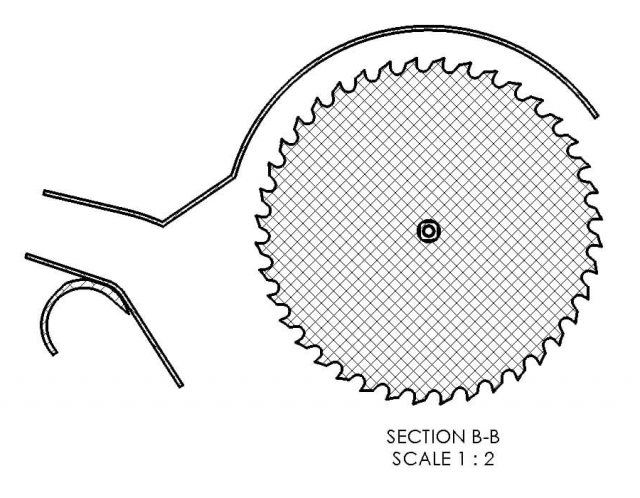
SOLIDWORKS 2017 Emphasized Outline Section View will help you read between the lines
For those of us that remember a time before SOLIDWORKS was a common tool in the shop, the ability to…

SOLIDWORKS 2017 Options to Improve Performance in Large Assembly Mode
Working with large assemblies in 3D CAD software can be very challenging due to dealing with heavy file load. In SOLIDWORKS there are…

SOLIDWORKS MBD 2017 Attaching files to a 3D PDF
In SOLIDWORKS MBD 2017, files can be attached to a 3D PDF, when it is published. To do this, click on…
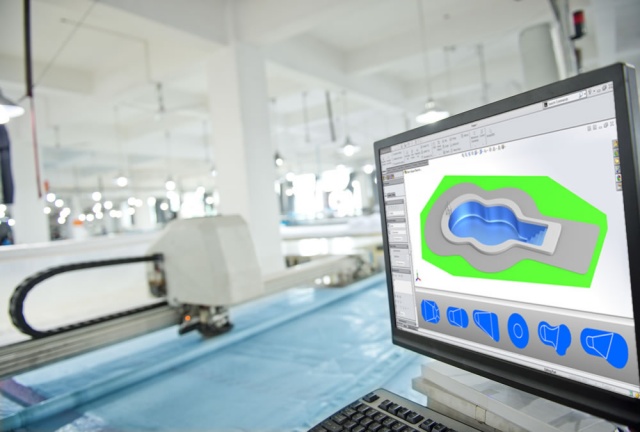
SOLIDWORKS 2017 Pool Design Software [On-demand WEBINAR]
As a custom vinyl swimming pool manufacturer how are you going to stay ahead of the tidal wave of orders…

What’s New in SOLIDWORKS 2017 Communication Tools [WEBINAR]
SOLIDWORKS 2017 Communications tools enable you to create product communications early in the design process, simplify its creation, keep it updated, and deliver it…

What’s New in SOLIDWORKS 2017 for 3D Printing [VIDEO]
SOLIDWORKS 2017 3D Printing functionality has been enhanced. Before printing you can now evaluate the thickness and gaps in your…

SOLIDWORKS 2017 Disabling and Enabling Equations in All Configurations
During the past few years SOLIDWORKS has improved “Equation” functionality. Up to SOLIDWORKS 2013, you could only configure equations and global variables…