


Routing: Flip Route at the Clip

Article by Rob Greer, CSWP updated March 27, 2012
Article
When you rotate a clip in a SolidWorks Route you sometimes find that the route now has a loop in it. Thankfully, there is an easy way to correct the problem. Simply edit the route, right-click on the line segment through the clip and choose “Flip Direction”. That’s it! Close the route sketch and save. See the images below.

Route with loop

Right Click Menu
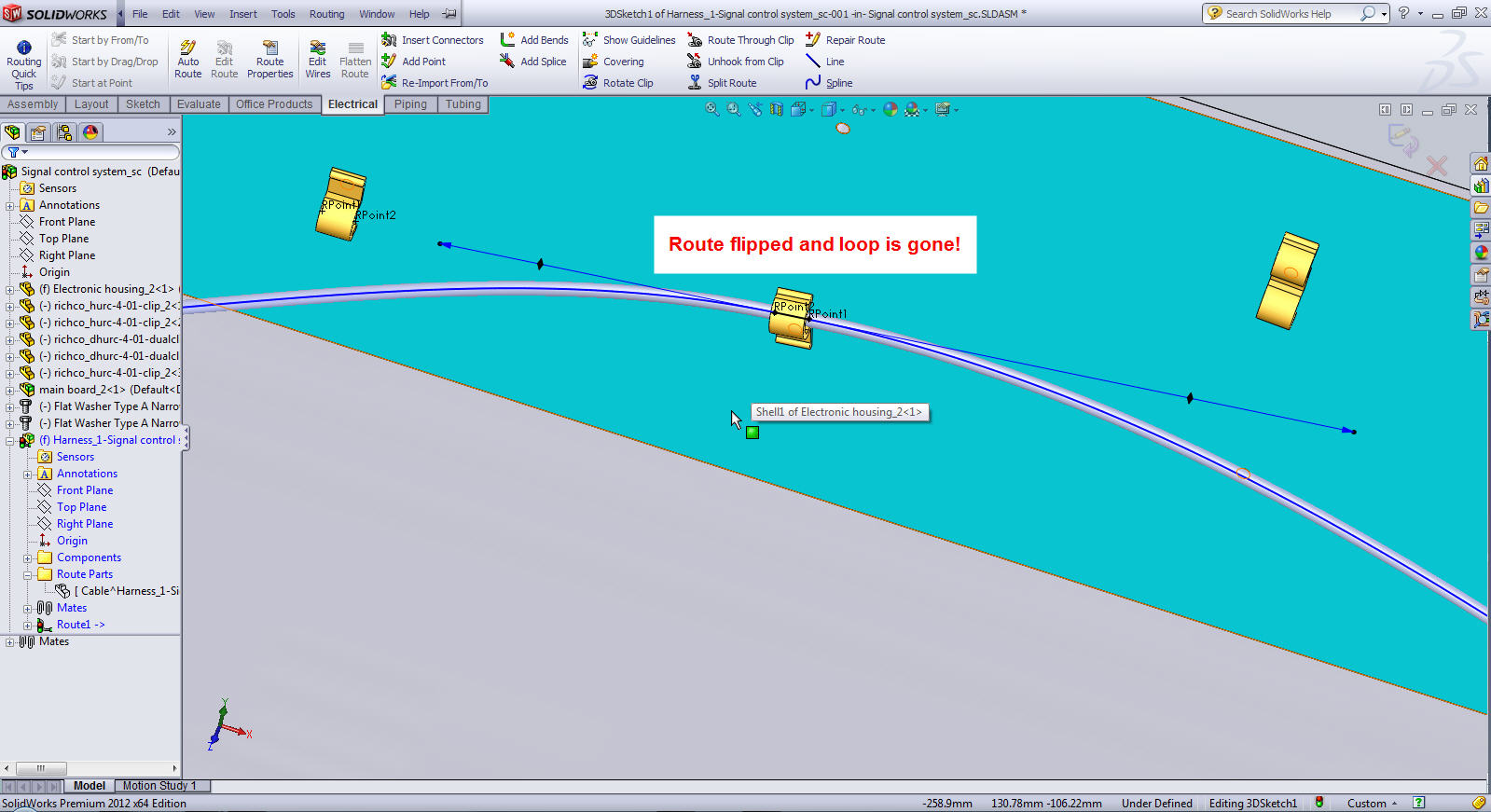
Loop Gone
Related Links
Certified SOLIDWORKS Services available from Javelin
Javelin can help you to:
Posts related to 'Routing: Flip Route at the Clip'
