


EPDM – How to Obtain a License File

Article by Joe Medeiros, CSWE updated March 13, 2013
Article
A new EPDM license file is required when you update to a new release of SolidWorks Enterprise PDM or if additional licenses are purchased. Your EPDM License File can be obtained from the SolidWorks Customer Portal at www.solidworks.com by following this simple procedure:
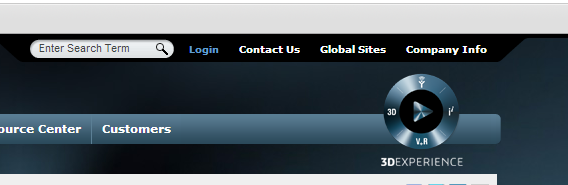
1. From the upper right corner select Login.
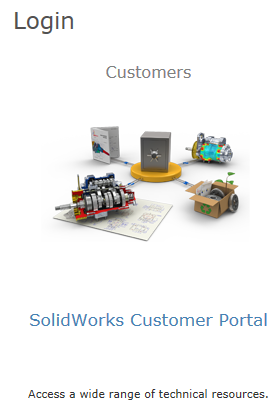
2. From the SolidWorks Login screen choose SolidWorks Customer Portal.
3. Enter your e-mail address and password for an existing customer portal account, or create a new account.

4. In the Customer Portal under My Support select Register My Products.

5. Enter your SolidWorks Enterprise PDM serial number.

6. From the Version pull-down select the version of the license file you required.

7. The license file will be e-mailed to the email address used to log into the Customer Portal.
Related Links
Want to do more with SOLIDWORKS PDM?
Our Certified SOLIDWORKS PDM Experts can help you to:
Posts related to 'EPDM – How to Obtain a License File'
