


Rebuilding Workgroup PDM Vault Metadata

Article by Joe Medeiros, CSWE updated May 9, 2013
Article
Start up time of the vault can be improved by running the Rebuild Vault option once or twice a month on the system where the vault was created.
Before rebuilding a vault, create a backup or ensure that your regularly scheduled backup is up to date.
You should also run the Rebuild Vault option before migrating Workgroup PDM vault data to Enterprise PDM or exporting from a Workgroup PDM vault.
Please note that Rebuild Vault can take a long time on large vaults
To rebuild the vault:
1. Log in to the Workgroup PDM VaultAdmin
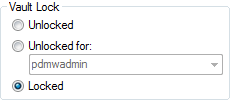
2. On the Vault Settings tab, under Vault Lock, click Locked to lock all users out of the
vault.
3. Under the Vault Management tab Click Rebuild Now.
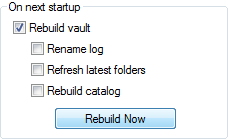
4. In the Repair options dialog box, select rebuild options and click OK.
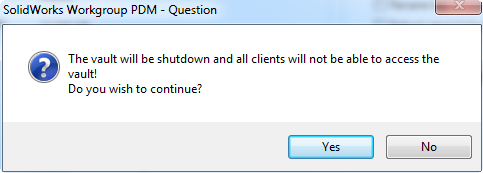
5. When warned that the vault will be shutdown, click Yes.
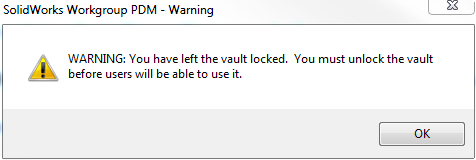
After the vault has been rebuilt you will be asked to log back into the Workgroup PDM VaultAdmin and warned that the vault has been left locked and should be unlocked for all users.
Related Links
Certified SOLIDWORKS Services available from Javelin
Javelin can help you to:
Posts related to 'Rebuilding Workgroup PDM Vault Metadata'
