


SolidWorks EPDM – File & Folder Panel not Visible in Local Vault View

Article by Joe Medeiros, CSWE updated August 21, 2014
Article
On rare occasions, after creating a local vault view, the file and folder panel appears to missing.
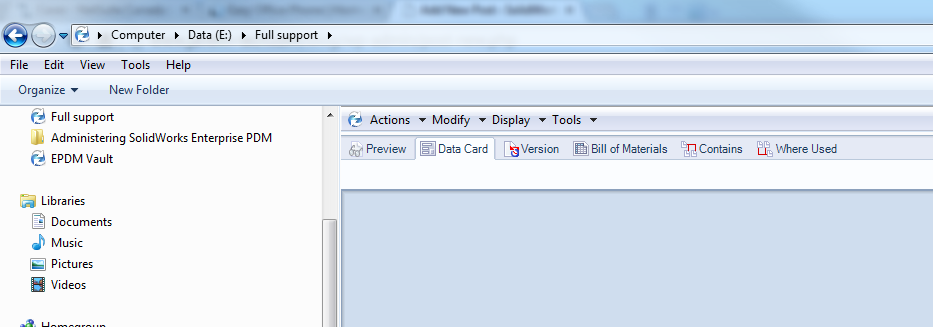
Folders and files are hidden
This can be the result of the bottom panel being stretched, to the top of the local vault view. By clicking on the white bar below the pull-down, you can re-size the lower panel, so that it no longer hides the file and folder panel.

Folders and Files are now visible
Related Links
Want to do more with SOLIDWORKS PDM?
Our Certified SOLIDWORKS PDM Experts can help you to:
Posts related to 'SolidWorks EPDM – File & Folder Panel not Visible in Local Vault View'
