


SOLIDWORKS Simulation 2018 Email Notifications for Completed Studies

Article by Scott Durksen, CSWE updated September 13, 2017
Article
SOLIDWORKS Simulation 2018 now includes the ability to automatically send notification emails to track the status of your studies. The email setup can be found under Simulation > Options > System Options tab > Email Notification settings. Here you are required to provide the email server information for SOLIDWORKS Simulation 2018 Email Notifications.

The following scenarios will send email notifications:
- If a study experiences numerical errors during the run and fails to solve, an email is sent
- If the option ‘Send E-mail for all studies when Simulation is completed‘ is enabled in the Simulation System options, an email will be sent when a study has finished solving

Send e-mail for all studies when Simulation is completed
- If the option ‘E-mail when Simulation is completed‘ is enabled in a particular study (under its study Properties > Notification tab), an email is only sent when this study finishes solving
Notification enabled
- If the option ‘Time based notification‘ is enabled in a particular study (under its study Properties > Notification tab), an email is sent periodically at given time intervals of the status. The units can be set for seconds, minutes or hours. NOTE: The ‘Email when simulation is completed’ option must also be enabled in the study’s properties.
Time based notification
SOLIDWORKS Simulation 2018 – Brief Email Notification
SOLIDWORKS Simulation 2018 – Detailed Email Notification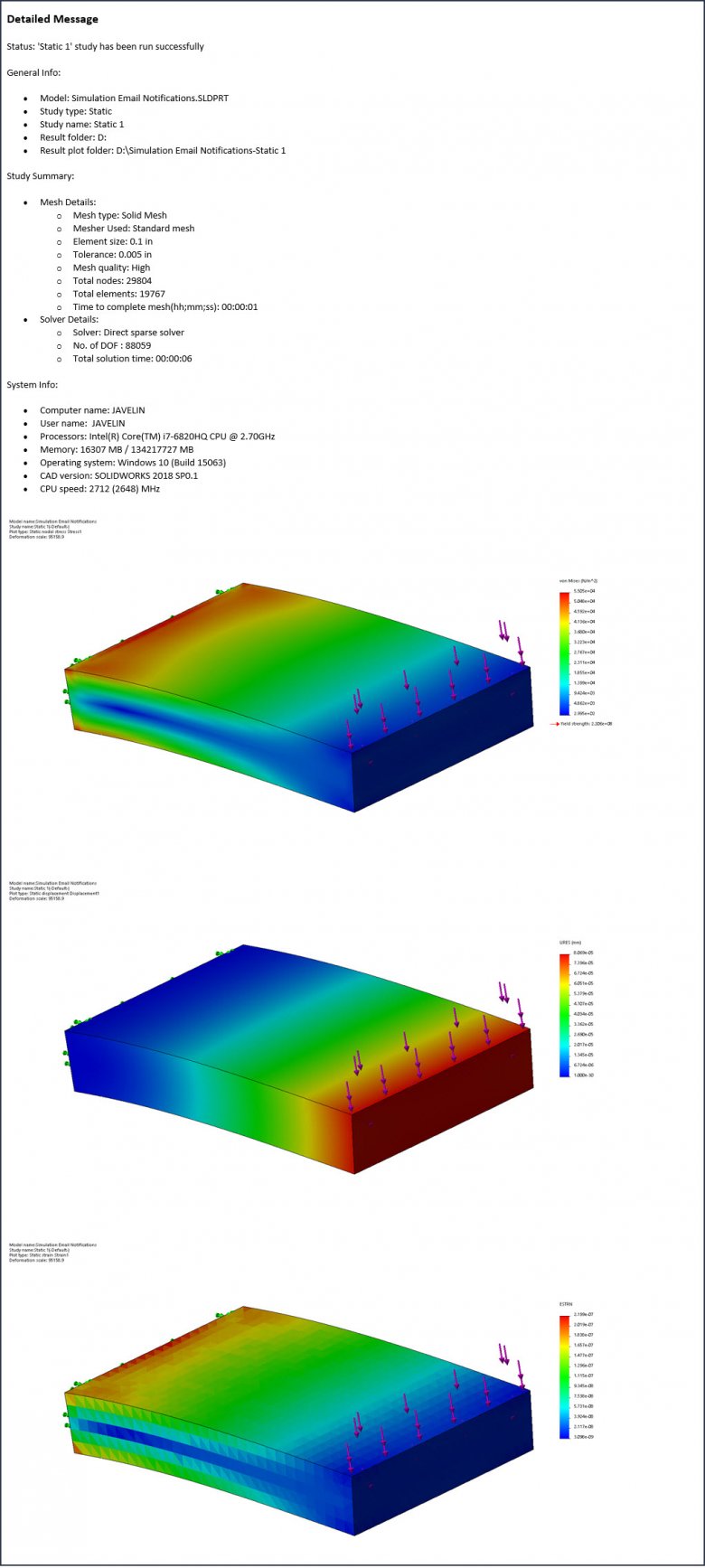

Related Links
Certified SOLIDWORKS Services available from Javelin
Javelin can help you to:
Posts related to 'SOLIDWORKS Simulation 2018 Email Notifications for Completed Studies'
