


Javelin / TriMech Author

Wayne White
Using the Split Body Command and Geometrical Sets for Mold Design
 By Wayne White on January 28, 2026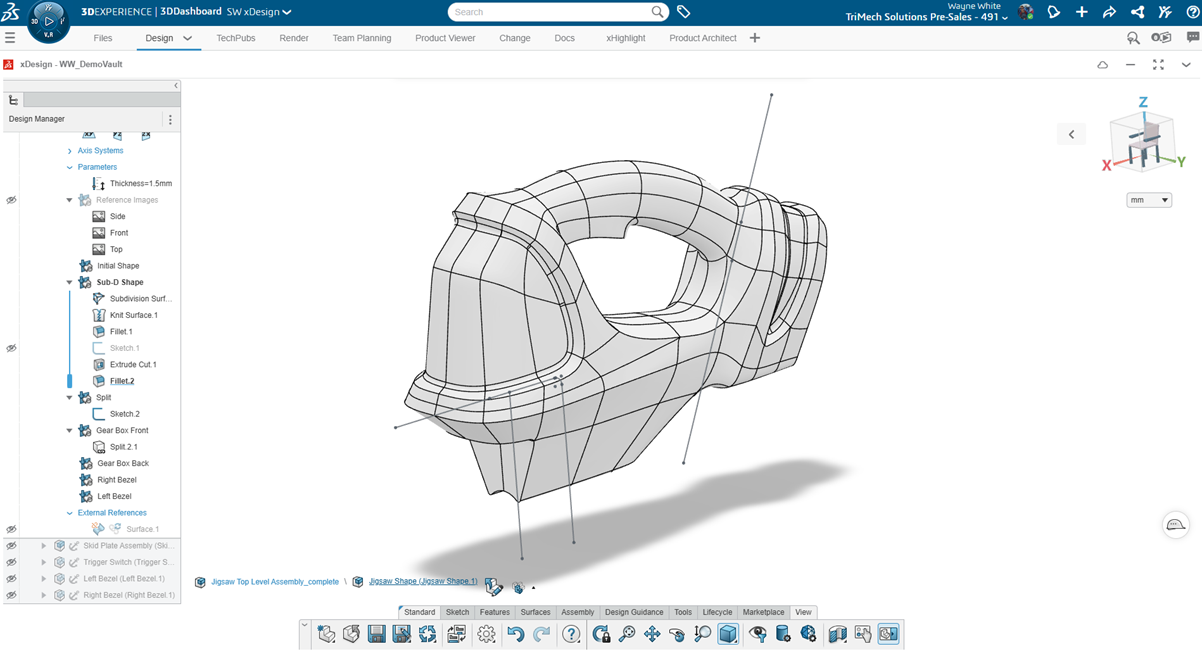
One of the critical aspects of designing for injection molding is being able to accurately and efficiently perform a split body to prepare for a core and cavity. SOLIDWORKS xDesign has purpose-built tools to help split your models to better prepare for mold design purposes….
Enhancing Productivity with 3DEXPERIENCE Filters
By Wayne White on November 17, 2025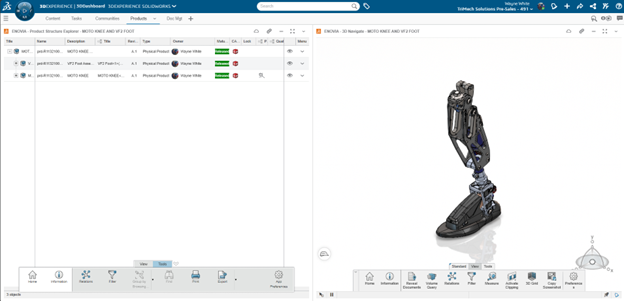
The 3DEXPERIENCE platform is a powerful business experience designed to help organizations create collaborative experiences for their customers. While data on the platform is easily searchable, mastering 3DEXPERIENCE filters can greatly streamline finding the exact model or document you are looking for. Filters allow users…
Master Linear and Circular Patterning in SOLIDWORKS xDesign
By Wayne White on October 2, 2025
Patterning in SOLIDWORKS xDesign is at the heart of CAD modeling, enabling designers to create precise, repetitive features and design geometry. There are a couple of core options related to patterning, including linear and circular options. For a deeper exploration of SOLIDWORKS xDesign, we can…
Mastering Surface Modeling in xShape and xDesign
By Wayne White on September 22, 2025
Learn how xShape and xDesign simplify surface modeling for complex CAD models. Discover key tools like Delete Face, Offset, and Thicken for precise geometry.
Using the Combine Tool in SOLIDWORKS xDesign for Mold Design
By Wayne White on August 25, 2025
SOLIDWORKS xDesign allows for advanced feature creation, including Boolean operations. Leveraging advanced features like the Combine tool in xDesign can allow for the rapid creation of a rudimentary core and cavity tooling split for injection molding. There are more advanced, dedicated mold tools in SOLIDWORKS…
In-Context Editing with SOLIDWORKS xDesign
By Wayne White on August 13, 2025
In-context editing allows designers to create models in the context of other geometry by referencing existing features, faces, or planes. This lets them create parametric relationships between parts that you wouldn’t necessarily be able to do otherwise and cuts down on the time needed for…
Creating 3DEXPERIENCE Assembly Drawings
By Wayne White on July 7, 2025
Assembly drawings are important at the end of the design process to capture manufacturing information. Designers need a way to document the parts with respect to the whole product assembly. Drawings traditionally indicate a product list with a bill of materials table further detailing the…
SOLIDWORKS xDesign Design Changes with In-Context Relations
By Wayne White on June 20, 2025
Very rarely does a design hit the mark on the first attempt. Making changes is a fundamental step of creating, evolving, and improving your designs and products. SOLIDWORKS xDesign makes the iterative process of making changes extremely quick by providing streamlined tools and time-saving menus….
Leap Beyond with 3DEXPERIENCE Cloud PLM Professional
By Wayne White on April 23, 2025
3DEXPERIENCE Cloud PLM Professional offers deep functionality for furthering cloud-connected design and release control. But which 3DEXPERIENCE roles are included and how can they help your team?
3DEXPERIENCE vs SOLIDWORKS PDM: Technical Breakdown
By Wayne White on April 2, 2025
Proprietary information and data is the most critical aspect of any organization. Having centrally located data is mission-critical to ensure correct parts are ordered and files are not duplicated. Understanding history, who made changes, and why changes were executed is the essence of design, engineering,…
Jump Start your Productivity with 3DEXPERIENCE Cloud PLM Standard
By Wayne White on March 14, 2025
The 3DEXPERIENCE Cloud PLM Standard Offer provides popular functionality that you to grow beyond basic data management into project planning and bill of material management
3DInterconnect: How To Handle Imported CAD Relations with 3DEXPERIENCE
By Wayne White on February 24, 2025
3DInterconnect is a SOLIDWORKS technology that allows users to easily open non-native SOLIDWORKS files. It was introduced in 2017 and has changed how we can communicate between teams using various CAD applications. For example, you might work with a vendor that uses Autodesk or Siemens…
Using 3DEXPERIENCE with SOLIDWORKS Premium Routing
By Wayne White on February 17, 2025
In this article, learn the critical steps in connecting your SOLIDWORKS Premium Routing environment to your 3DEXPERIENCE Platform are outlined below.
An Admin’s Guide: Getting Started with 3DEXPERIENCE Works PDM (ENOVIA)
By Wayne White on September 13, 2024
So, you just purchased a 3DEXPERIENCE product, and your team plans to start using the power of ENOVIA (data management) in the platform – where should you start?
3DEXPERIENCE on Cloud: Revision Drawings Synchronously with Models
By Wayne White on September 4, 2024
There is no way to systematically enforce the model and revision drawings to remain synchronized in 3DEXPERIENCE on cloud. However, there is a way to upcycle both the drawing and reference concurrently.