


Blog Tag
Showing 31-45 of 379.
SOLIDWORKS Drawing
SOLIDWORKS Drawing Tech Tips and Tutorials from Javelin experts. Learn about the best practices and procedures for creating and managing drawings more effectively with SOLIDWORKS software.

SOLIDWORKS Electrical Viewer App available with SOLIDWORKS 2021
DS SOLIDWORKS has launched a new viewer app to visualize the electrical project drawings, called SOLIDWORKS Electrical Viewer. It gets…

How to create Multiple Drawings Simultaneously in SOLIDWORKS Electrical 2021
Now in SOLIDWORKS Electrical 2021, we can simultaneously create multiple drawings from a book, a folder, or a drawing. We…

Managing Revision Attributes Order in SOLIDWORKS Electrical
Most of our customers ask this question about the revision attributes order. When the title block is modified, you will…

Replacing the title block for a SOLIDWORKS Electrical Drawing
Just like in SOLIDWORKS 3D CAD one can change the title block and sheet size so quickly, even after finishing…

How to enable “Update drawings” when printing SOLIDWORKS Electrical Drawings
When the Drawings or reports in SOLIDWORKS Electrical are printed, it provides a dialog box to update the drawings, if…

SOLIDWORKS PDM Custom Revision Table Columns
This article builds on an excellent one posted by my colleague Michael Nwachukwu. In his article, Justin explained how to…

Using Colour & Layers to make SOLIDWORKS Drawing detail stand out
This article shows a trick for making your drawing dimensions and annotations stand out from the model edges in SOLIDWORKS…

Simplify Your SOLIDWORKS Assembly Drawing with Display States
One use of display states is to help improve the clarity of information conveyed in a SOLIDWORKS assembly drawing. In…
Clean up your SOLIDWORKS Drawings with the Auto Arrange Dimensions Tool
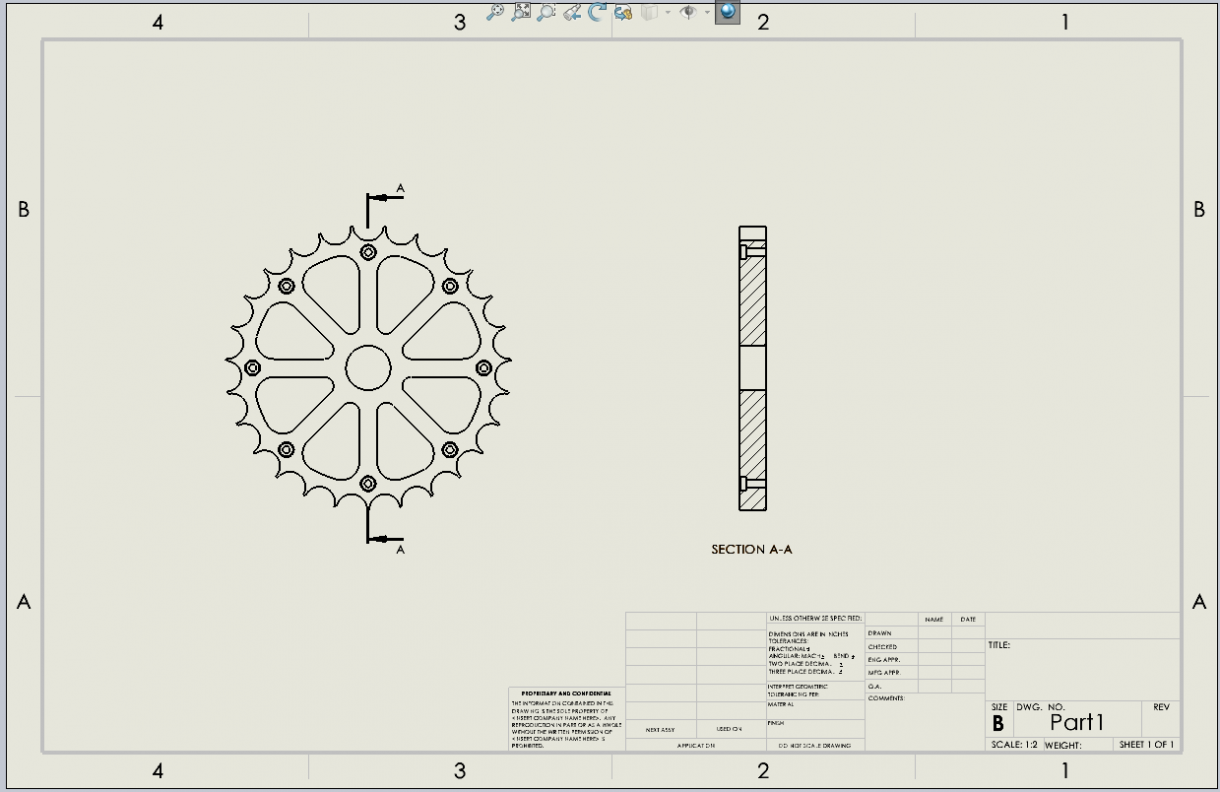
A helpful SOLIDWORKS tool for organizing dimensions and annotations in a drawing is the Auto Arrange Dimensions tool. This can…

Save time detailing bodies in SOLIDWORKS with Relative To Model view!
So you’ve got a multibody part, such as a weldment or other non-welded design (doesn’t even need to use Weldment…

How to link Balloons to Custom Properties in a SOLIDWORKS Drawing Template
Recently a customer wanted to know if it was possible, in a SOLIDWORKS Drawing Template, to link Custom Properties to…

A new method for applying Callouts to External Cosmetic Threads in SOLIDWORKS 2020
In prior years of SOLIDWORKS, cosmetic thread callouts were added into drawings either automatically on view creation, or manually this…

SOLIDWORKS 2020 Custom Scales for Drawing Sheets and Views
SOLIDWORKS 2020 makes it easier to assign custom drawing scales for both the overall sheet properties and individual drawing views. …

SOLIDWORKS Macro to create Drawings for All Configurations with Updated BOM
Have you ever had a part with tens or hundreds or thousands of configurations? And you’re responsible for creating a…

How to apply a SOLIDWORKS Hole Callout to Non-Hole Wizard Hole
In SOLIDWORKS 2020, you can now add Hole Callouts to non-hole wizard holes that have a cosmetic thread. In the…