


Blog Tag
Showing 16-30 of 33.
SOLIDWORKS Mate
Tech tips, tutorials, and best practices for SOLIDWORKS Mate from the Javelin technical team

Support for Misaligned Concentric Mates in SOLIDWORKS 2018
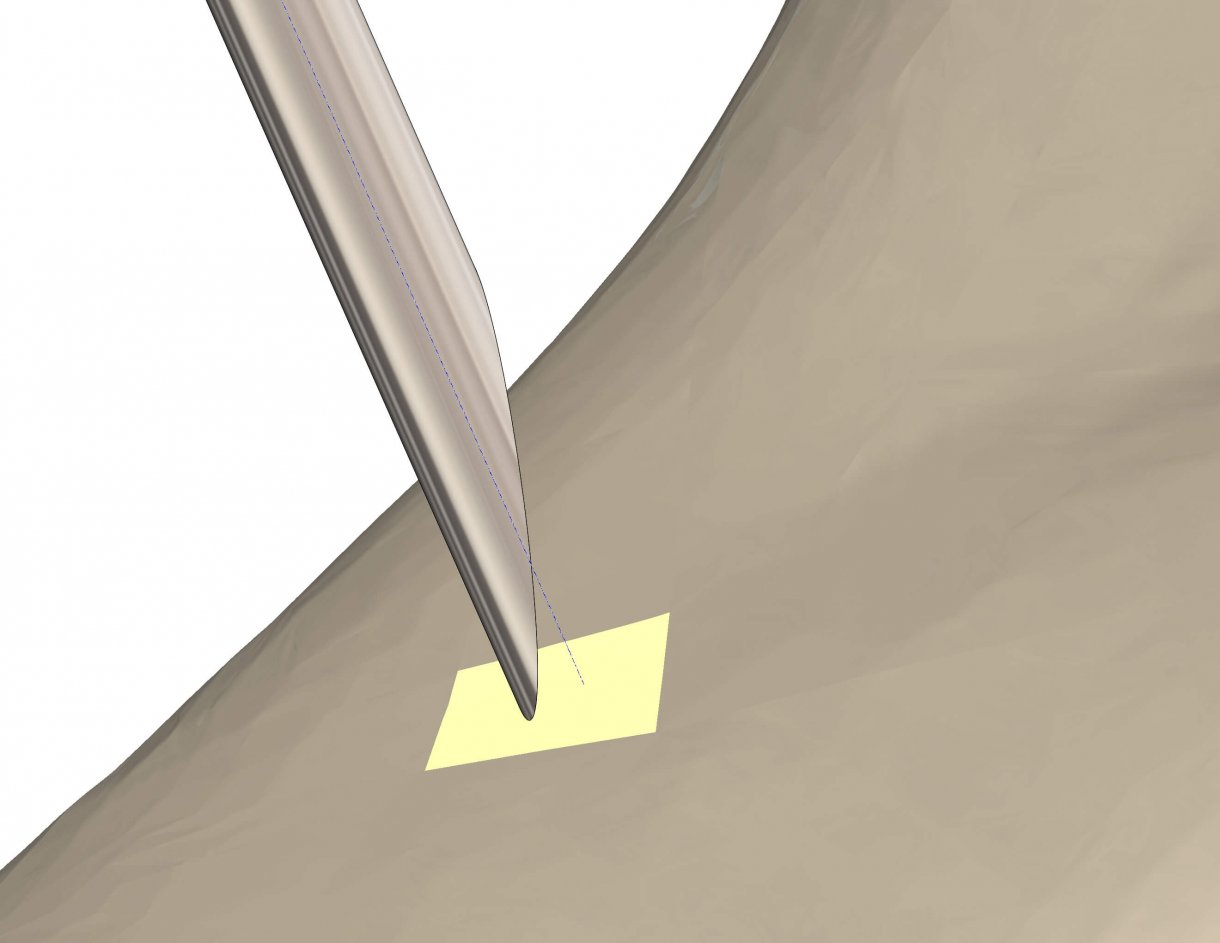
Working with downloaded or imported models can create a situation where multiple pairs of holes cannot be mated concentric although…
Expanded use of the Perpendicular Mate in SOLIDWORKS 2018
Like many enhancements that come along during any SOLIDWORKS release cycle, it seems like the ability to add a SOLIDWORKS…

Mate a Component of a Rigid Sub-assembly to a Component of the Top-level assembly
A question came in recently about constraining a moving component of a SOLIDWORKS rigid sub-assembly to a component of the…
SOLIDWORKS 2018 Temporarily Hiding Faces when Selecting Mates
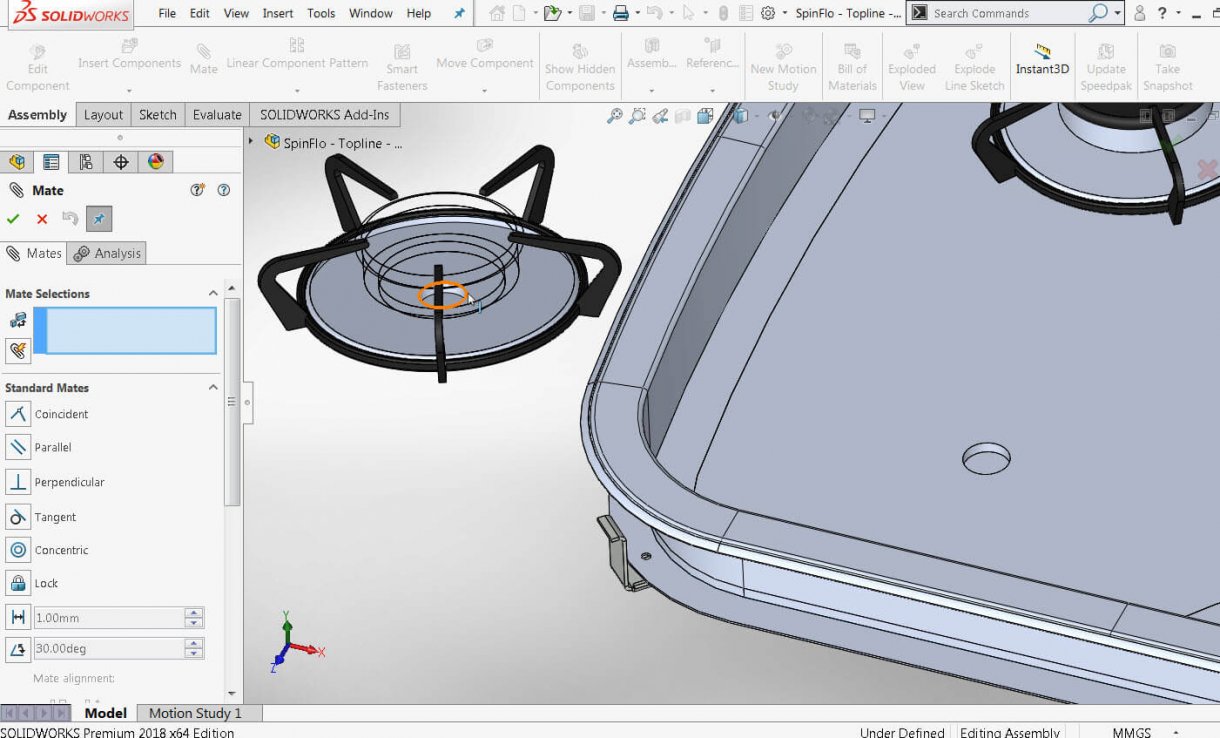
SOLIDWORKS 2018 now allows you to hide faces temporarily when adding mates. This helps to make selections of faces and…

SOLIDWORKS 2018 Concentric Mate now includes a Misalignment option
Working with assemblies we sometimes have holes that are slightly misaligned, especially when working with imported parts from a supplier….

Locking a SOLIDWORKS Concentric Mate
Starting in SOLIDWORKS 2014, you have the ability to lock rotation of concentric mates. This can help avoid additional mates…

SOLIDWORKS Cam Mate for Complex Slots
Back in 2014, SOLIDWORKS introduced the Slot Mate which allows you quickly insert a pin into a slot to have…

How to verify the Clearances in your SOLIDWORKS Assembly
When working in an assembly that requires specific clearances, you can check and verify clearances using the SOLIDWORKS Clearance Verification Tool…

SOLIDWORKS 2017 Add Configurations from within the Mate Controller
The Mate Controller had been a handy tool in past releases that could be used to review the positions of…

Driving vs Driven: Choose which mate dimension is in the driver’s seat with SOLIDWORKS 2017
A Friday Afternoon in Peril: It is the end of the day, a Friday no less – and you have already…

How to use SOLIDWORKS Surfaces as Reference Geometry for Mates
Dummy/reference surfaces can be utilized for various design situations in SOLIDWORKS. Due to the fact that the surfaces have no thickness…

SOLIDWORKS 2015 Advanced Mechanical Mates [VIDEO]
Attempting to simulate a chain or conveyor system within SOLIDWORKS has traditionally been a challenge. As a precursor to working…

SolidWorks Tutorial: Advanced Mate References [VIDEO]
Mate references can be set up in two parts to correspond to each other. When created this way it is…
SolidWorks 2014 Tutorial: What Was Hard Now Is Easy When Applying Tangent Mates [VIDEO]
SolidWorks has always been a user-friendly software, mostly because 99.9% of the workflows in SolidWorks are natural, like in the real life….
How Many Mates Can Be Created At Once in SolidWorks? One, Two,… Three? [VIDEO]
Watch this video to learn how to create one, two and even three mates at the same time in SolidWorks.