


EPDM – Transition Action to run a Task

Article by Joe Medeiros, CSWE updated August 28, 2013
Article
A Transition Action can be used to launch a Task. For instance, when a user changes the state of a drawing file, the file is saved as a PDF.
In a workflow, double-click a transition to access the Transitions Properties and left-click the Actions tab.
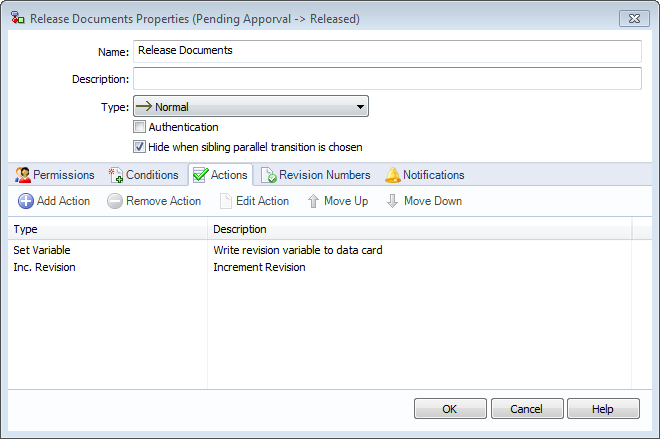
Left-click Add Action, to access Transition Actions. Provide a Description for the action, choose Execute Task as the Type and select the task from the Select task to execute pull-down.

A task will have to be created before it can be added to a Transition Action. Please refer to the SolidWorks Enterprise PDM Administration guide, for information on creating a task.
Related Links
Want to do more with SOLIDWORKS PDM?
Our Certified SOLIDWORKS PDM Experts can help you to:
Posts related to 'EPDM – Transition Action to run a Task'
