


How to bring back the SOLIDWORKS Dimension Palette Icon after moving your Mouse

Article by Scott Durksen, CSWE updated March 19, 2018
Article
When you select a dimension in a drawing, the SOLIDWORKS Dimension Palette icon pops up.
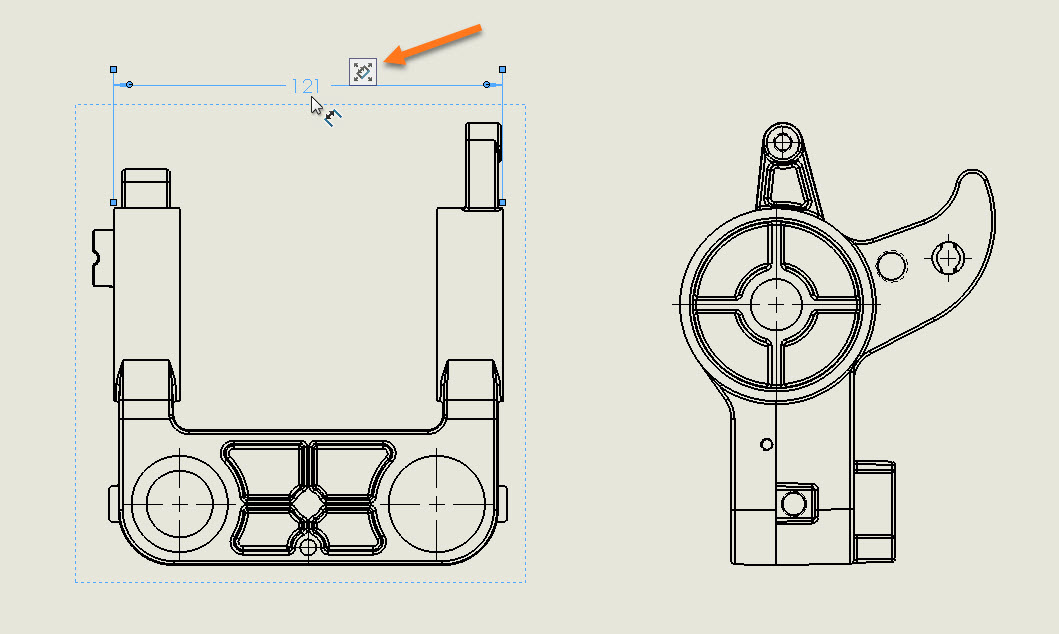
This allows you to hover over to bring up the palette to make quick formatting edits.

You need to move your cursor straight to the Dimension Palette icon. If you move your cursor somewhere else, the icon will disappear even with the dimension still selected. This is intended to avoid the Dimension Palette expanding and getting in the way when it’s not needed.

If the dimension is still selected, you can bring back the icon by pressing Ctrl. This will put the icon right near your cursor.

Related Links
Certified SOLIDWORKS Services available from Javelin
Javelin can help you to:
Posts related to 'How to bring back the SOLIDWORKS Dimension Palette Icon after moving your Mouse'
