


Blog Tag
Showing 121-135 of 379.
SOLIDWORKS Drawing
SOLIDWORKS Drawing Tech Tips and Tutorials from Javelin experts. Learn about the best practices and procedures for creating and managing drawings more effectively with SOLIDWORKS software.
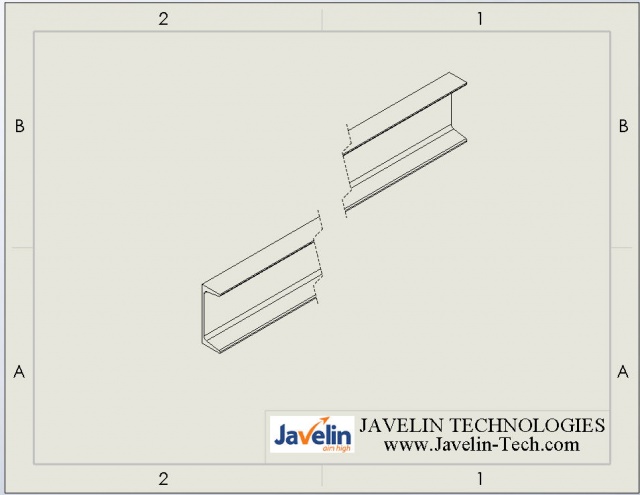
How to create an Angular Model Break View in SOLIDWORKS [VIDEO]
In previous versions of SOLIDWORKS you could not make an angular break view in your drawings. For example if you…
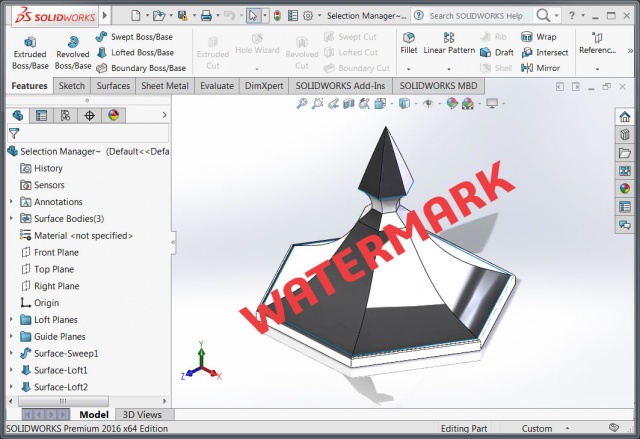
How to add a watermark to SOLIDWORKS Parts and Assemblies [VIDEO]
Before SOLIDWORKS 2016 it was only possible to add a watermark to a drawing. But SOLIDWORKS 2016 introduced new functionality…
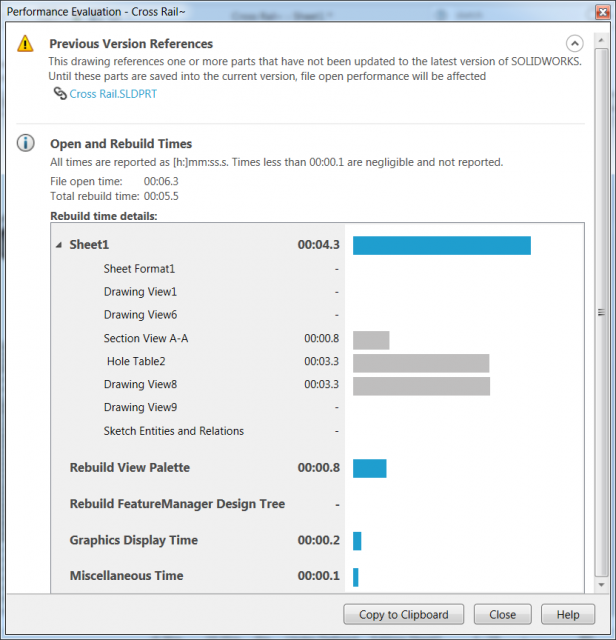
The SOLIDWORKS Performance Evaluation Tool sheds light on slow loading Drawings
In SOLIDWORKS there are many different tools to help you speed up the load time of your files. In the latest…
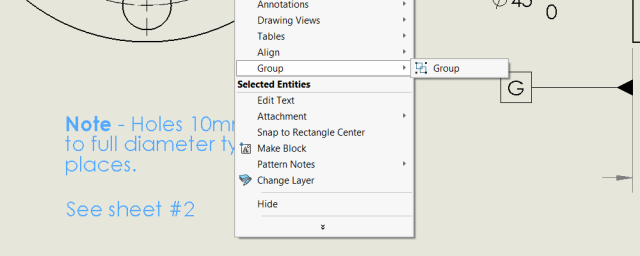
SOLIDWORKS Group command is helpful but can also be annoying
If you create images or illustrations with Adobe or Microsoft products then you will be accustomed to grouping text and annotation…

Automated SOLIDWORKS structural design with The Steel Detailer [VIDEO]
Do you work in the following Industries: Building and Construction Industry Mining Industry Oil & Gas Industry Then you need…

The Best Process for Creating Inspection Documentation
Implementing a robust quality control process is critical to ensuring your products assemble with ease, operate to your customers satisfaction and last…
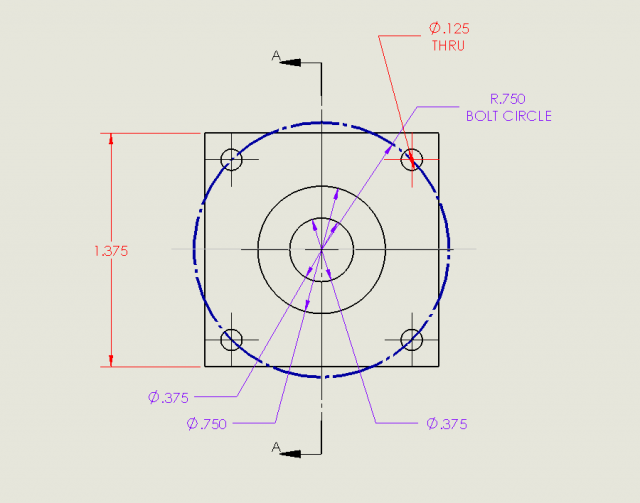
How to change a SOLIDWORKS Drawing Dimension Colour
When in the SOLIDWORKS drawing environment have you ever wanted to change the colour of a dimension or annotation in…

Embrace the Model Based Enterprise with Origin’s CheckMate for SOLIDWORKS
The evolution of the Model Based Enterprise has gone beyond the concept stage and is being implemented by many companies…

Spartan CAD “attacks” 3D with the power of SOLIDWORKS and a partnership with Javelin
In the spring of 2012, engineer and entrepreneur David Janelle saw the future. Working on his own, with a couple…

Automate to Dominate: Gain and Retain Your Competitive Advantage with DriveWorks
Are you losing sales because it takes too long to create a quote? Do your competitors offer an easier buying experience? Do…

Use Equations to enhance your SOLIDWORKS Bill of Materials
Columns in your SOLIDWORKS Bill of Materials (BOM) can be used for more than reporting model values, quantity counts and custom…
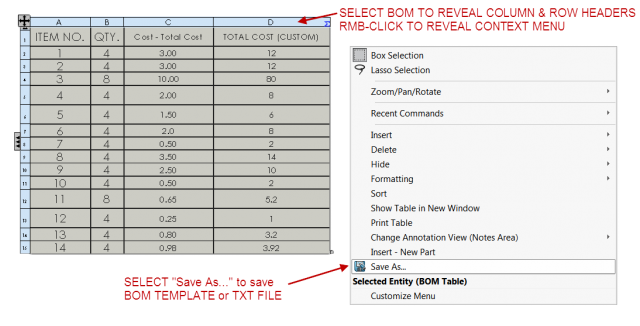
How to create a SOLIDWORKS BOM Template for Drawings and Assemblies
One of the theories that I try to get across to students in our SOLIDWORKS classes is that of repeatability…
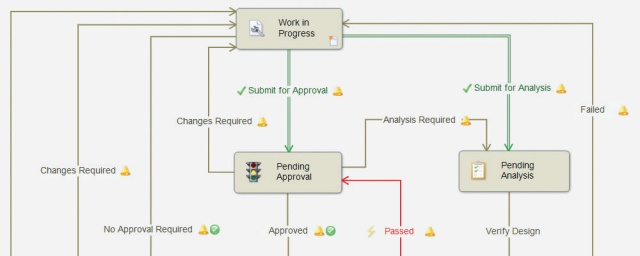
Eliminate your Top 3 File Management Risks with SOLIDWORKS PDM
Join us for a live webinar on Wednesday April 13th at 2:00PM EST to discover the top three file management risks…

Your mobile sales force needs this on-the-spot quoting tool that customers love
People buy from people they like. Buyers like people who give them a great product at a great price. Buyers…

My SOLIDWORKS Drawing still references a file that has been removed from view?
When SOLIDWORKS users report that a drawing file references a model that is not included in any of its drawing views,…