


Blog Tag
Showing 91-105 of 379.
SOLIDWORKS Drawing
SOLIDWORKS Drawing Tech Tips and Tutorials from Javelin experts. Learn about the best practices and procedures for creating and managing drawings more effectively with SOLIDWORKS software.

How to combine multiple Custom Properties in a SOLIDWORKS Bill of Materials
When going through the process of creating an assembly drawing, it is beneficial in most cases to make use of…

SOLIDWORKS Arc Dimension
Sometimes you need to add a SOLIDWORKS Arc Length Dimension. This can be done in both Sketch and Drawing environments. The…

Where are the hidden settings for the display of SOLIDWORKS Cosmetic Threads?
If you had interest in my previous article: The “Easy Bake” recipe for Displaying Cosmetic Threads, you may be wondering where…
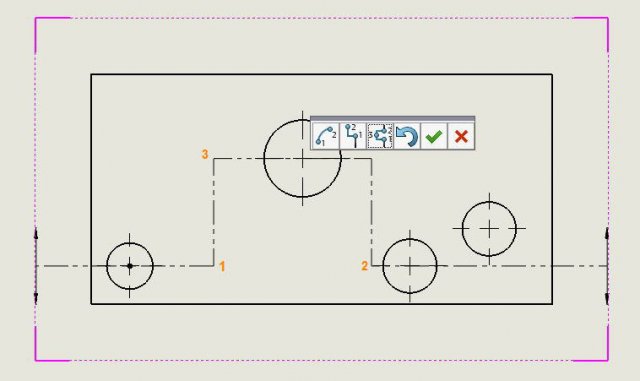
SOLIDWORKS Section View Jog Line Options
When adding Section Views to your SOLIDWORKS drawings, there is a pop-up toolbar allowing you to place jogs in the section line. There are the options Arc Offset, Single Offset and Notch Offset

Automatically add Scale Labels to all SOLIDWORKS Drawing Views that are not set to Sheet Scale
When you create SOLIDWORKS drawing views, you have the option of assigning the scale of each view. If set as…
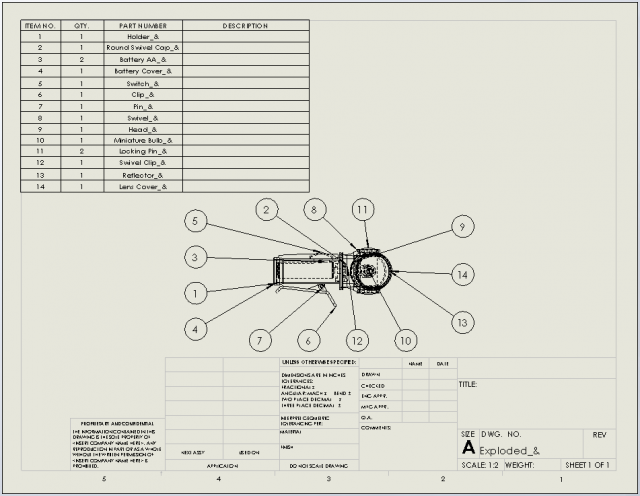
How to use SOLIDWORKS Auto Balloon for components hidden from view
When you require internal components of your assembly to be ballooned in a drawing, you may find that components hidden from view…
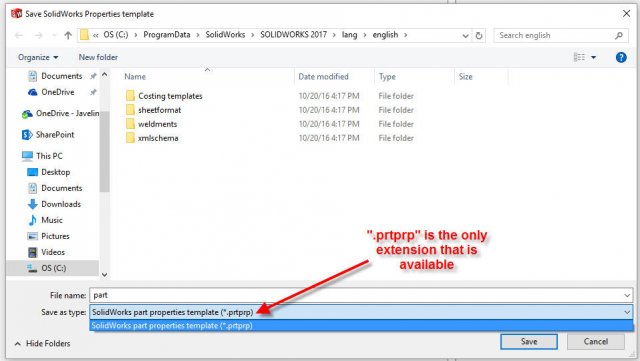
How to create a SOLIDWORKS Property Tab Builder Template for Assemblies & Drawings
If you have specific custom properties that should be added to all of your parts, assemblies or drawings, you might…

Why do my Bend Line Notes disappear when a SOLIDWORKS Broken View is applied?
Have you ever tried to apply a Broken view to your flatten view in a SOLIDWORKS drawing? If the answer…

How to draw Arrows in a SOLIDWORKS Drawing
On some occasions arrows are needed in a SOLIDWORKS drawing to point to a detail or highlight a feature. In such instances, some…

SOLIDWORKS Spell Check can utilize the Microsoft Word dictionary & F7 shortcut
If you have a compatible version of Microsoft Word installed on your machine alongside SOLIDWORKS (see the Microsoft Products table in…
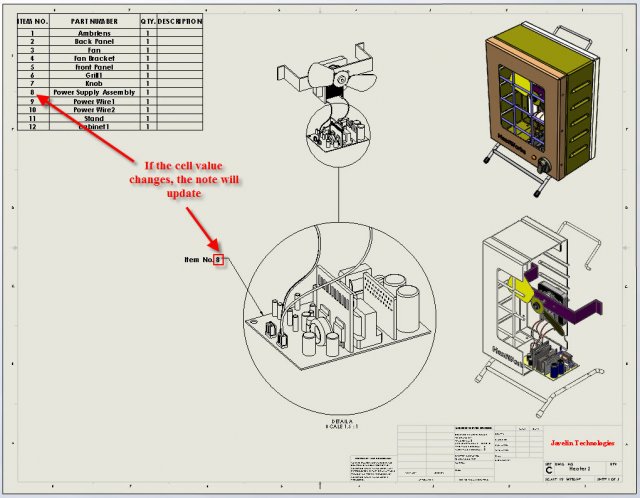
Linking a Note to a Table/BOM Cell in SOLIDWORKS 2017
We all know that notes are an important part of any engineering drawing and help to transfer vital information. One…

Flag Notes in SOLIDWORKS Drawings
Recently we have received a lot of questions on how to create and use a SOLIDWORKS Flag Note. In this…
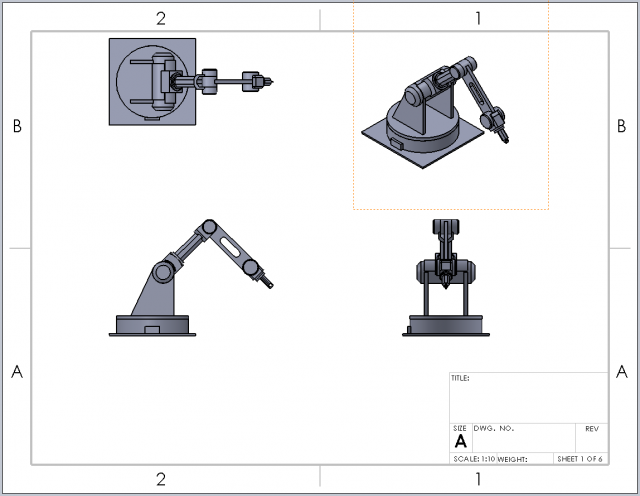
SOLIDWORKS 2017 Change Multiple Sheet Formats at Once!
Changing the sheet format of any SOLIDWORKS drawing can be an unwanted task, especially if one has multiple sheets upon…
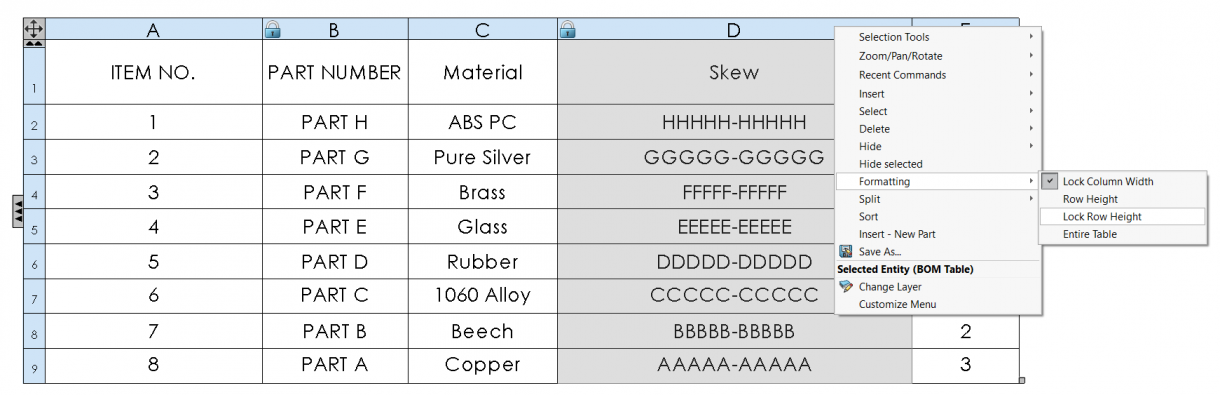
Lock Column Width & Row Height formatting in SOLIDWORKS BOM Templates
BOM Tables in SOLIDWORKS can sometimes create as many issues as they often solve, as you take the time to…