


Blog Tag
Showing 106-120 of 379.
SOLIDWORKS Drawing
SOLIDWORKS Drawing Tech Tips and Tutorials from Javelin experts. Learn about the best practices and procedures for creating and managing drawings more effectively with SOLIDWORKS software.
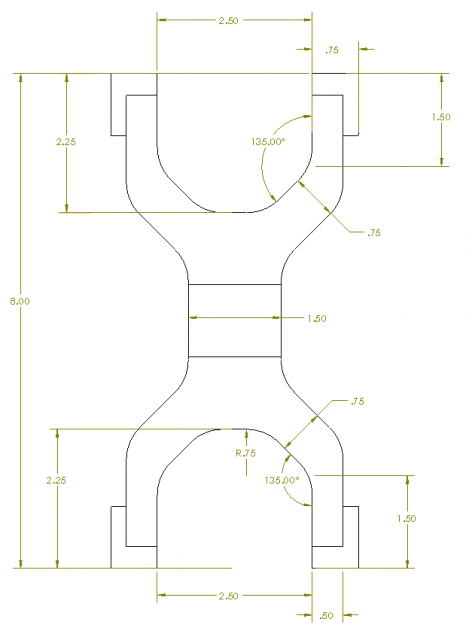
Be careful using SOLIDWORKS Convert to Bodies on models with referenced drawings
In an earlier article, I introduced the New Convert to Bodies functionality available in SOLIDWORKS 2017. If you are considering…

How to create a SOLIDWORKS PCB Custom Title Block and Sheet Template
In this article we will run through the general process of creating a SOLIDWORKS PCB custom title block and sheet template….

How to exclude hatching in SOLIDWORKS Section Views using Section Scope
In some cases, it may be necessary or beneficial to exclude hatching from particular features of a part or components…
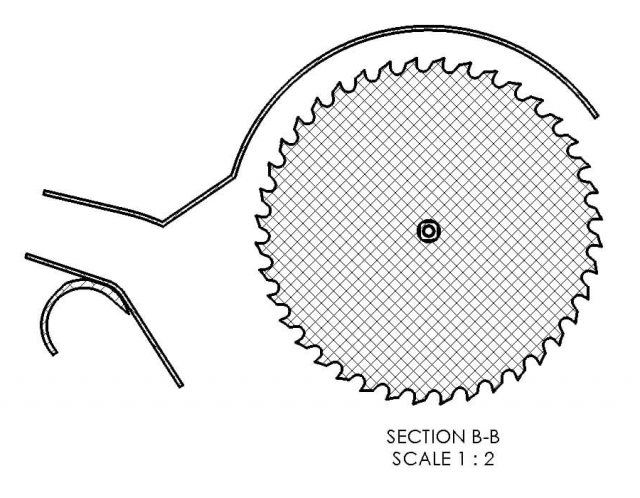
SOLIDWORKS 2017 Emphasized Outline Section View will help you read between the lines
For those of us that remember a time before SOLIDWORKS was a common tool in the shop, the ability to…

SOLIDWORKS 2017 Link Counterpart Location Label to a Display Zone
In my previous post “Using location Labels in SOLIDWORKS Drawings” I explained this neat tool and why you need it. However,…

How to Combine SOLIDWORKS Hole Callouts – Part 2
As I discussed in part one of this blog, there are two ways to combine SOLIDWORKS Hole Callouts. Our customer…

How to Combine SOLIDWORKS Hole Callouts – Part 1
I had an interesting question from a customer the other week: They wanted to know how to combine multiple SOLIDWORKS hole…

Resolving line quality issues when exporting SOLIDWORKS Drawing to PDF
Are you experiencing linetype quality issues when creating a SOLIDWORKS Drawing PDF? This may be caused by a simple option when saving as…

Show Hidden Edges in SOLIDWORKS HLR Drawing Views
In SOLIDWORKS HLV and HLR drawing views, selected lines can be easily hidden using the option Hide/Show Edges, found in…

SOLIDWORKS 2017 Crop and Detail Drawing Views feature new Outline options
SOLIDWORKS 2017 provides more control over the outline of Crop and Detail drawing views. You can now make a Crop or Detail view…

SOLIDWORKS Mirror Drawing View
In SOLIDWORKS 2017, you can Mirror SOLIDWORKS Drawing View, including display model, relative to model, and predefined drawing views without having…

Using Location Labels in SOLIDWORKS Drawings
A major difference between a good and a bad drawing is how well it can communicate the necessary information. A good drawing is…

Edit your SOLIDWORKS Title Block on the fly!
The best practice for populating a SOLIDWORKS title block is to have the fields linked to model custom properties. So when your part…
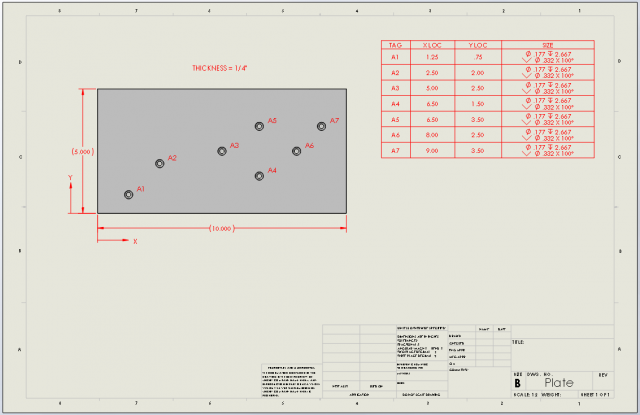
Why you should be using a SOLIDWORKS Hole Table
A SOLIDWORKS hole table is an excellent way to convey hole information in a convenient and organized manner. Columns can…
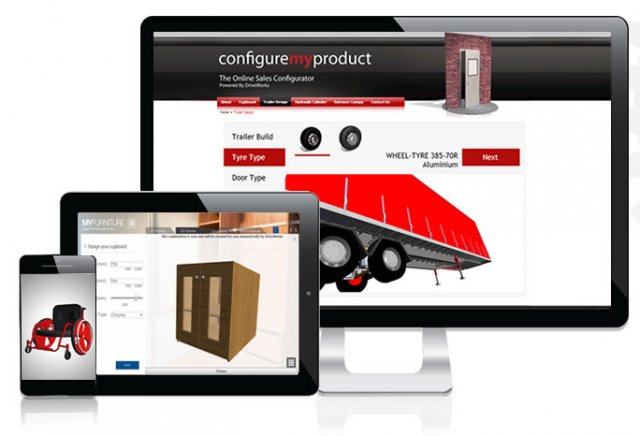
Automate to Dominate: Create effortless Drawings (and other Manufacturing data) with DriveWorks
I joined the Javelin team in October 2000 and vividly remember the impression that we made on designers during SOLIDWORKS drawing…